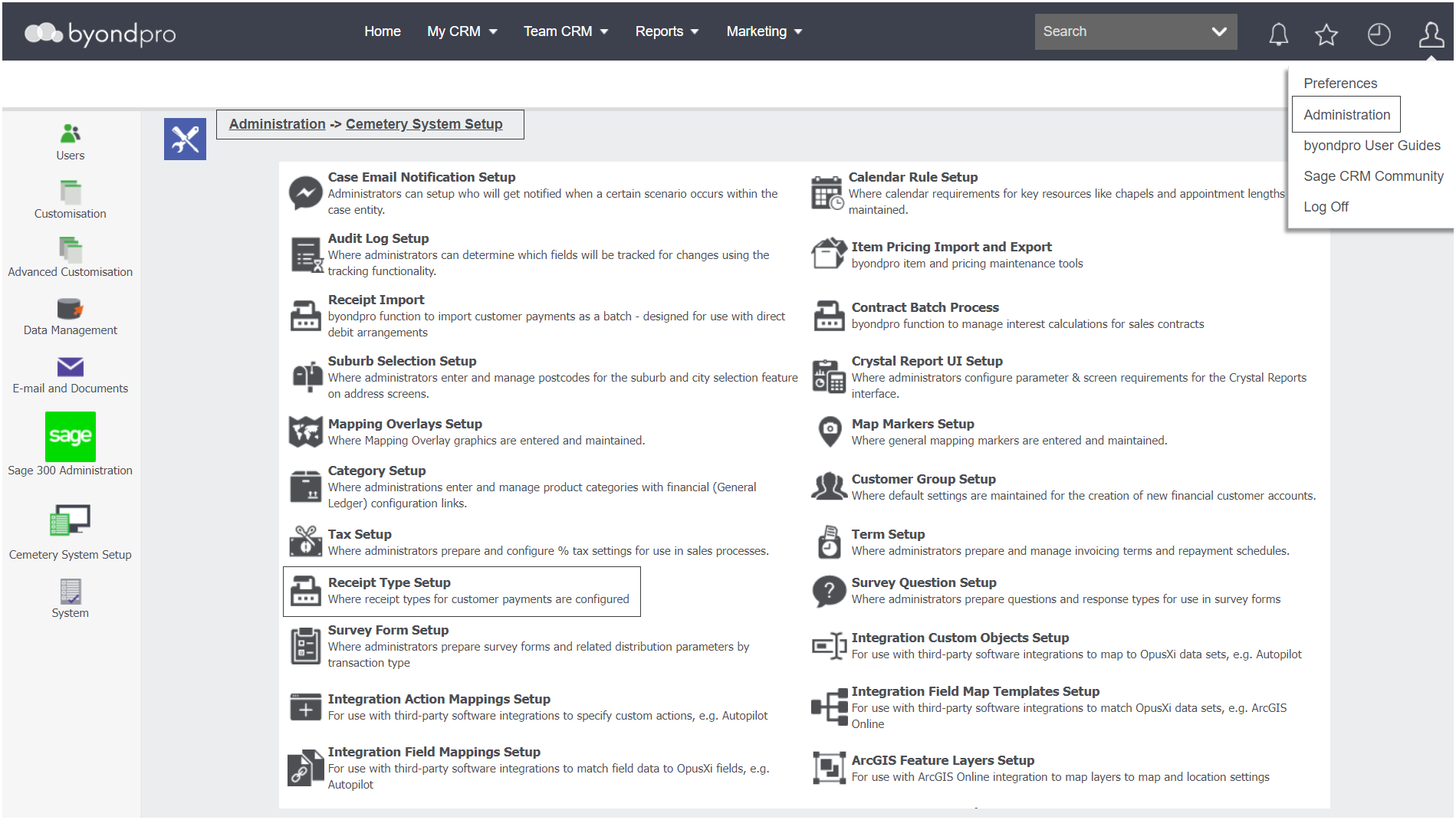
This configuration is the payment options available to customers and are set-up, for credit card, cheque, etc.
Navigate to Administration > Cemetery System Setup > Receipt Type Setup
All receipt types currently in the database appear in list format.
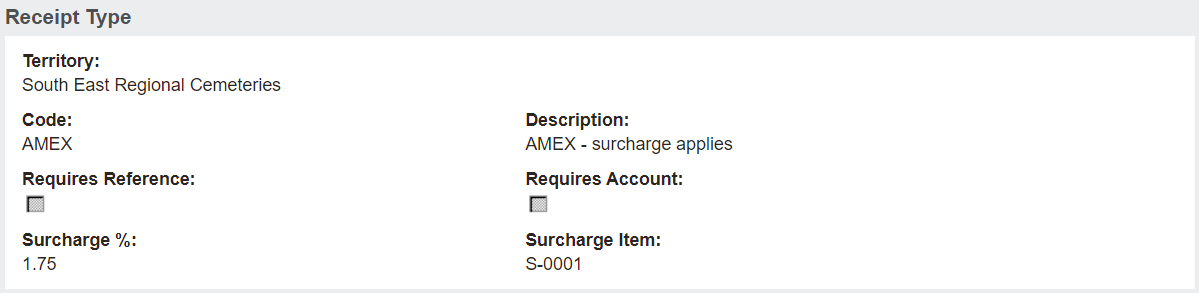
Click on the code hyperlinks for one of the receipt types.
For our example, we will choose AMEX for the American Express credit card.
We will explore the fields located on a Receipt Type in the next section on adding a new Receipt Type.