Property
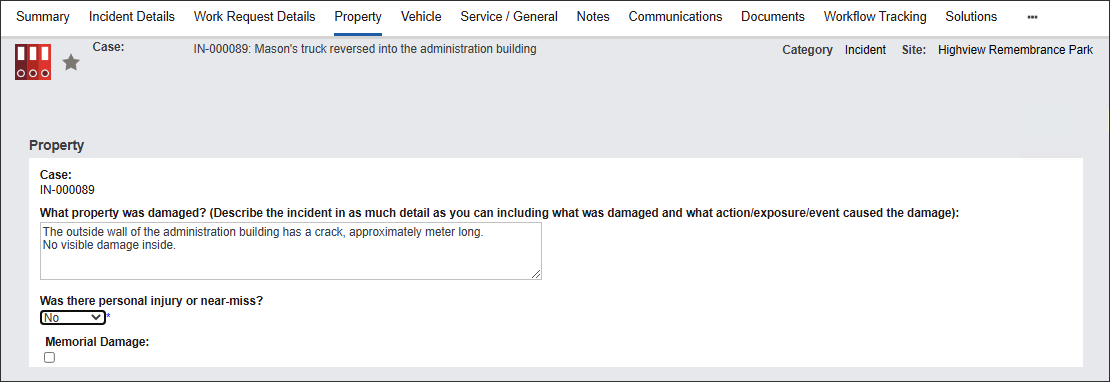
The Property tab stores information related to the property damage during the Incident.
Begin capturing information in the Property section.
The system auto-populates the Case number in the first field.
Type in a detailed description of the incident in the What property was damaged? field.
Select Yes or No in the Was there personal injury or near-miss?
Tick Memorial Damage if it applies.
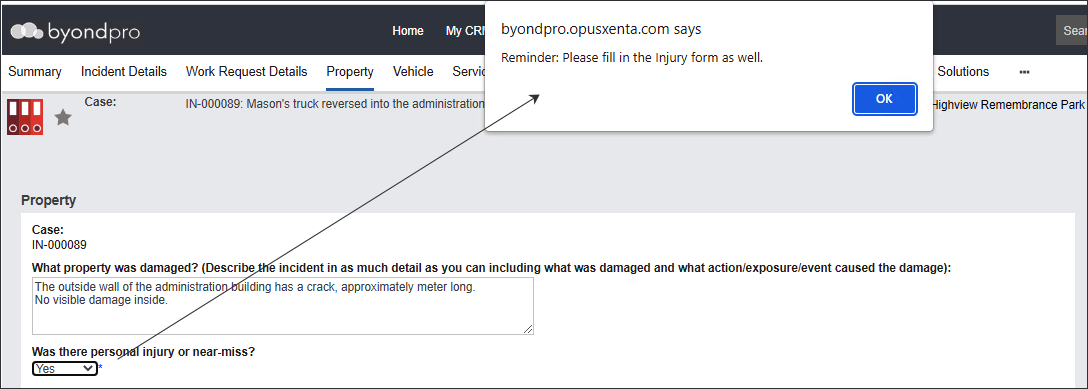
Note: If you select Yes in the Was there personal injury or near miss? field the system will remind you to fill in the details in the Injury/Near Miss tab.
Navigate to the investigation section.
Type in What immediate action has been undertaken to prevent a recurrence? in the available text box.

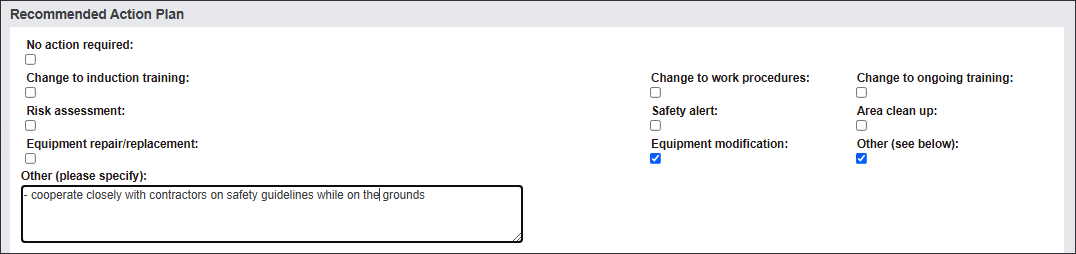
Navigate to the Recommended Action Plan section.
The tick boxes on the top of the section allow you to identify elements of the action plan.
Tick relevant fields.
If they don't reflect your actions, tick Other and type in the actions in the text box provided.
Describe the implementation of the action plan.
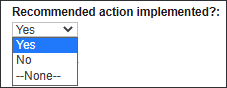
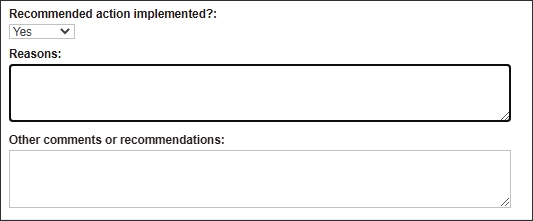
In the Recommended action implemented? menu select Yes or No.
Provide Reasons by typing in information in the available text box.
If you require more information to be captured, use the Other comments and recommendations field to type it in.

Press Save to secure the changes.