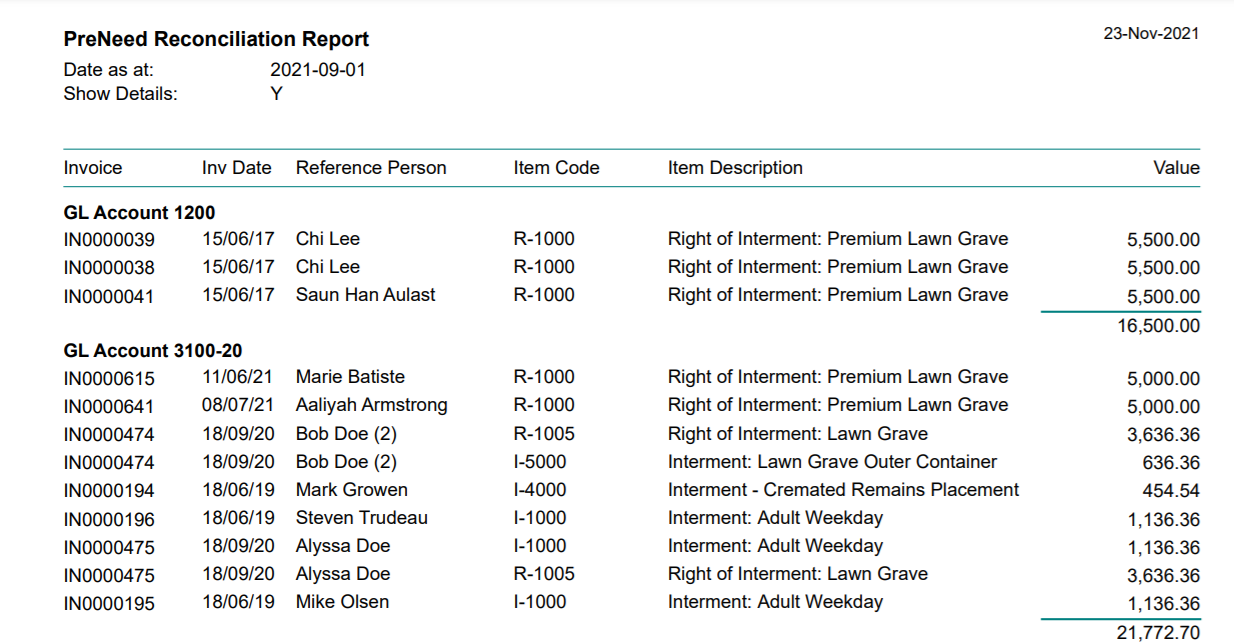
The Pre-Need Reconciliation report collates the data from transactions in byondpro to allow for reconciliation of the unearned income accounts within the General Ledger.
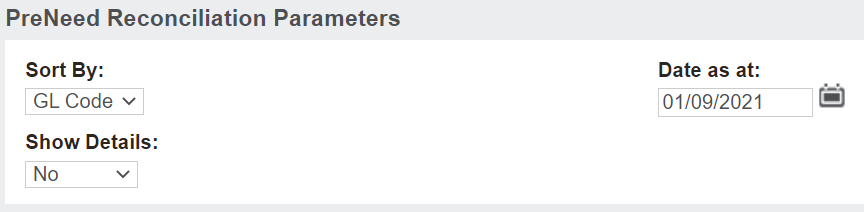
By clicking on the report, the user can determine the manner in which the data is displayed.
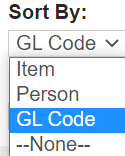
In the Sort By field, choose between:
Item
Person
General Ledger code.
Data can be displayed up to a certain date in the Date as at field. If previous reports are saved, the reports can be compared to understand what has changed in that timeframe.
Data can be run to show a summary or the transactions in detail in the Show Details field.
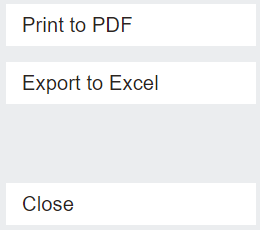
Once you have decided how the data will appear, choose the Print to PDF button or export to excel on the right-hand side of the page.
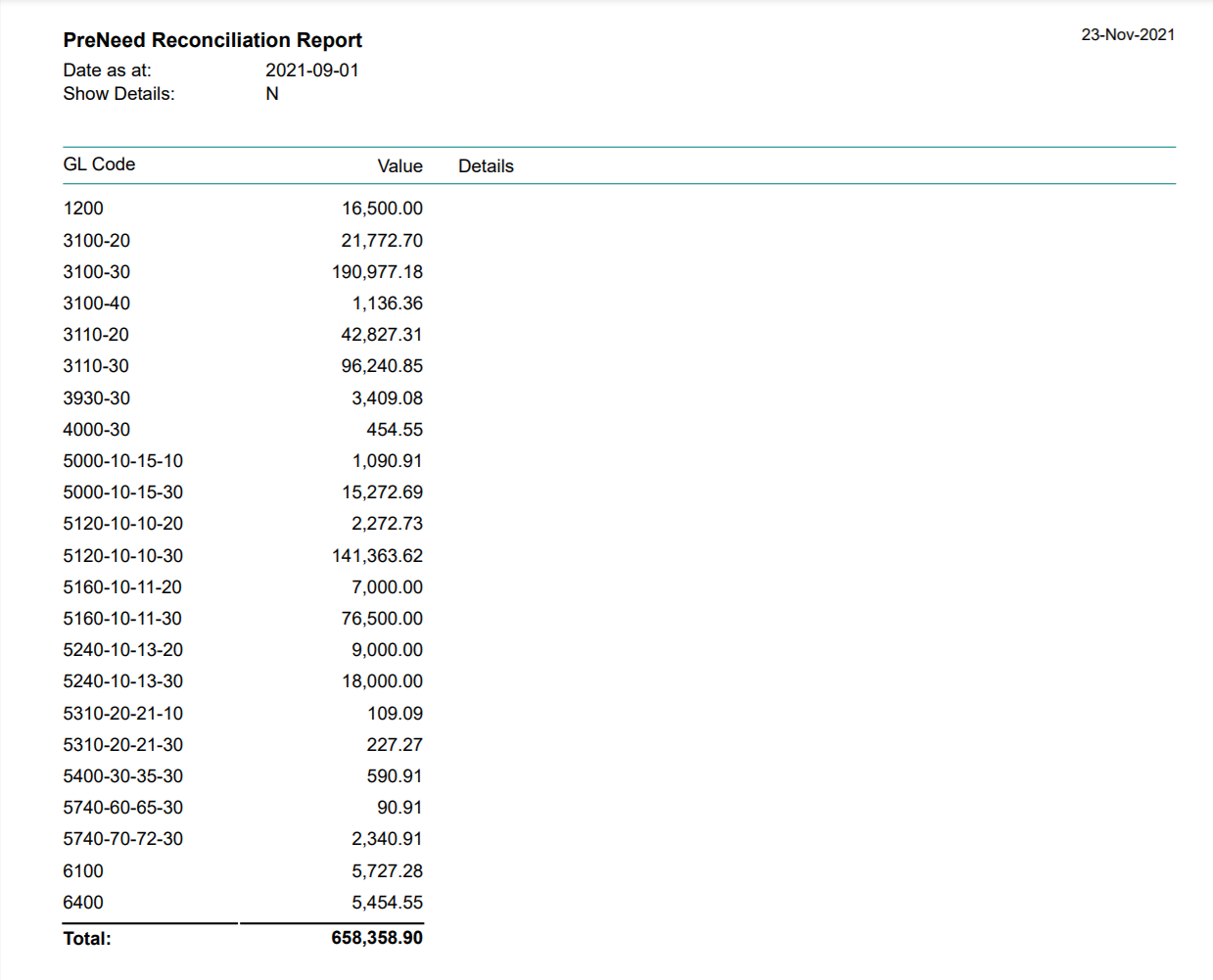
For the below report, the data is sorted by GL Code, up to today's date, in summary format,providing users with the values to reconcile against the balances in each of the general ledger accounts.
If you need to investigate any of the transactions, you can run the report again in detail to cross check the transactions with the General Ledger.