Pre-Need Movement
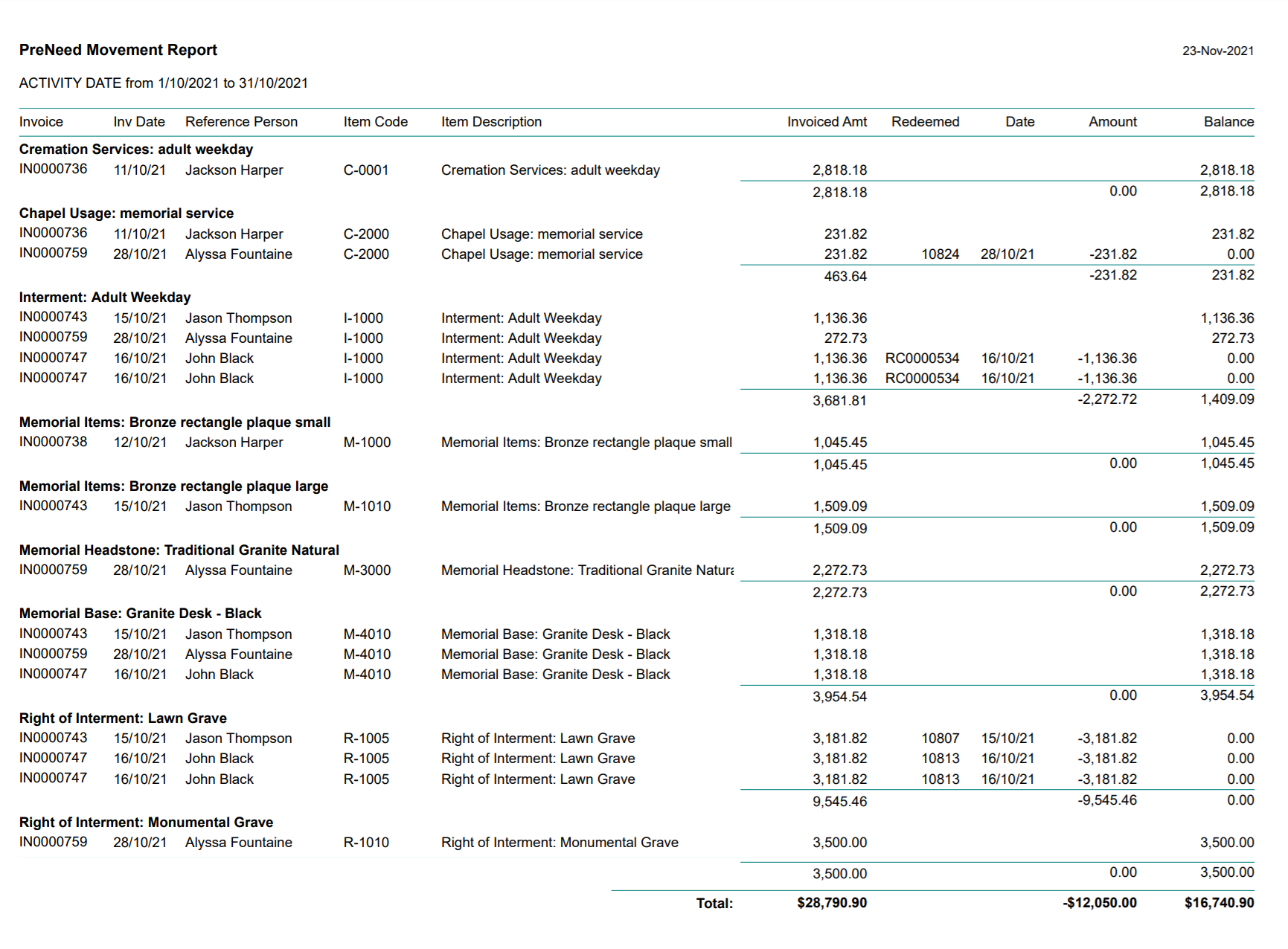
The Pre-Need Movement report shows all pre-need activity for a period of time.
By clicking on the report, the user can determine the manner in which the data is displayed.
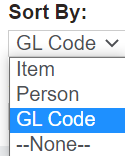
In the Sort By field, choose between:
-
Item
-
Person
-
General Ledger code.
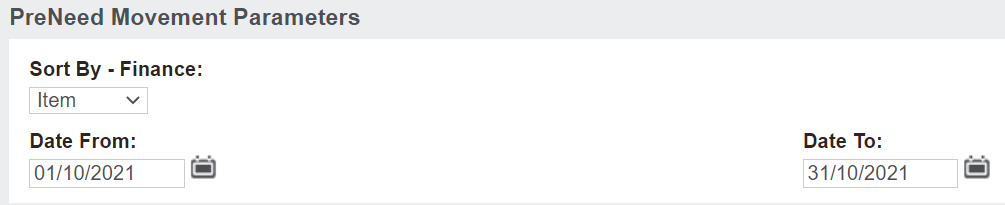
Data can be displayed between a certain set of dates using the Date From and Date To fields. The report might be run, for example, every month or yearly to investigate transactions which occurred in that time frame.
Once you have decided how the data will appear, choose the Print to PDF button or export to excel on the right-hand side of the page.
Data will display as per your chosen criteria.
For the below report, we chose to display by GL code from the 1st of October 2021 until the 31st of October 2021
This report will display:
-
Items that have been invoiced as preneed
-
If the item was redeemed
-
The date the item was redeemed
-
The amount that was redeemed.
In the instance an item has been invoiced and redeemed, the balance would display as $0.00.