Pre-Need Management
Pre-Need records are created during the sales process. The process of creating pre-need records is explored in the Creating a Sales Order section of this document.
Until such time as the item /s are ready to be redeemed, or where the person or location linked to the pre-need record needs to be altered, or the item /s is not redeemable and needs to be redeemed, no action is required.
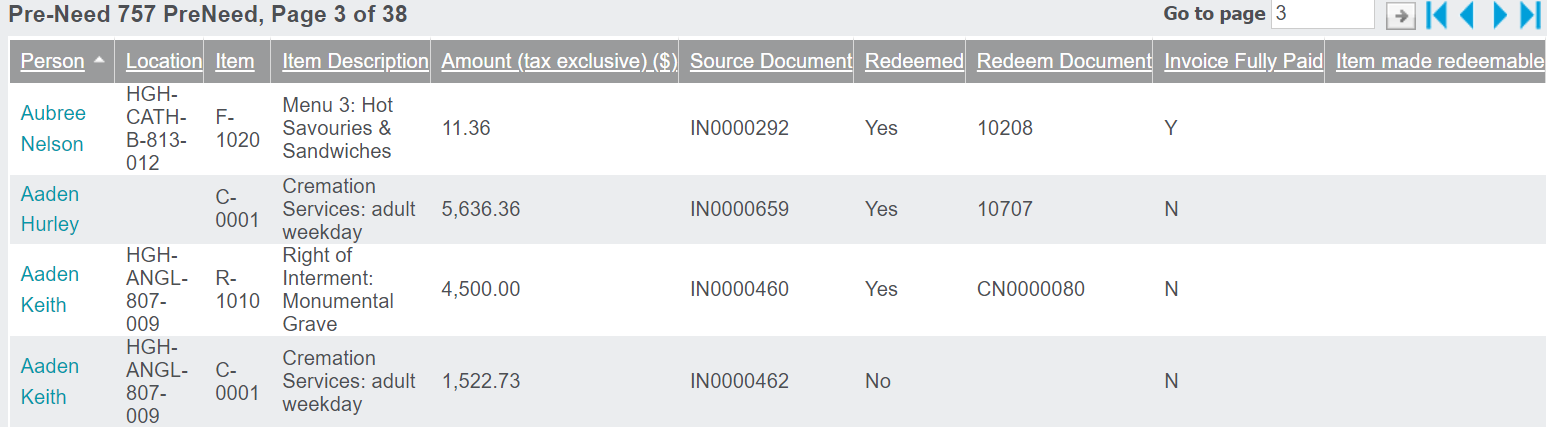
Pre-Need Items can be found in the Pre-Need Register, whether they have yet to be redeemed or if they have already been redeemed.
They can also be found on the Pre-Need Items tab of the person record and location record they are linked to, if applicable.
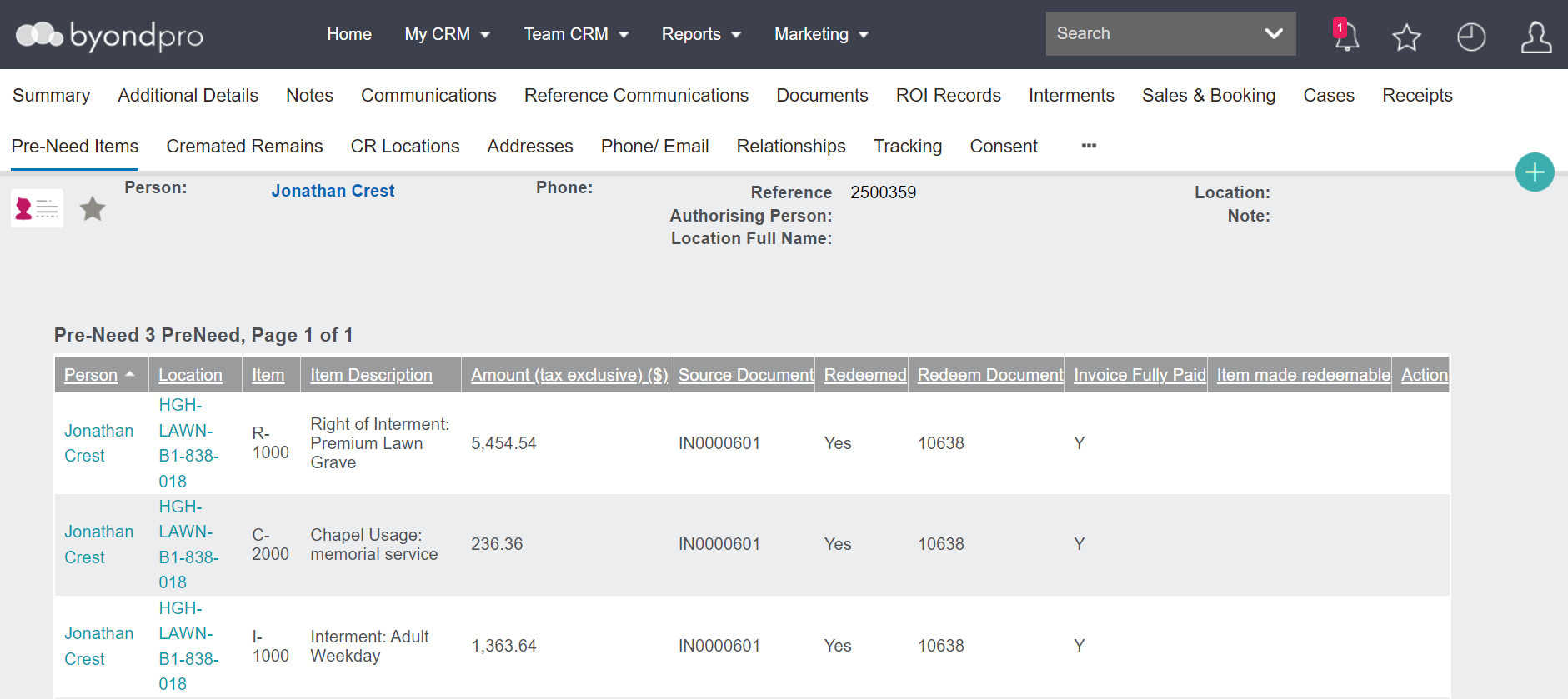
To access the pre-need record, whether from the pre-need register or from the person or location record, click on the hyperlink with the person's name attached to it.