This section of this guide will show how to search for a person record in byondpro.
There are a few ways to search for a person record in byondpro.
|
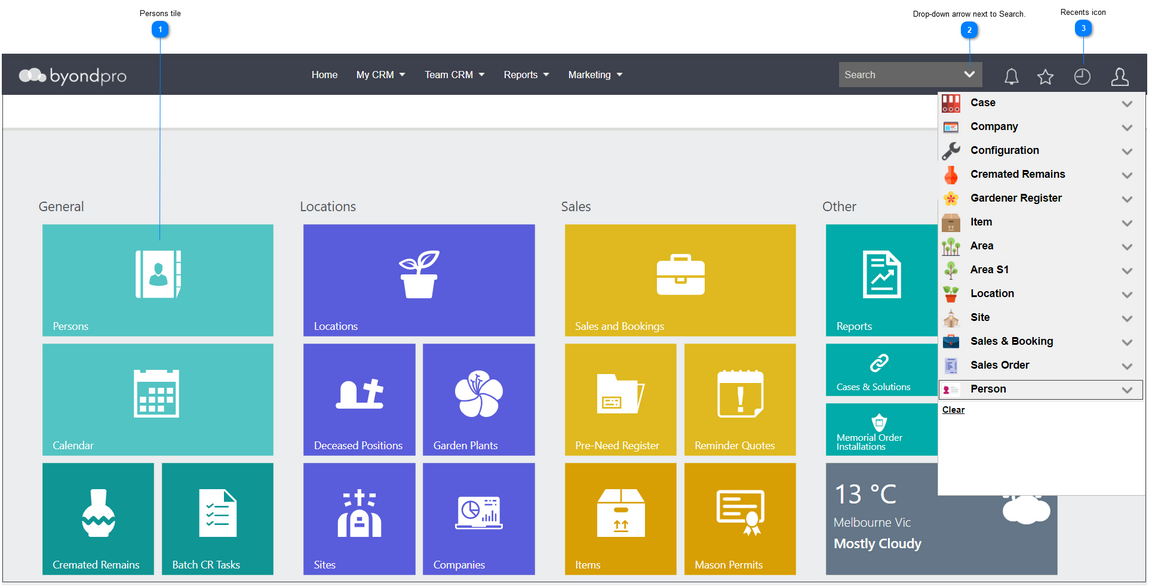
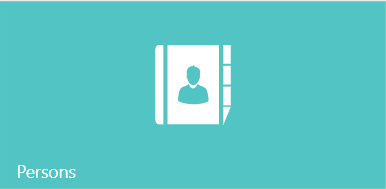
Click on the tile labelled Persons.
|
|
|
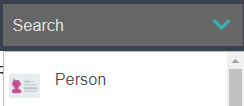
Click the drop-down arrow next to Search.
And choose the Person drop-down.
|
|
|
If the person or record has been visited recently from your login, click the Recents icon.
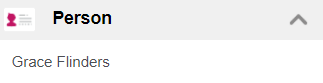
And choose the person’s name from the Person section
Or click on the Person header to access the search screen.
|
|
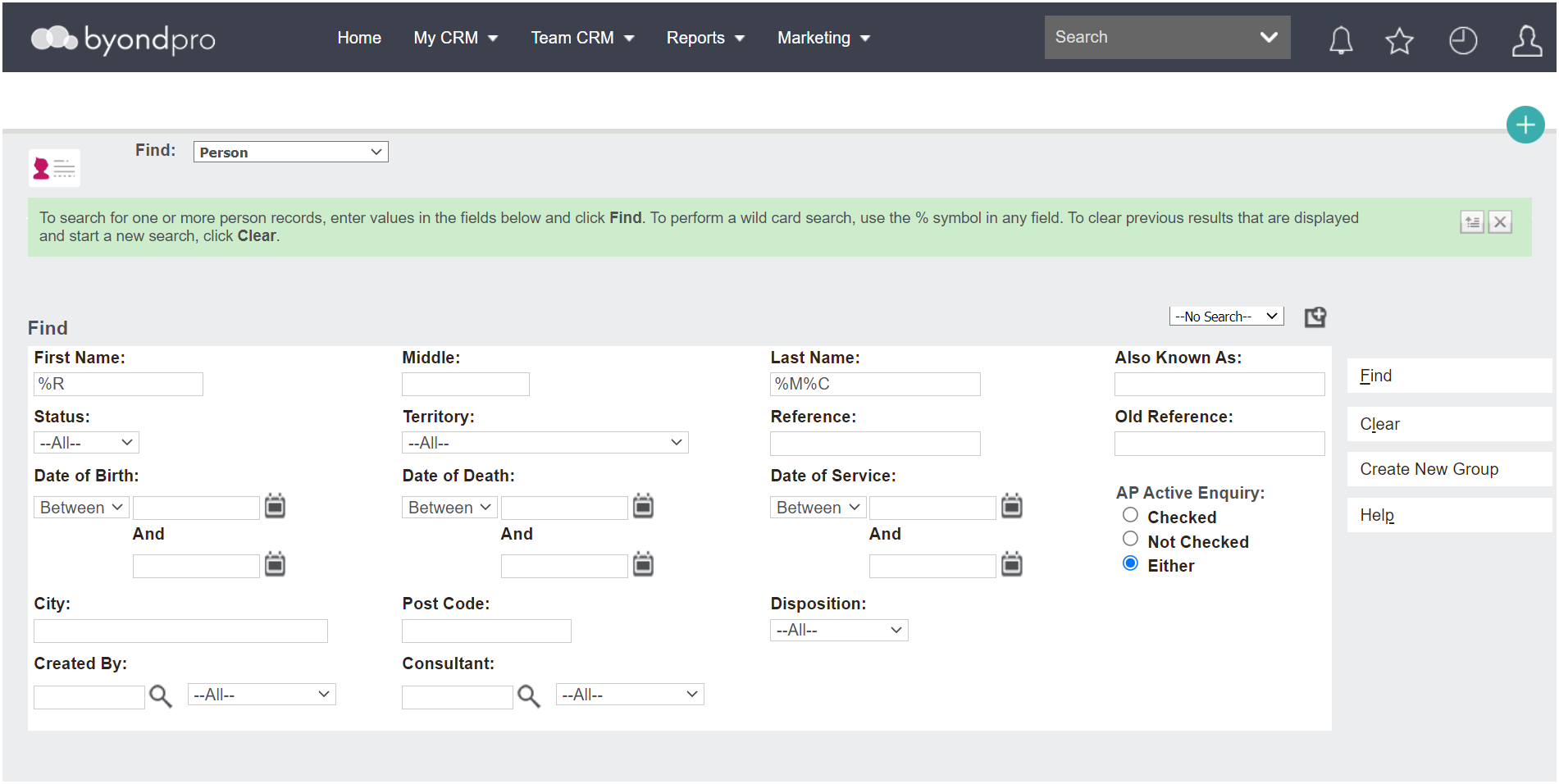
The Search Screen
Use the search screen fields to complete a search for your person record /s.
You can use some or all fields.
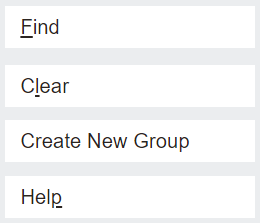
Once you have populated the required fields, choose the Find button.
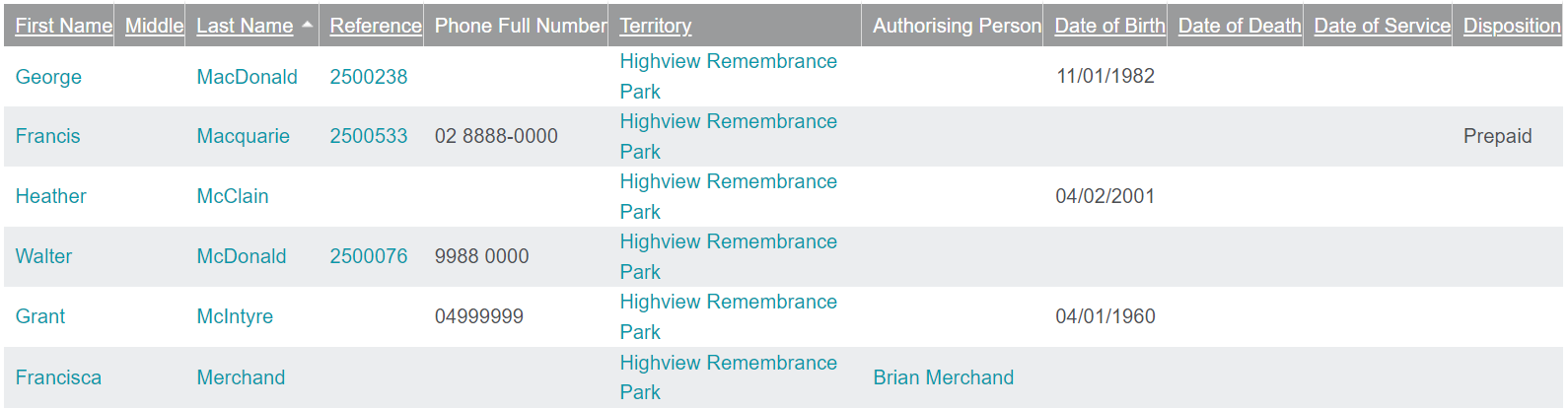
Once you have located the record, click into the record via any of the blue hyperlinks.
-
-
-
-
-
Authorising Person - Note c
licking on the Authorising Person hyperlink will to the Authorising Person’s record from search screen.
To remove all filter options, hit the Clear button.