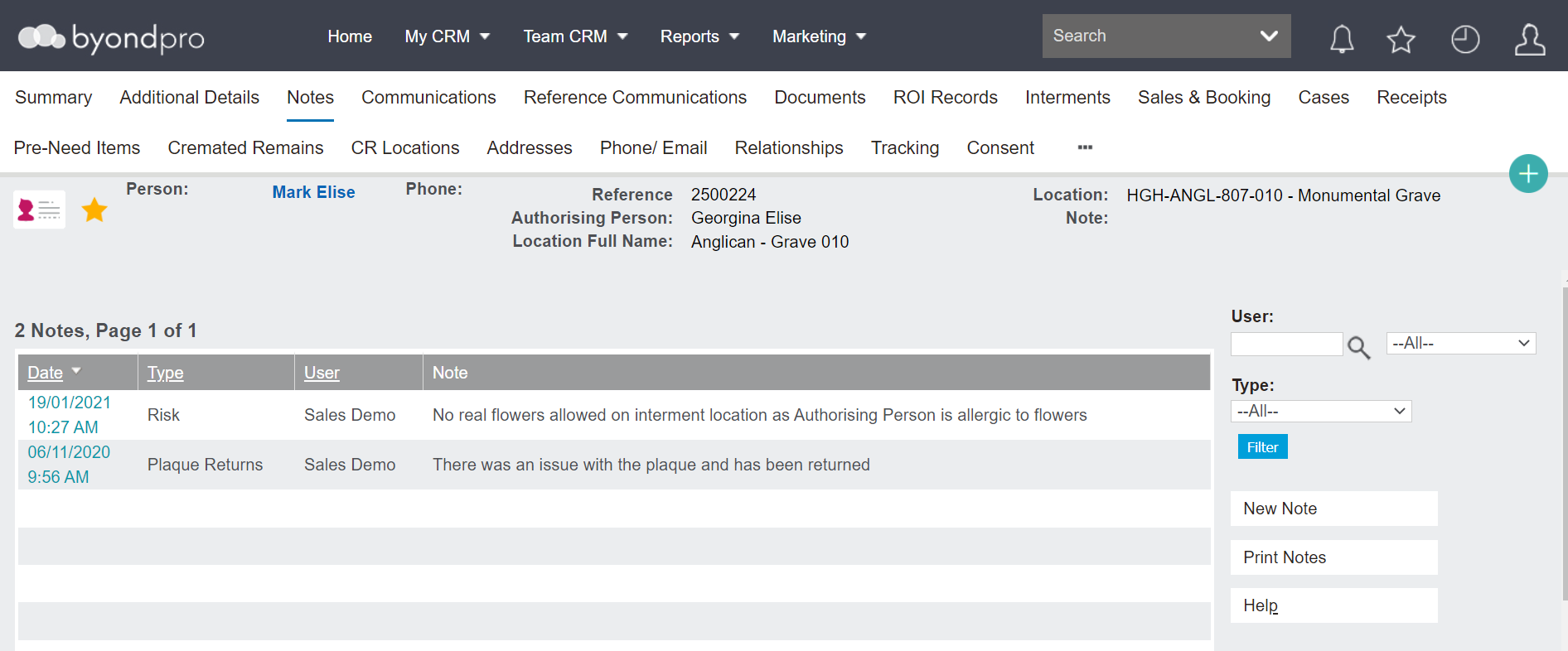
This tab contains a list of general notes recorded about the person.
The following information will display for each note:
To add a new note, choose the New Note button.
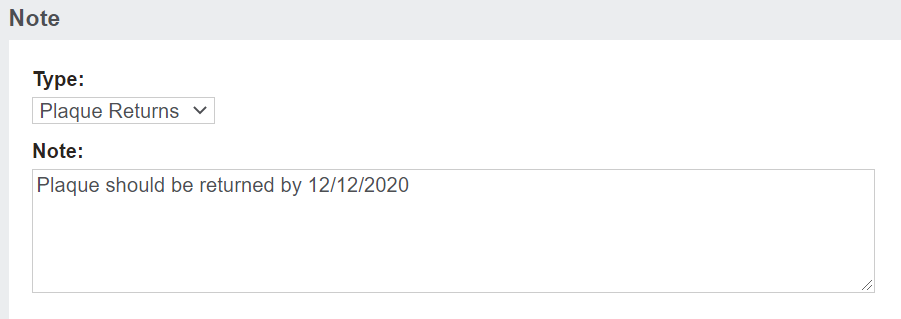
Choose the Type of note from the drop-down list.
Type in the message details in the Note field.
Then click Save on the right-hand side of the page.
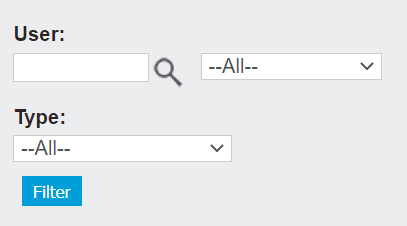
Should there be a lot of notes, filter the list using the User and Type fields on the right-hand side of the page.
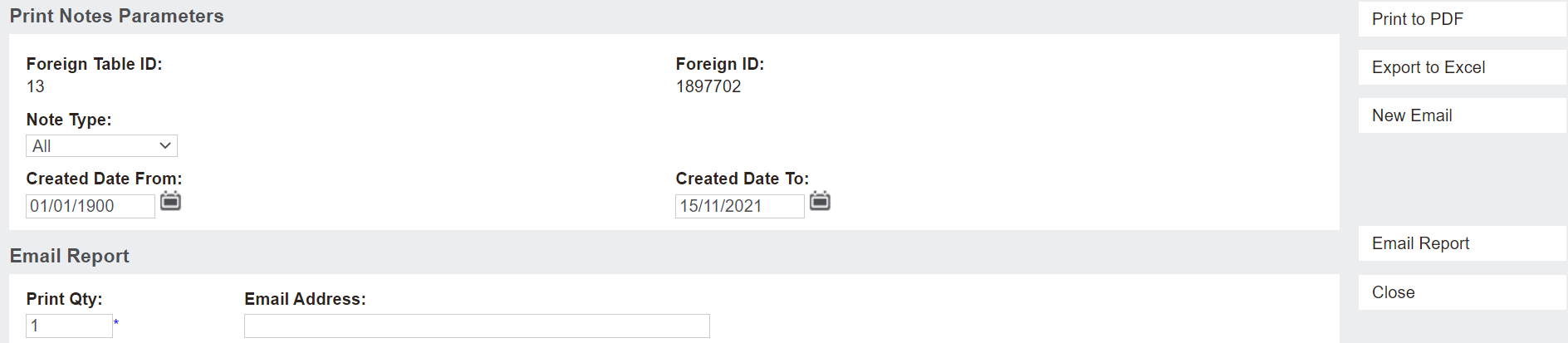
Notes have the option to be printed if necessary, using the Print Notes button on the right of the screen.
They can be printed, exported to Excel and emailed.