Navigation & Basics

 
If you are already familiar with byondpro Cemetery Management, you will find Navigation & Basics does not vary from the cemetery management system.
 

Toolbar

 
Users have access to the toolbar which will allow you to access key areas, such as your calendar, search screens, and reports.



Home Dashboard

 
The byondpro Home Dashboard groups together tiles in related categories, which represent searchable groups of records in byondpro.
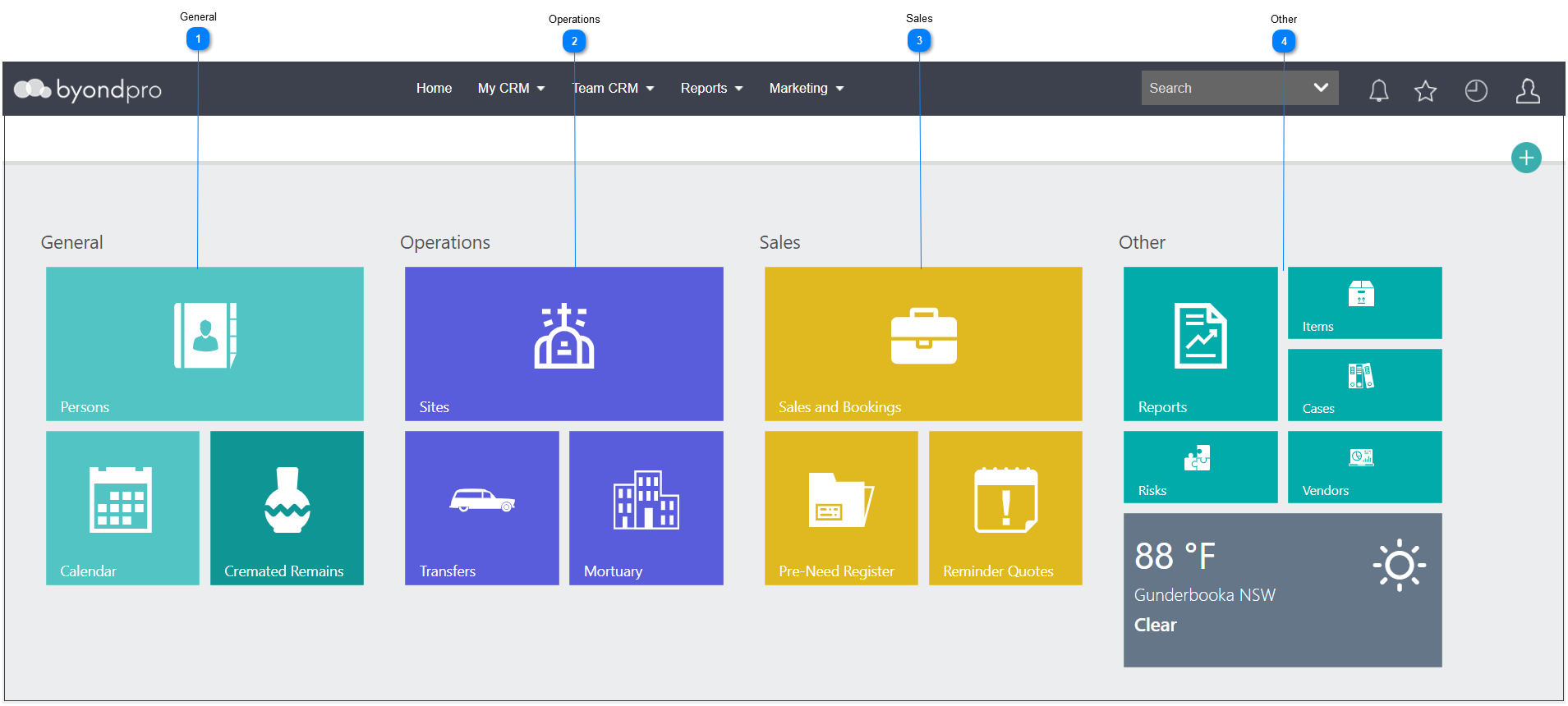
 
Depending on system and user accessibility, the tiles may vary.
 
Navigation & Basics
 
1

General


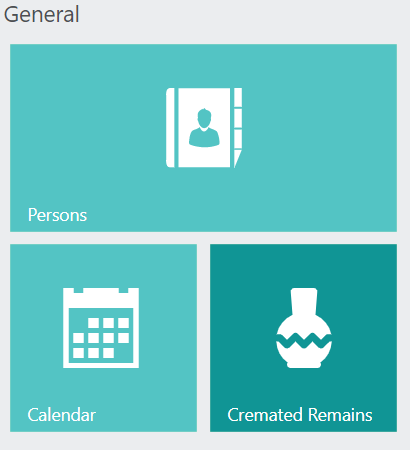
The General category contains a search function for Person records and the calendar.  
 
1. General
2

Operations


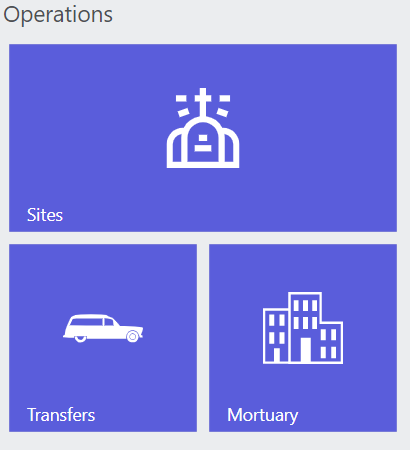
The Operations category contains tiles which lead to search screens for Sites, Transfer, and Mortuary records. 
 
 
2. Operations
3

Sales


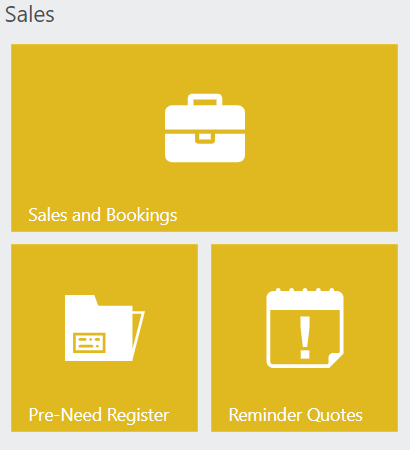
The Salescategory houses the search tiles for Sales & Bookings, the Pre-Need register, and Reminder Quotes.
 
3. Sales
4

Other


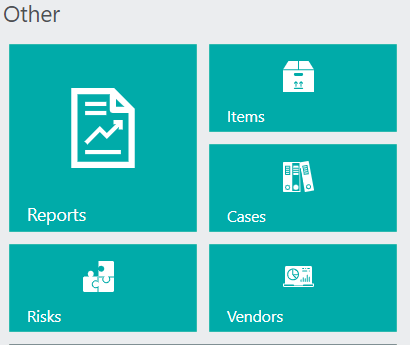
The Other category houses the search tile for Reports, Items, Cases, Risks, and Vendors.
 
4. Other
 

Screen Elements

 
Every record in byondpro follows a similar layout, as explained in the Screen Elements section of this guide.

The online help was created with Dr.Explain