Merging Duplicate Person Records
When creating person records, byondpro has a deduplication feature where similar or duplicate names will be picked up and the user can check if the record is already within the database before creating a record more than once.
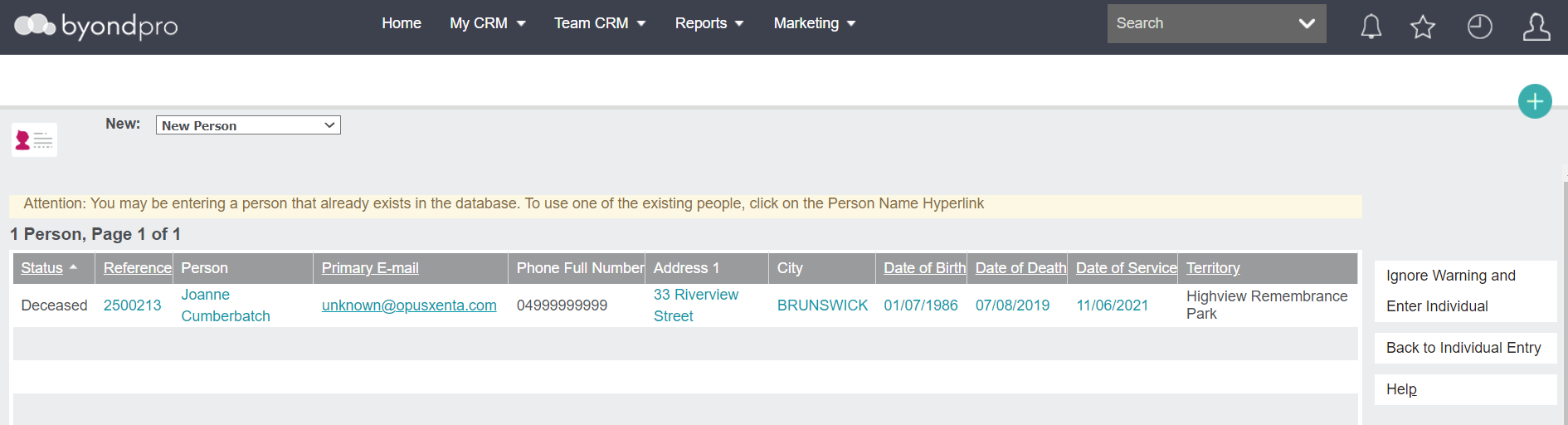
In the instance a duplicate record has been created despite the deduplication feature, certain users will have the ability to merge the incorrect person record with the correct record.
We recommend reviewing the records first to decide which record you are keeping and adding any missing details onto the record being kept.
If linked to Sage 300, this most often will be the record which already has been added in the finance system.
Once your records are ready to be merged, press the Merge Contact button on the right-hand side of the page. Be sure this action is completed on the record you are keeping.

From the pop-up window which appears, locate the record you are merging to this record using the search select field. The record chosen will be marked as inactive after the process has been completed.

After confirming the record to be merged, press Save on the right-hand side of the page.

The duplicate record will no longer exist.
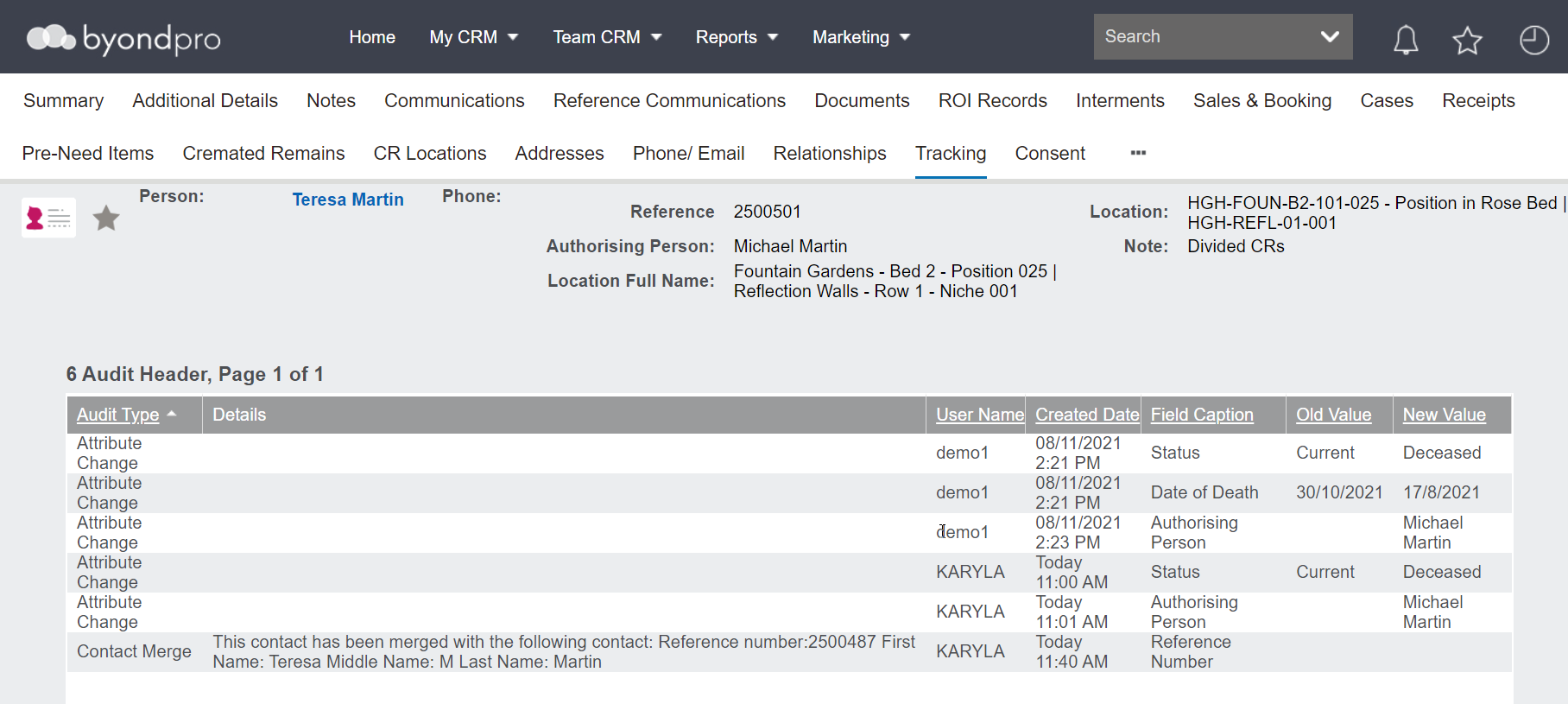
However, the Tracking tab will be updated to reflect the inactive and active person record.