Memorial Orders Receipts
From the home screen, click Memorial Orders Receipts.
The resulting page displays every memorial order the cemetery has open.
Each of these memorial orders are closed one by one, rather than as a batch job.
This function works well for smaller cemeteries that don't have long lists of memorial orders to process.
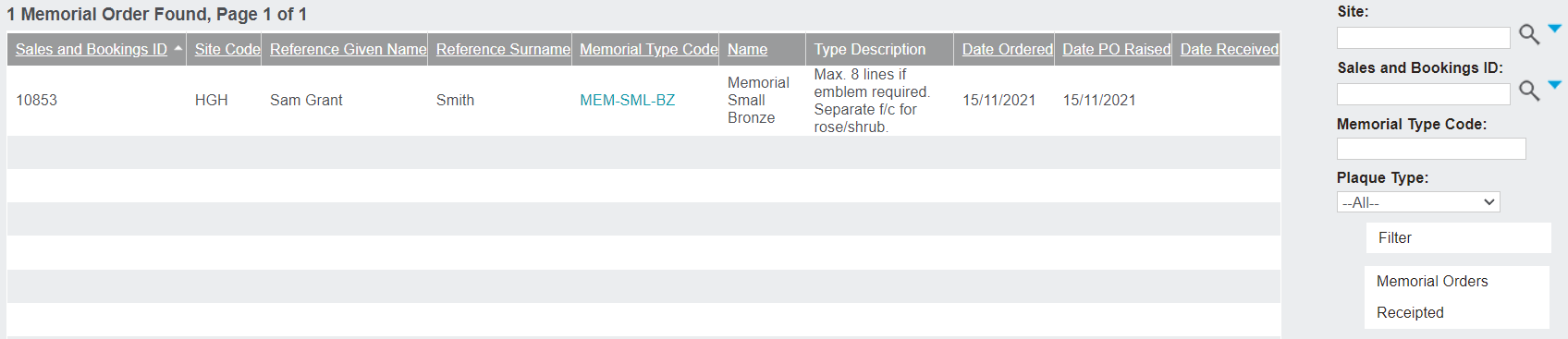
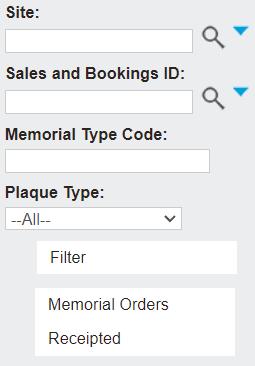
There are filter functions on the right-hand side, allowing the user to filter the memorial orders by Site, Sales and Bookings ID, Memorial Type Code, and Plaque Type.
Once the filter parameters are filled in, click Filter to apply them.
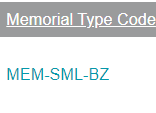
To receipt the memorial order, click on the Memorial Type Code hyperlink.
A pop-up window will appear, with the Date Received field to complete. The date received will auto-populate with today's date, but it can be changed to an earlier date. It cannot be changed to a future date.

Click Save to finish receipting the memorial order.
Back on the Memorial Order on the Sales & Booking entry, the Date Received field is automatically filled out, removing the need to go back and update each record.

Once the memorials are receipted, the cemetery staff may need to create an appointment if the next of kin are attending the memorial installation/CR placement.
If the next of kin aren't attending, the cemetery may simply go ahead with installing the memorials, as covered in Memorial Order Installations, or they may need to create a works request and assign it to a cemetery staff member, as covered in the Works Request & CR Placement topic.