Memorial Order Search
To review and action existing memorial orders, cemetery staff will need to perform a memorial order search.
There are a few ways to do this.
From the Home screen under the Sales block, select Sales and Bookings.
From the Home screen under the Sales block, select Sales and Bookings.
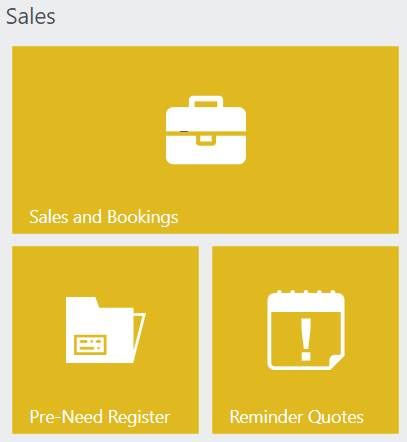
Alternatively, select Sales & Booking from under the Search drop-down selection on the top right-hand side of the screen.
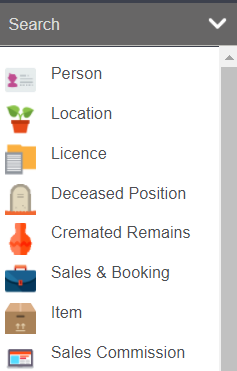
The Sales & Booking search screen will display.
To perform a memorial order search, change the type to Memorial Order. The Status field is also useful if the cemetery staff are looking for Open memorial orders to action.
You may also wish to filter further by filling out the Site, Funeral Director, Authorising Person or Reference Contact, Location, Service Date, or the Reference Given Name or Surname.
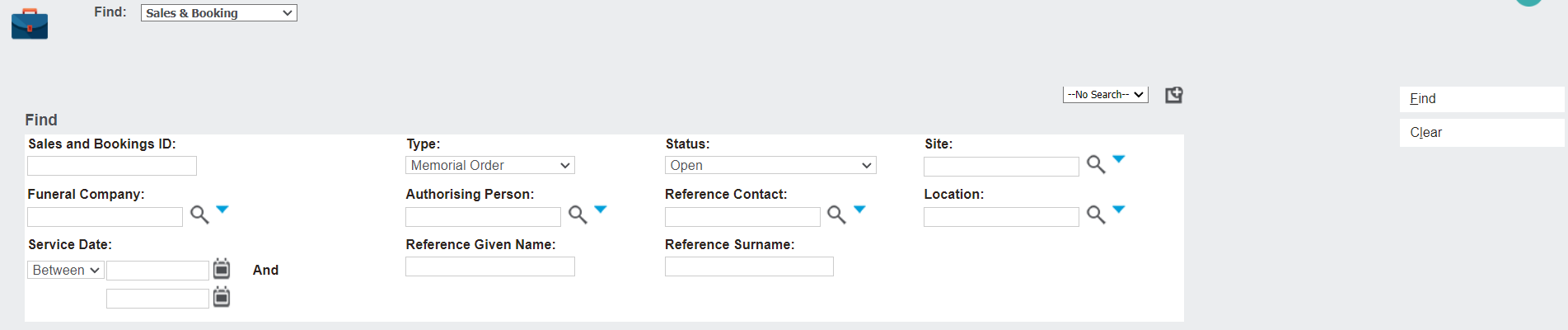
Select Find on the right-hand side of the screen to display a list of memorial order bookings based on your selected criteria.
To open a booking for review, select the Sales and Bookings ID hyperlink. To see the details of the memorial order, navigate to the memorial order tab.
