Memorial Order Installations
From the home screen, click Memorial Order Installations.
This function will list all the memorial orders in the system that are awaiting installation.
There are filters on the right-hand side if required. Allowing the user to filter the memorial orders by Site, Sales and Bookings ID, Memorial Type Code, and Plaque Type.
Once the memorial has been installed, click the Memorial Type Code hyperlink to open the Memorial Installation window.

On the right-hand side, the buttons M1 Completion/M2 CRs Placed to create letters that can be sent to the family/next of kin. These proforma letters relate to the memorial installation being complete or the Cremated Remainsbeing placed.
Fill out the Date Installed field, then click Save to complete the memorial installation.

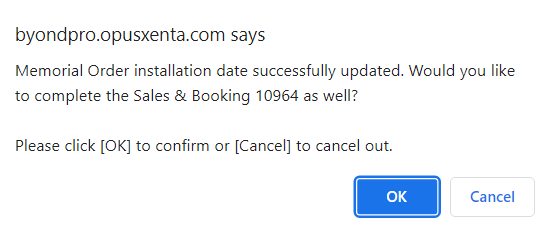
The following message will display, asking if the user would like to complete the sales & booking entry as well. Clicking OK will change the status of the Sales & Booking entry to Completed.
Once it is installed, the grave's Location Summary page will show the Memorial Installed/MI Date at the bottom of the page.
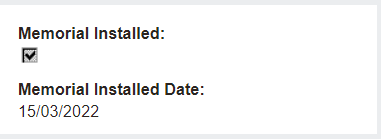
Back on the Memorial Order on the Sales & Booking entry, the Date Installed field is automatically filled out, removing the need to go back and update each record.
