Manage Cases records
The system allows users to manage Solutions records using a variety of functions:
-
Individual record tabs allow users to capture, organize, track and update related information.The tabs are described in the Tabs section of each category: Works Request Tabs, Client Feedback Tabs and Incident Tabs.
-
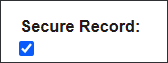
The Secure Record feature allows users to mark a Case as confidential and limit the users that can access the record.
-
The Generate Work Request feature allows users to create a maintenance activity following up on a Client Feedback or an Incident.
-
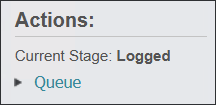
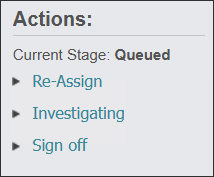
The workflow Actions feature allows users to change the current Stage of the Case and the user who's managing it, as the Case is being investigated.

-
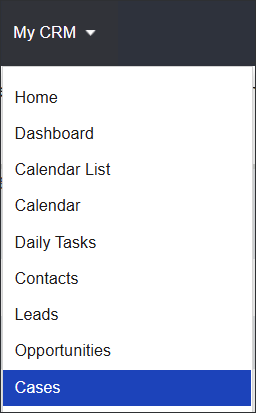
Users can manage their workload from the My CRM menu and receive e-mail notifications regarding the cases assigned to them.
See these features outlined in the individual sections of the guide.