Item Records Search
As with many records in byondpro, there are a few ways to locate the search screen of an Item record.
-
By clicking on the Items tile.
-
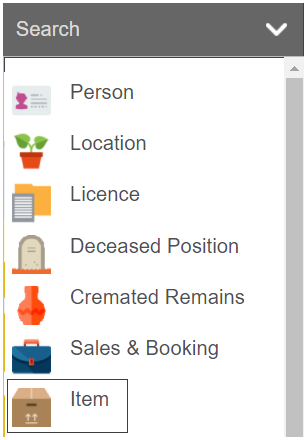
By clicking on the arrow next to search on the toolbar and choosing Item.
-
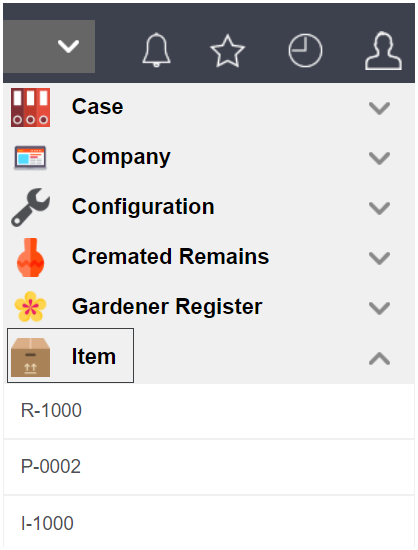
By visiting the Recent list and choosing the Item header.
However, you might note that this search screen and the results differs from the previous two item search screens.
Details such as the year the price list associated to the item code is valid for are missing.
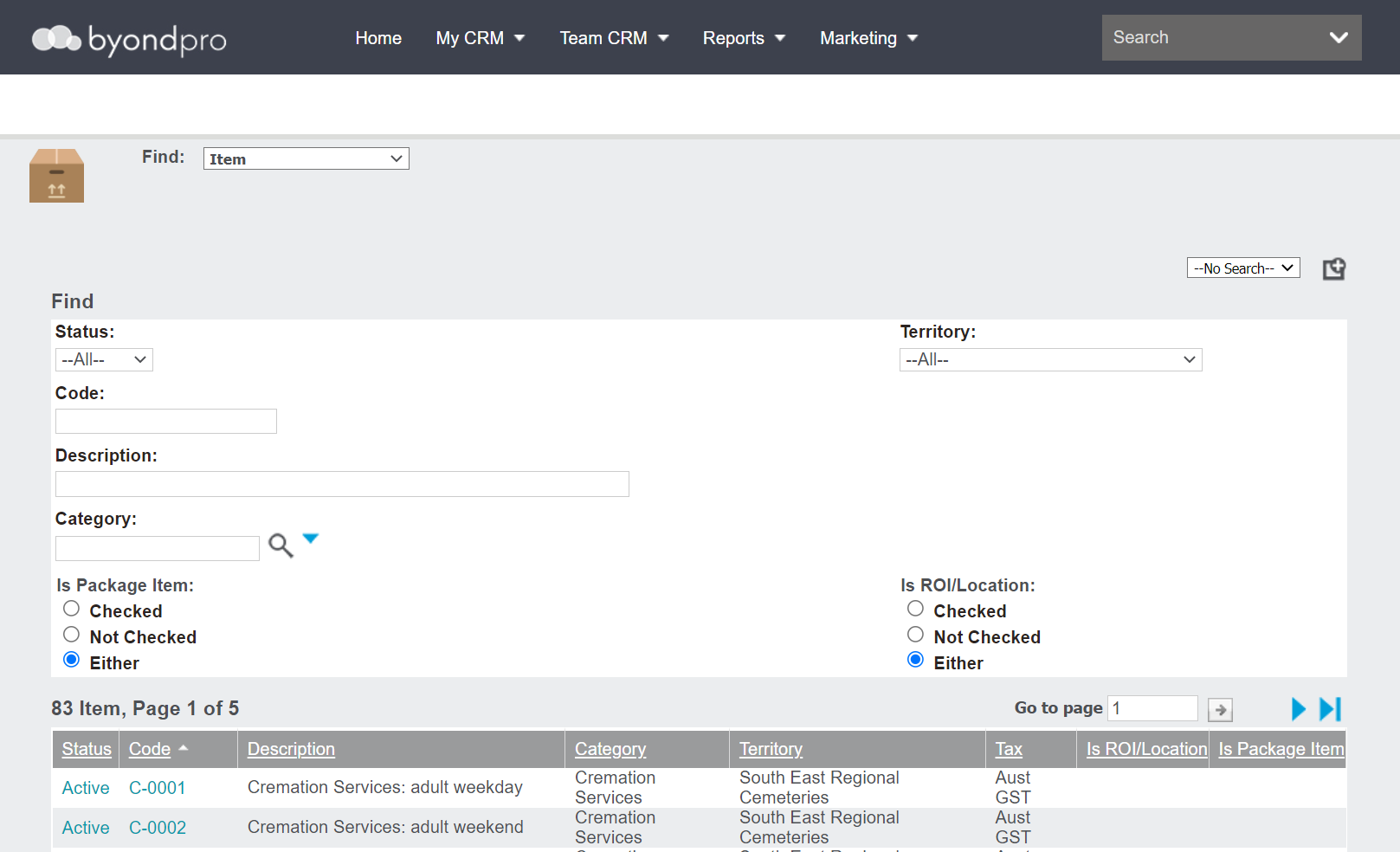
If looking for a particular item, use the fields to narrow the list of items.
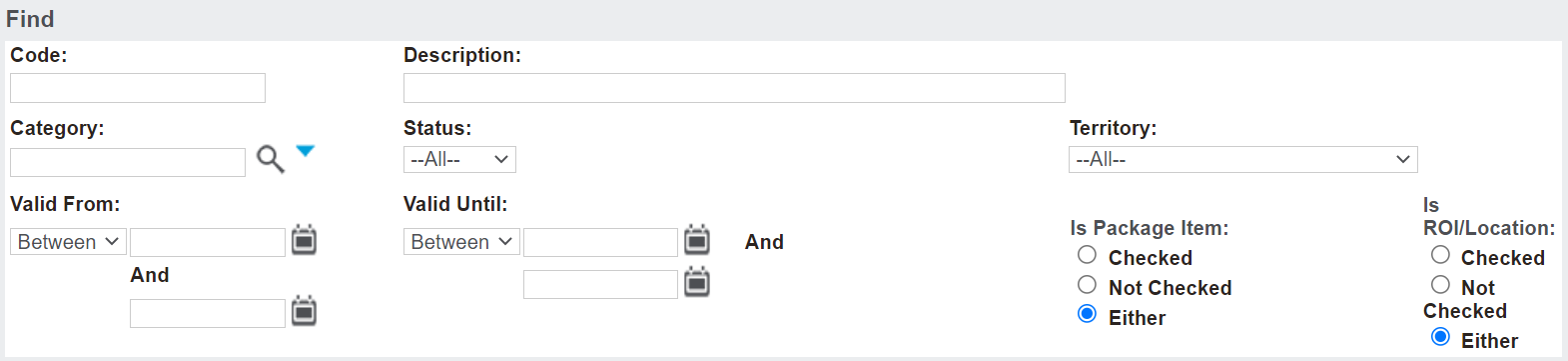
Press Find to complete the search.

Clear will reset the fields.

All the individual items based on the search criteria entered will list below the search fields.
Before going into an item, note the information that can be seen on an item, just from the search screen.
-
Item Code
-
Description
-
Is ROI\Location
-
Tenure
-
Territory
-
Price
-
Valid From
-
Valid Until
-
Tax Inclusive
-
Tax

Remember, if using the Recents search screen, the information displayed varies.
-
Status
-
Item code
-
Description
-
Category
-
Territory
-
Tax
-
Is Package Item

To go into an item, click on the hyperlink for the code.