Item Group Setup
Cemeteries can group items which would commonly be sold together in the Item Group Setup.
This setup provides suggestions on items available for sale and is designed to be used in conjunction with the Location Associated Item Setup feature.
When a user adds a location to a Sales Order and then proceeds to add items, users can look at the associated items.
While these items are added to a Location Associated Item list, cemeteries have the option of grouping together like items and then adding the group to one or several Location Association Item list /s.
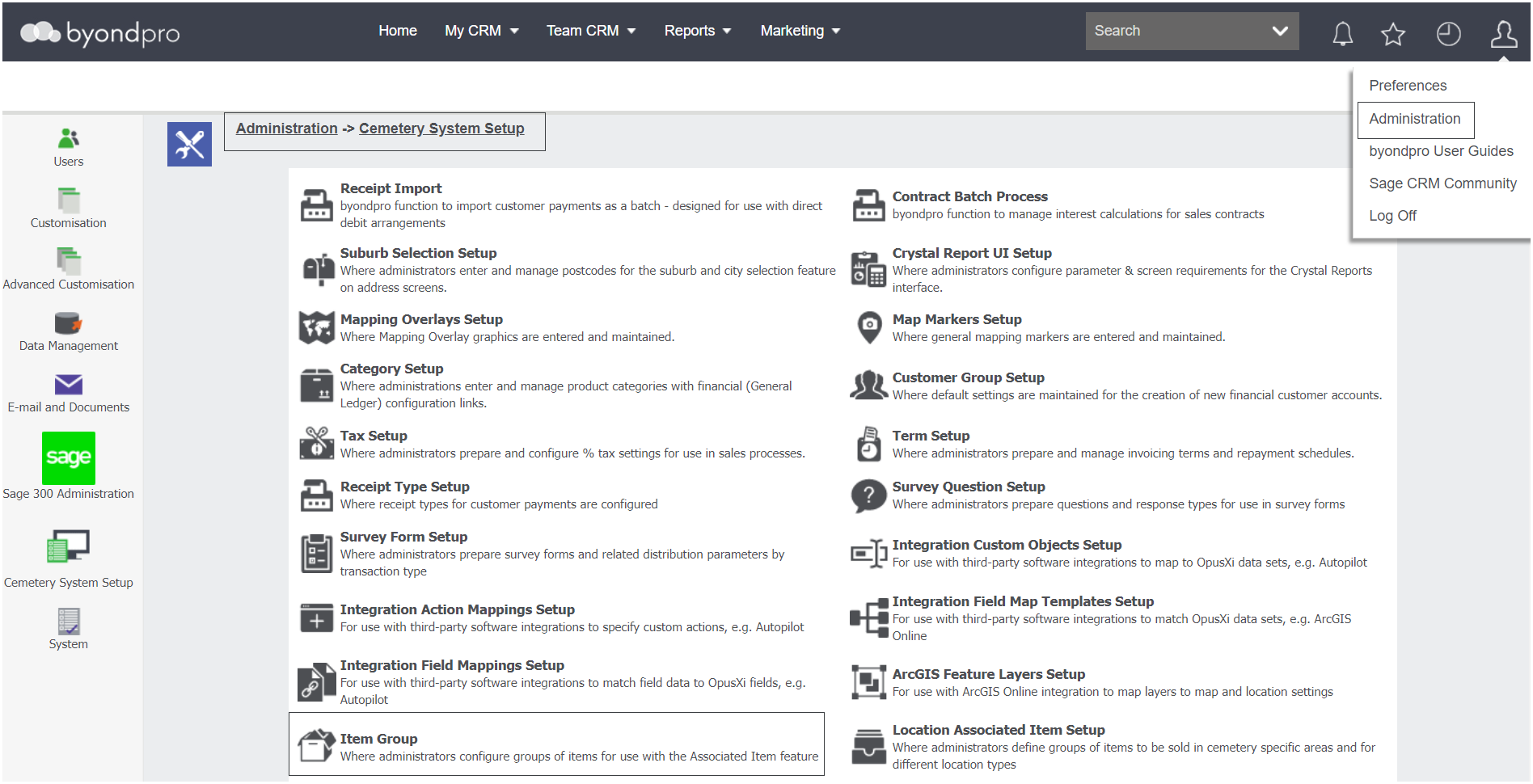
Navigate to Profile Menu > Administration > Cemetery System Setup > Item Group Setup
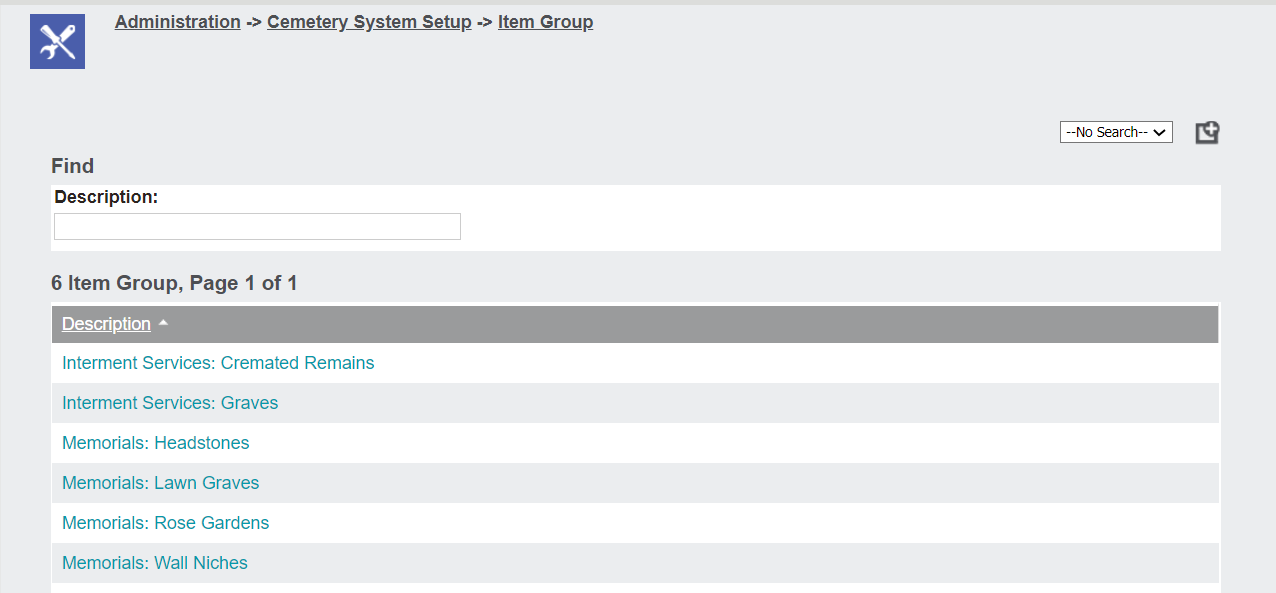
All current Item Groups will display in a list format.
To go into the Item Group, click on the description hyperlink. For our example, we will look at the Memorials Lawn Graves group within the demonstration database.
The summary of the item provides a description of the item group.
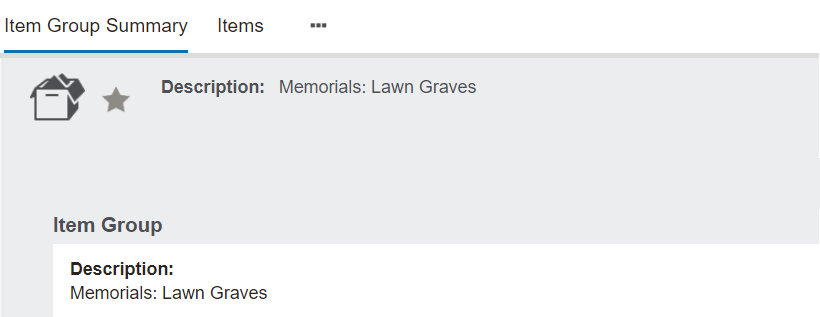
To make any changes to the description, press the Change button on the right-hand side of the page.

By switching to the Items tab, a list of items display that would normally be sold together.
For our example, a granite desk, a bronze rectangle plaque, and plaque emblems would commonly be sold together.
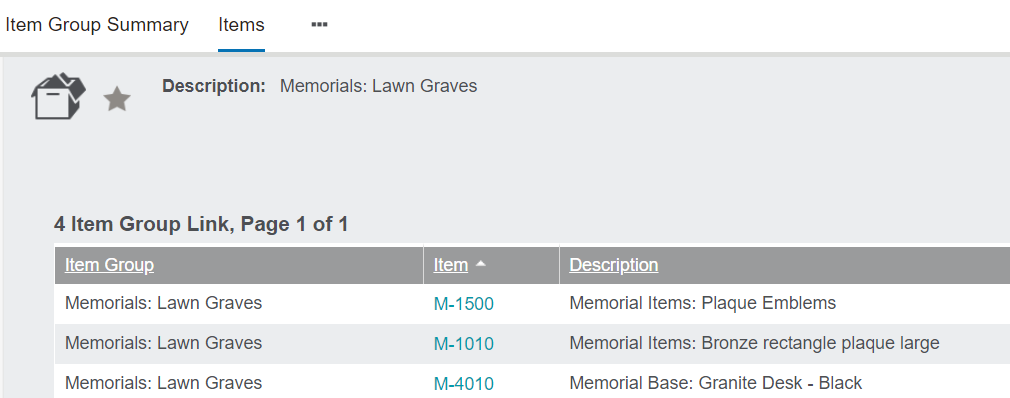
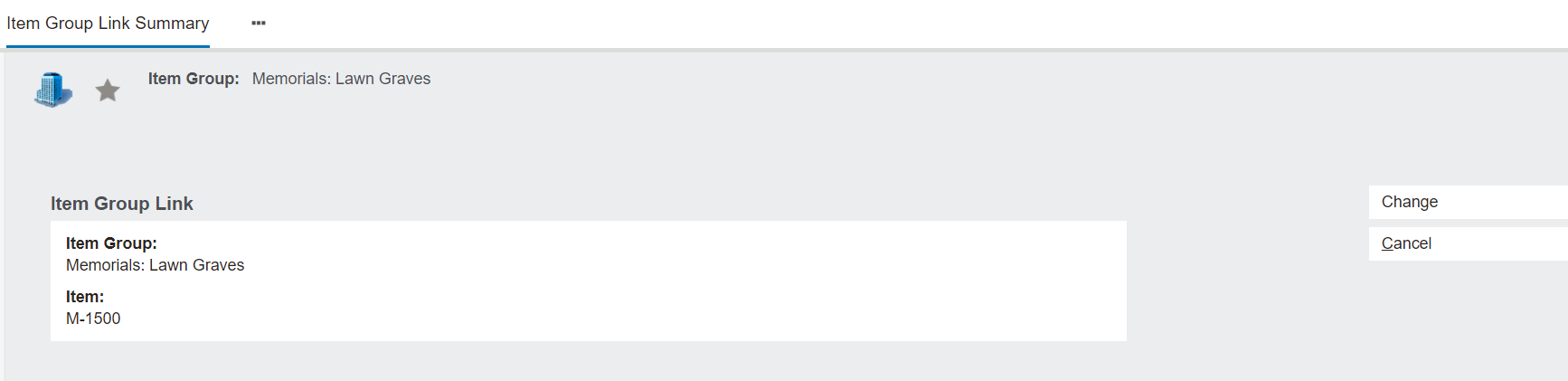
Click on the Item hyperlink to access a link summary.
Should a change be required to the link, press the Change button on the right-hand side of the page.