Invoice
To generate and / or send an invoice, click on the Print Invoice button from the summary tab of the Sales Order.

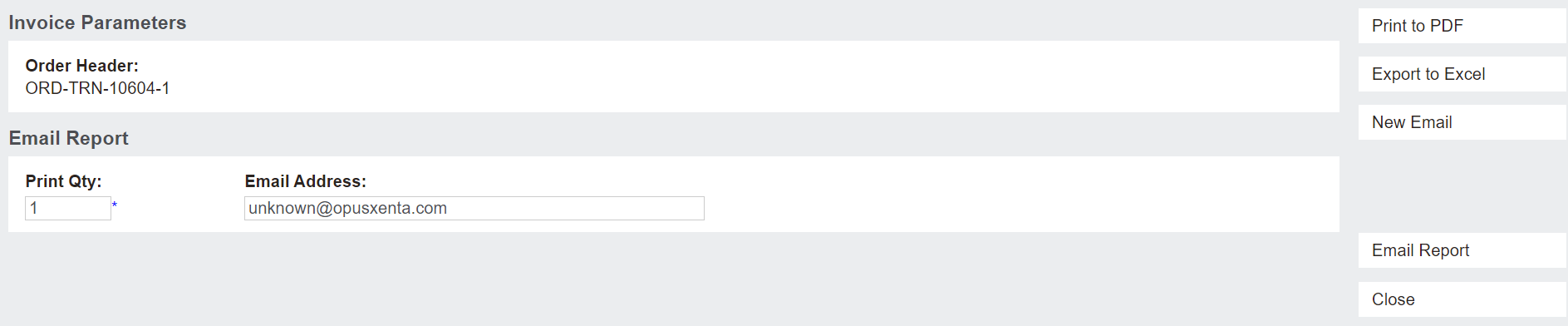
A new tab opens in the browser, which allows the user to indicate or change the email address the invoice is sent to.
The user can Print to PDF or Export to Excel.
The sales order number will populate in the Order Header field.
By choosing Email Report, a template email is sent to the email address indicated and the email is saved on the Communications tab of the booking.
The New Email button allows the user to draft the e-mail, attach other documents to the e-mail, etc.
To close out the new tab, choose the Close button.
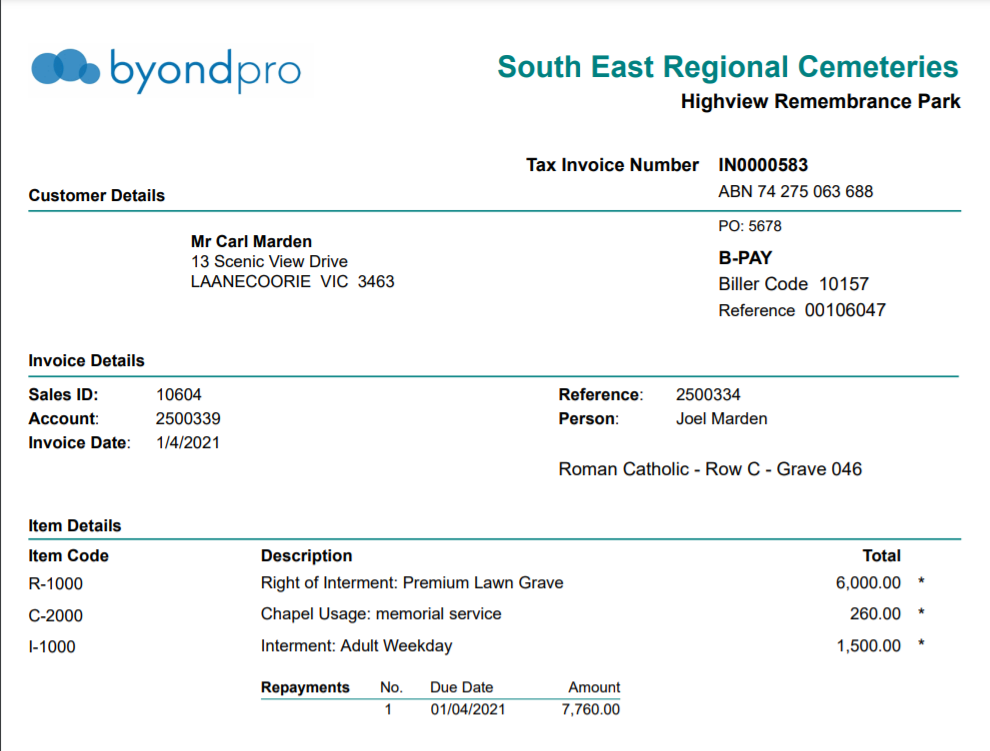
By pressing Print to PDF as per the below example, the document will generate with the invoice details, including the repayment plan if applicable.
The invoice also appears in the documents tab of the:
-
Sales order
-
Sales & booking
-
Applicants record