Investigation and Recommended Action
The Investigation and Recommended Action tab stores information about actions taken to address the feedback.
The system automatically navigates the users to the tab once a new Client Feedback is saved.
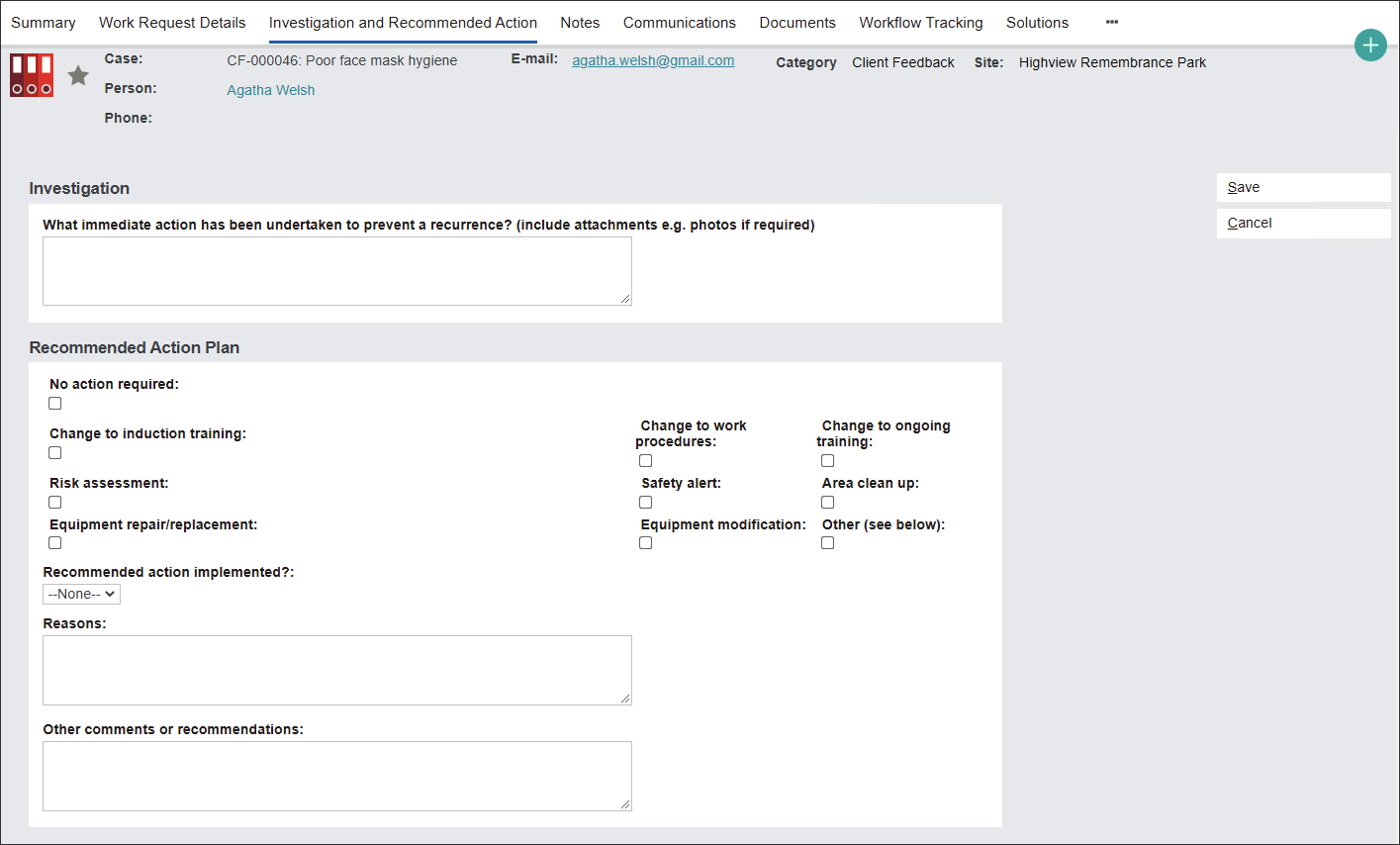
Begin describing problem resolution actions in the Investigation section.
In the field What immediate action has been undertaken to prevent a recurrence? type in details of the team's immediate response.

Plan future strategies to prevent the problem from occurring in the Recommended Action Plan section.
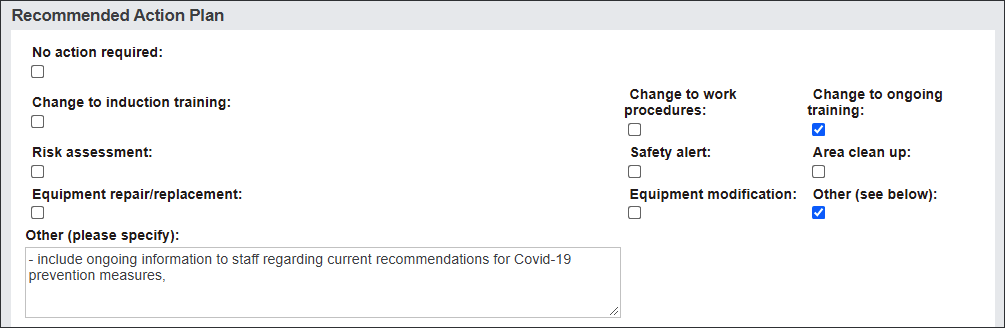
A variety of tick boxes allow users to choose actions that will address the issue.
Tick the related box\es or type in the Other (please specify) field.
Save changes and return to the tab when the action plan has been implemented to populate the rest of the record.
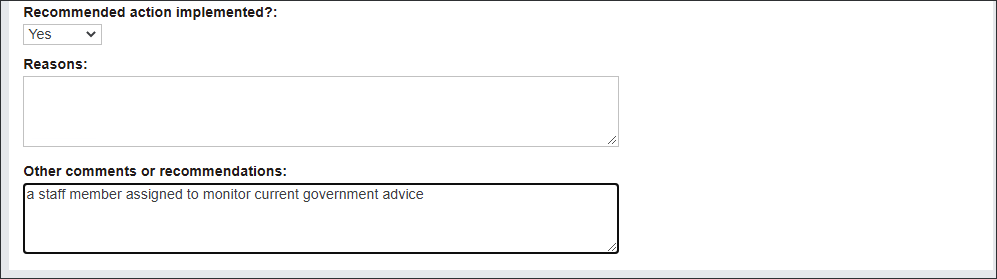
In the Recommended action implemented? menu select Yes or No.
In the Reasons field type in why the actions where implemented or not.
If necessary, type in more information in the Other comments and recommendations field.
Press Save to secure the changes.