Integration Monitor Processes
Due to the possibility of the byondpro sync to Sage 300 having errors, such as the terms not configured or the general ledger account not being in Sage 300, the cemetery should have internal processes in place to look out for errors and correct them.
In conjunction with each user checking individual sales transactions as they are being processed, it may be useful to have a routine process where one user is responsible for checking the Iman Monitor for errors and fixing them, potentially daily.
Check Individual Transactions as you go
When a cemetery user is processing a sales transaction, it is recommended that each user processing sales transactions be on the lookout for the ERP sync status failing.
A scheduler runs in the background every 15 to 25 seconds to attempt to process transactions that fail to sync. After 5 attempts, the transaction will fail, and the system will not attempt to re-sync it.
Users would likely be able to view the failed sync status on the invoice after 2 minutes.
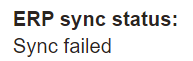
After a sales transaction has been completed, check the invoice, specifically the ERP Sync Status.
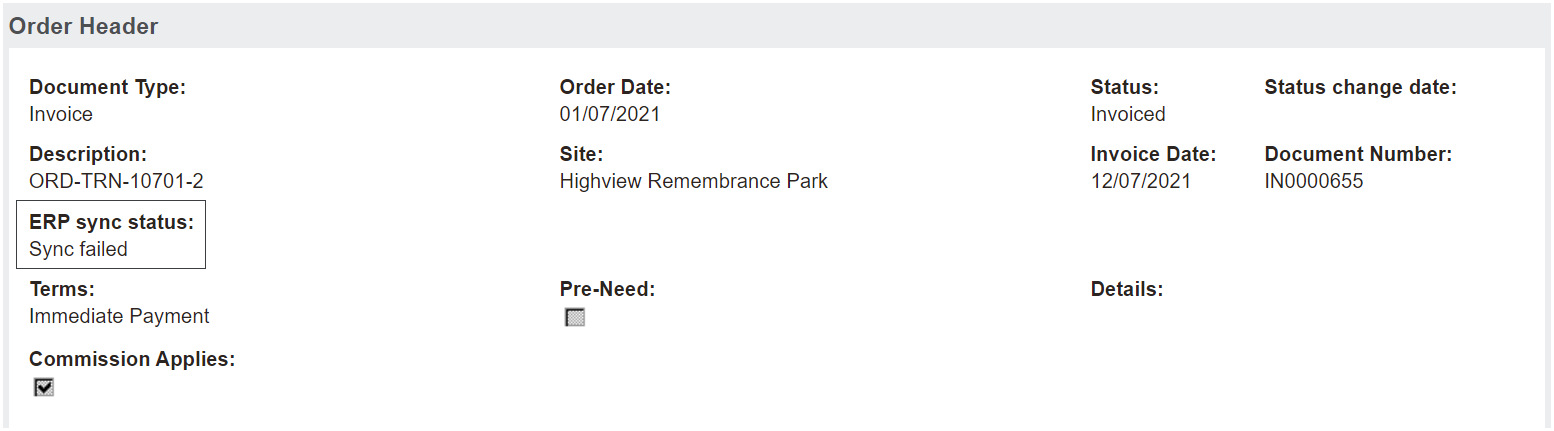
If the status is still sync pending, set a reminder to come back to the invoice in a few minutes.
If the status is Sync failed, now is the time to visit the Integration Monitor
Another field to check on the invoice is if there is a Resync Invoice button on the right-hand side of the page.
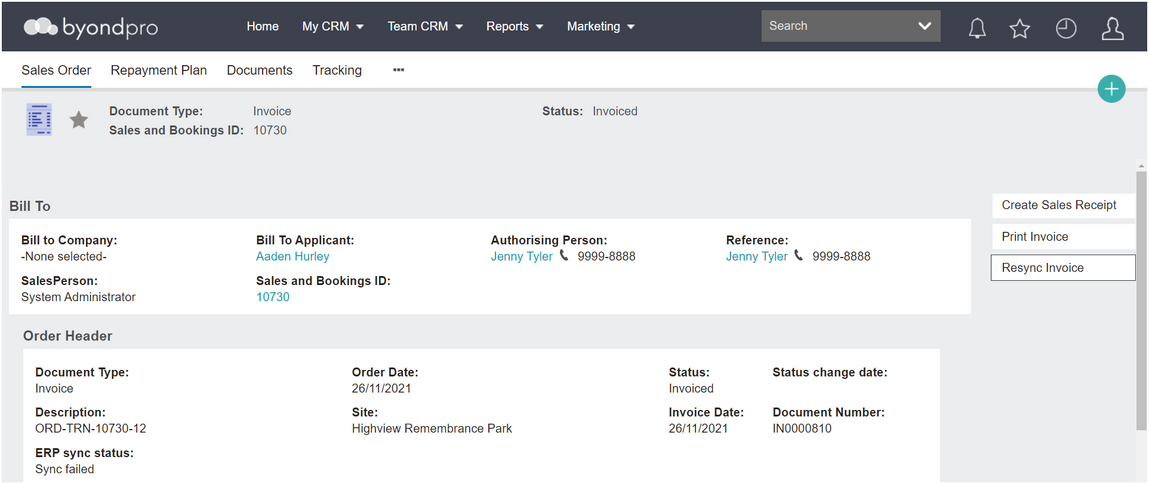
Now is the time to visit the Integration Monitor, if you have the appropriate access rights, to see the reason for the error.
If you are unsure of what the error means, don’t have access, and / or know how to fix it, speak to your system administrator, who can assist or, your OpusXenta consultant.