When adding an inscription to a memorial on the Memorial Inscriptions section of the Memorial Order Summary page, there is a Phrase inscription type. This type allows the user to choose from a list of previously created phrases. This topic will show users how to search, delete and edit those phrases.
New Inscription Wording
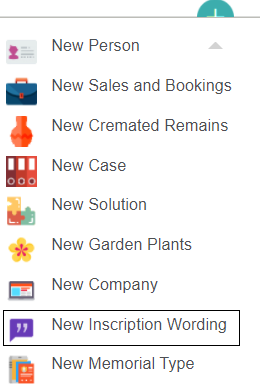
To create a new Inscription Wording entry, open the New drop-down then click New Inscription Wording.
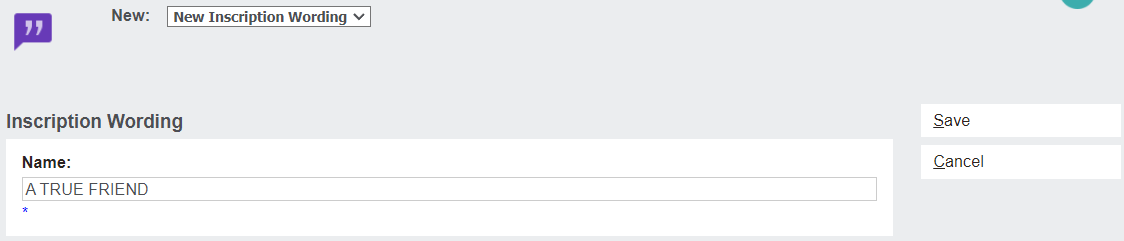
Type the new inscription wording into the Name field, then click Save to finish.
Inscription Wording Search
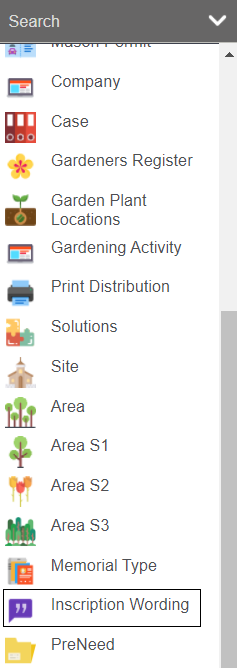
To find existing Inscription Wording entries, open the Search drop-down and click Inscription Wording.
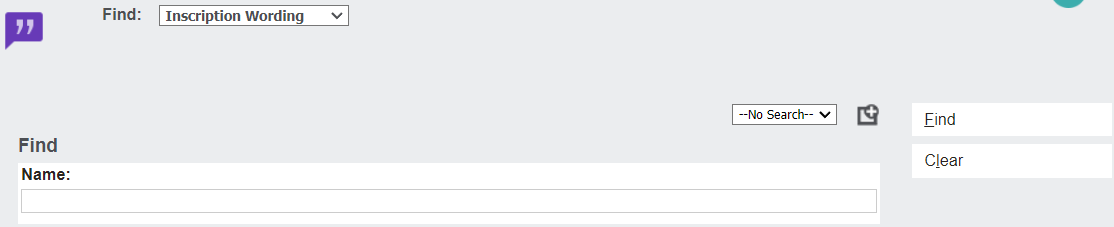
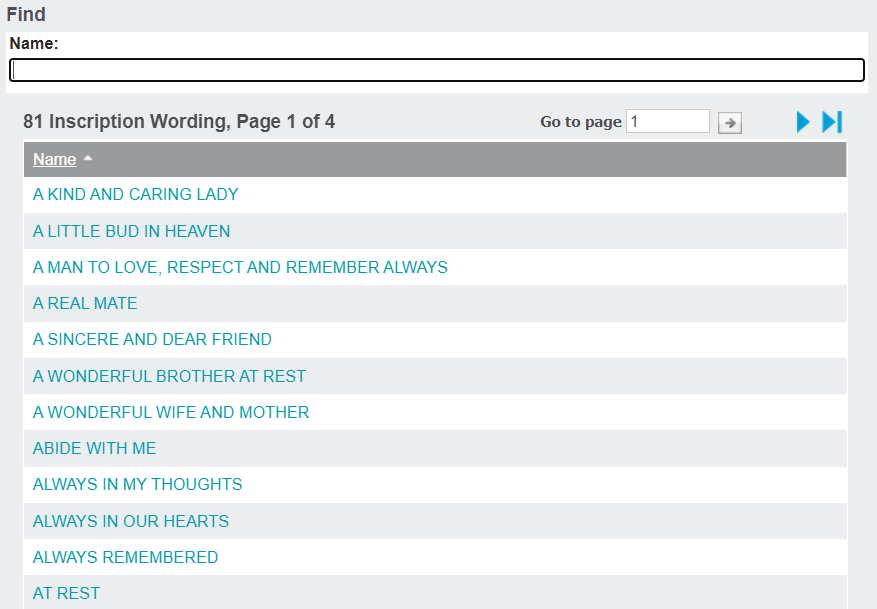
The resulting page displays a search field. The user can type part or all of the Inscription Wording into the Name box, or they can simply leave it blank and click Find on the right-hand side to display a list of all Inscription Wording entries.
Click on the hyperlink name for any entry you wish to edit or delete.
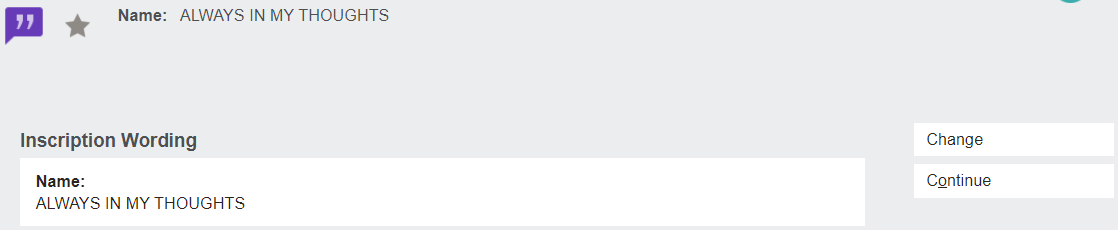
From this page, click Change to open the editing mode.
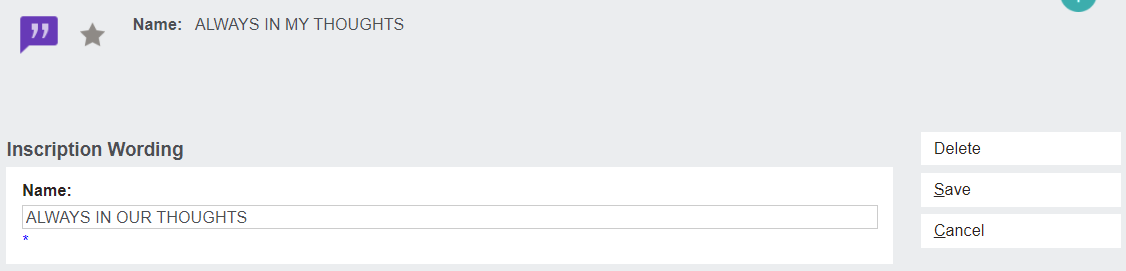
Rewrite the contents of the Name field, then click Save to complete the edit.