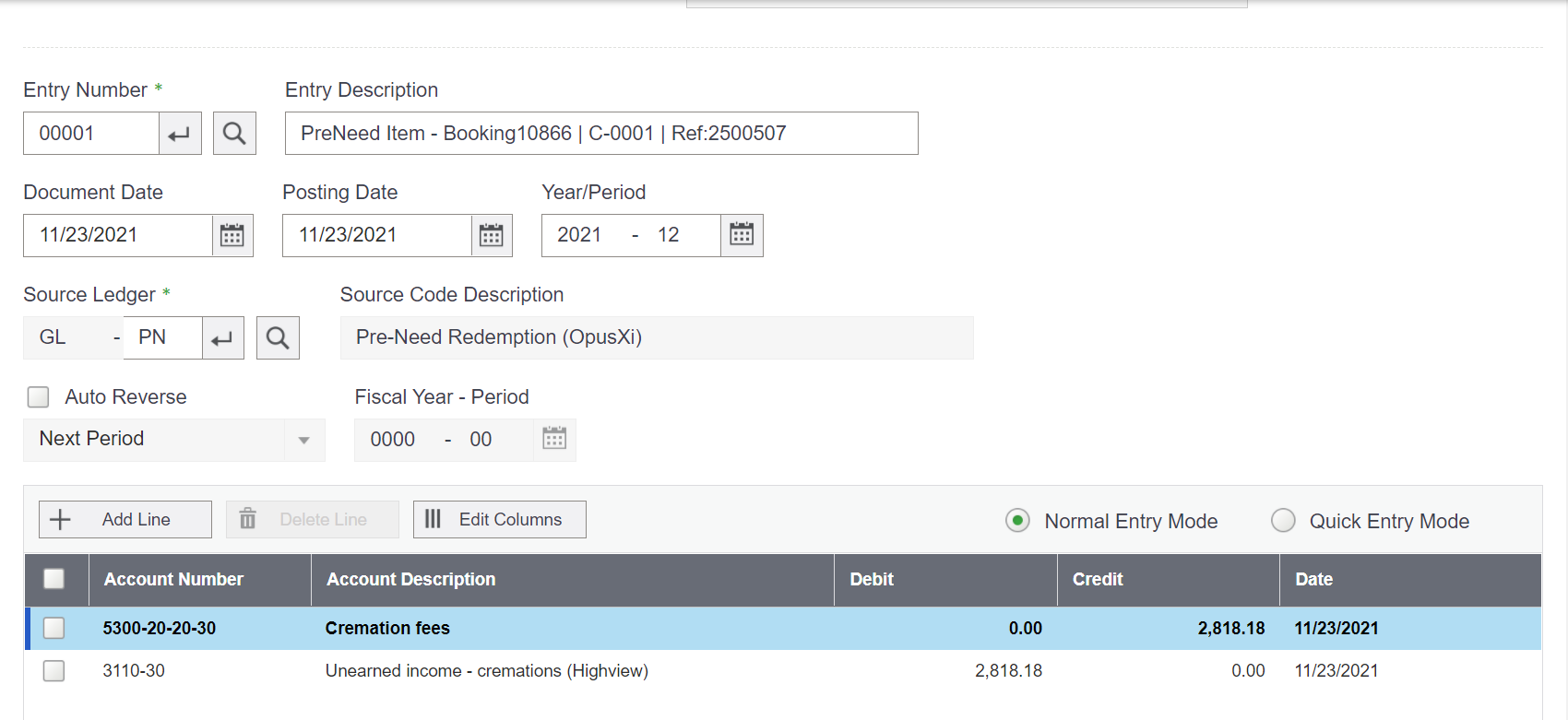
How Does This Report in Sage 300?
Items in byondpro are linked to categories and categories will control which General Ledger account transactions post to.
Visit the Items section of byondpro. Click on the Items tile on the home display.
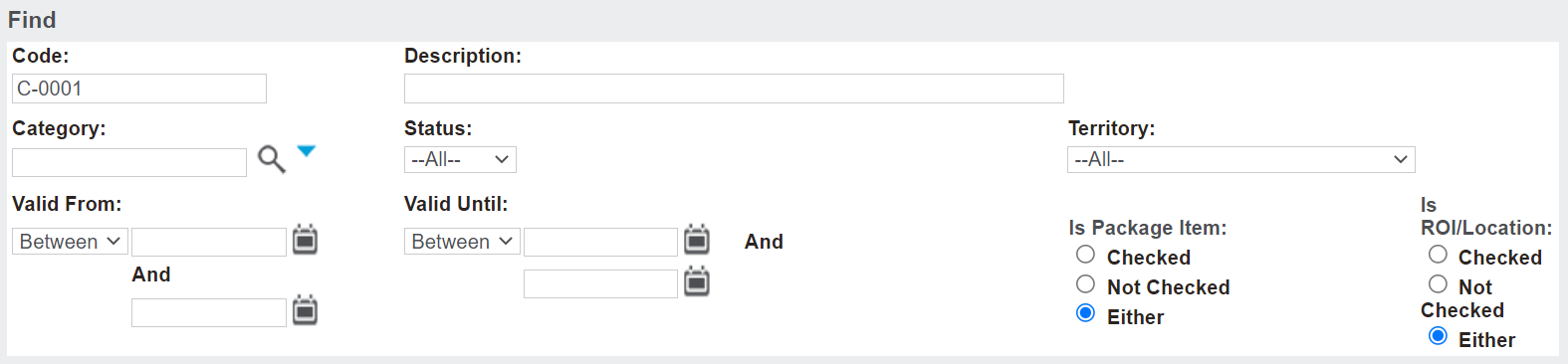
After entering the search criteria, press Find on the right-hand side of the page.

Any items that meet the search criteria will display below.

Click on the item code hyperlink to be taken into the item.
From the item record, click on the hyperlink for the category the item is linked to.
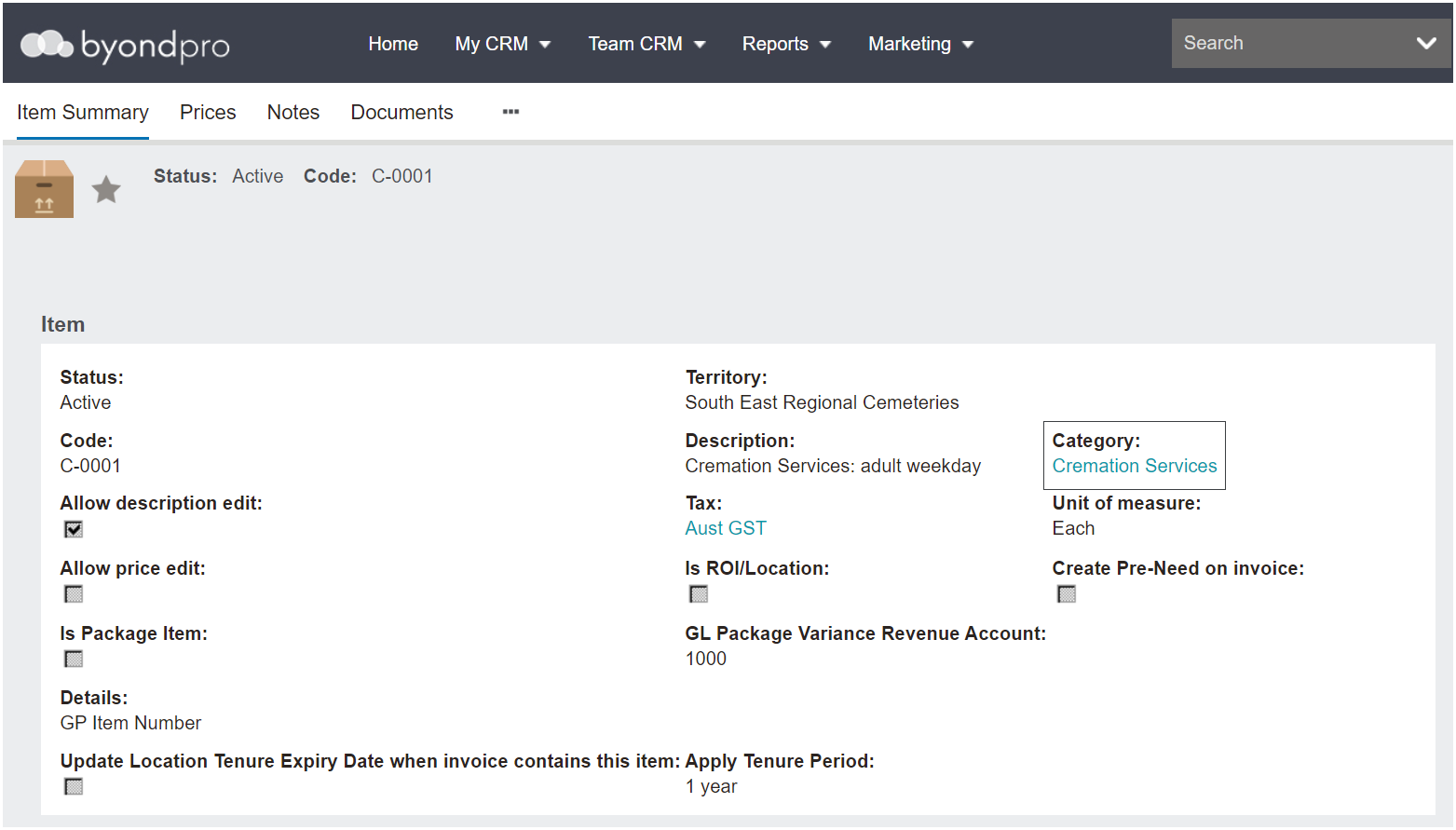
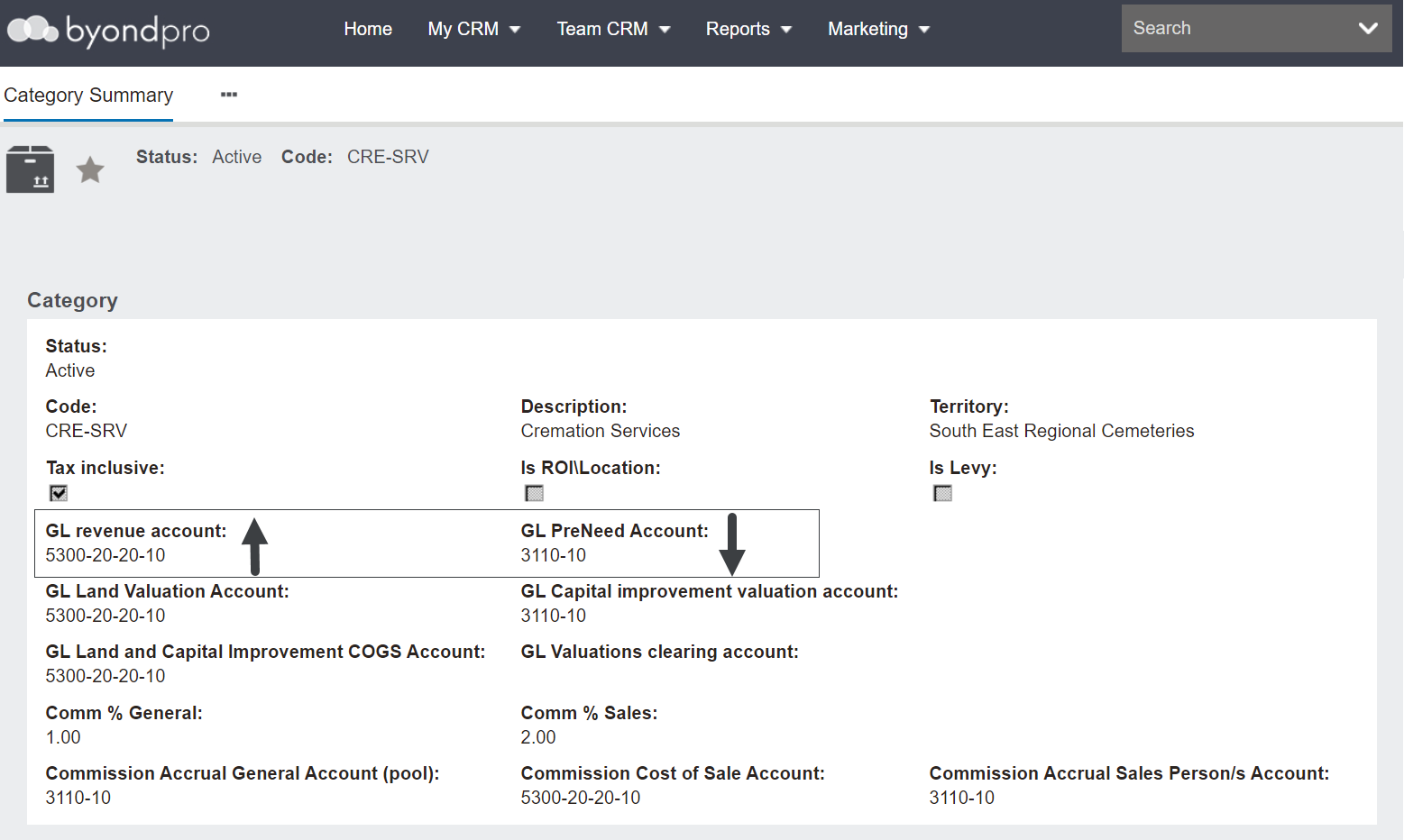
On the category, there will be a GL PreNeed Account and a GL Revenue account.
When in Sage 300, it would be expected that upon redemption, the amount of the item will have reduced from the balance sheet of the Pre-Need or unearned income account and credited to the GL revenue account on the profit and loss.
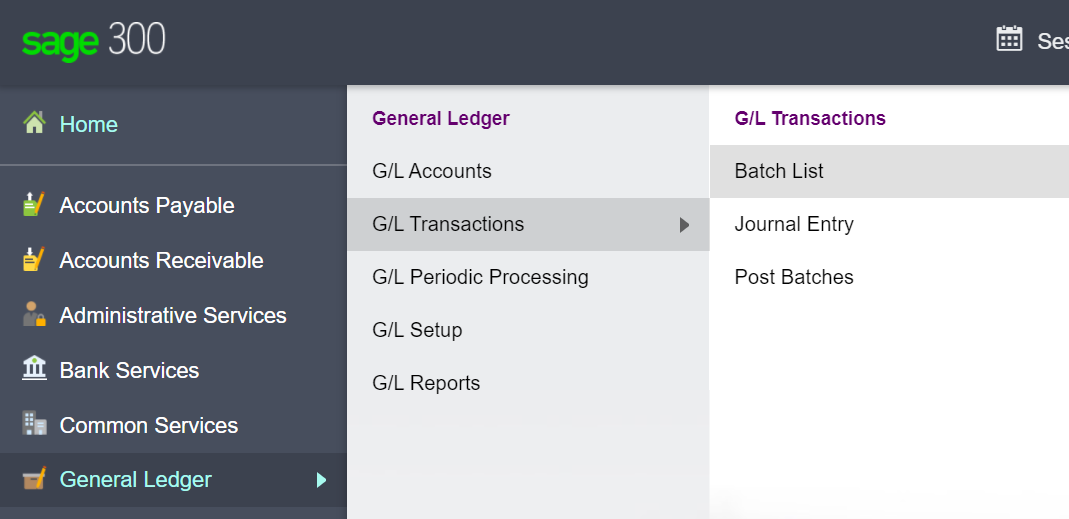
In Sage 300, visit General Ledger > Transactions > Batch List
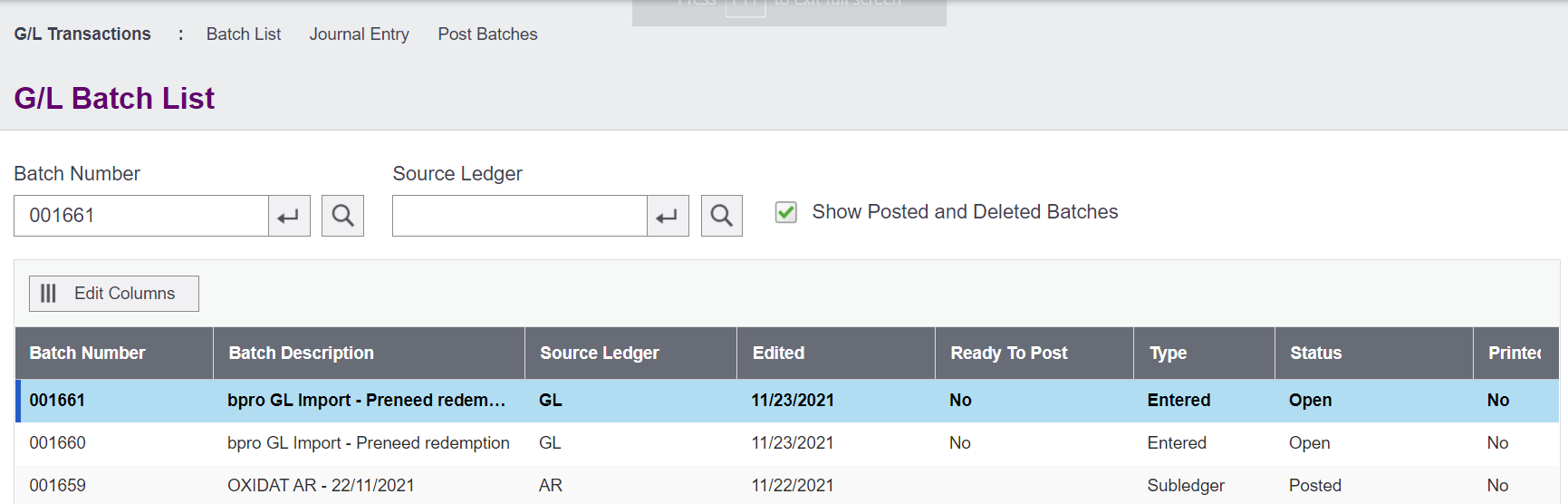
From the Batch list, locate the transaction which matches your redemption and press Open.

The transaction appears as expected, the amount of the item, excluding taxes, reduced from the balance sheet of the unearned income account and was credited to the GL revenue account in the profit and loss statement.