From the Summary tab of the Deceased record, press the Reminder and Follow Up Letters button on the right-hand side of the page.
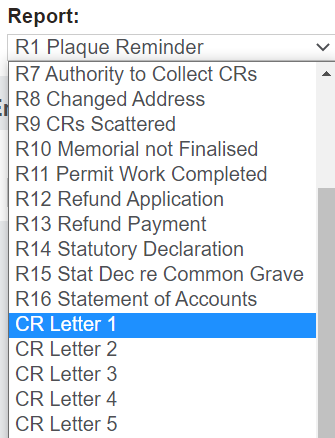
From the pop-up window which displays, choose the relevant follow-up letter from the Report selection list.
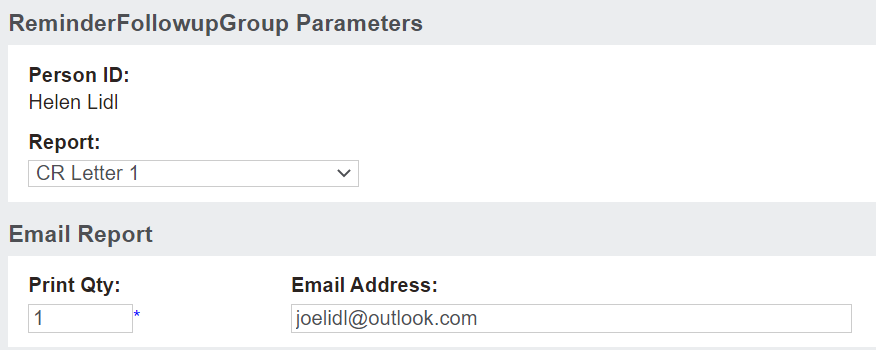
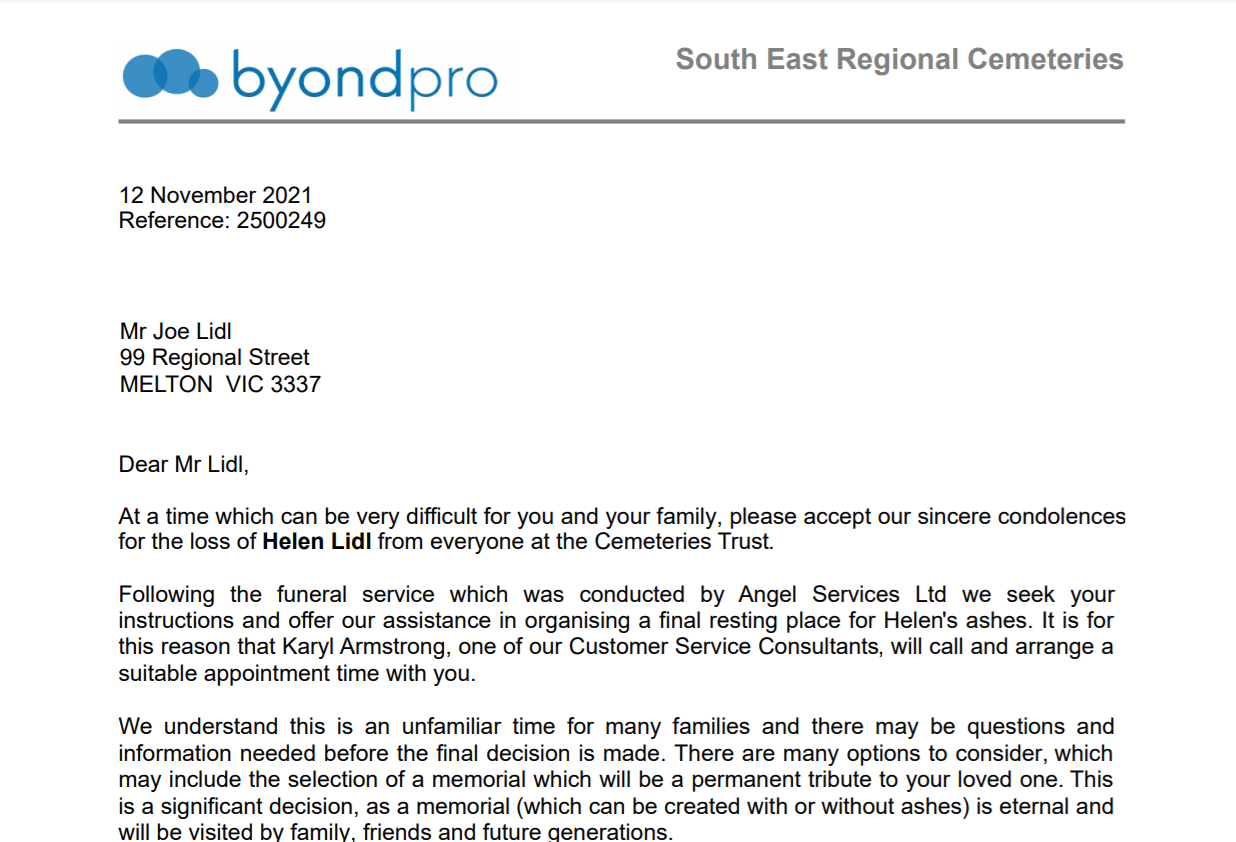
For our example we have chosen 'CR Letter 1.' This proforma letter is designed to reach out and seek instructions and offer assistance to the family.
If emailing the letter, confirm the email address and update, if necessary.
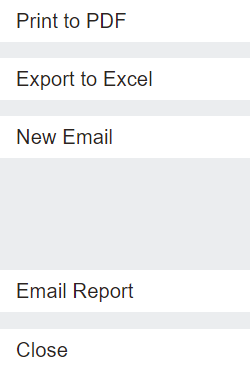
After confirming your letter details, choose to
Print to PDF and send a physical letter
Export to Excel
Email the letter directly to the recipient.
For our example, we printed the letter to PDF.
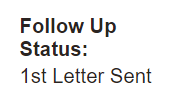
The Follow Up Status on the Summary tab of the Deceased record will have been updated to reflect the letter having been sent. For our example, this was the first follow up which has occurred on the record.
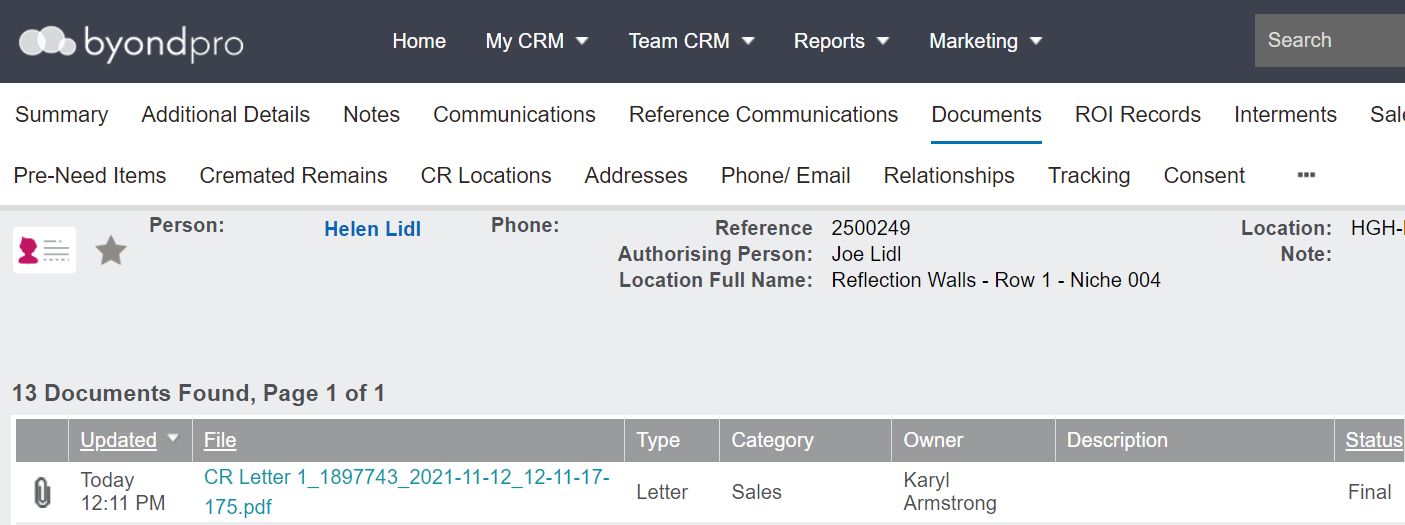
The letter will save to the Documents tab of the Deceased record.