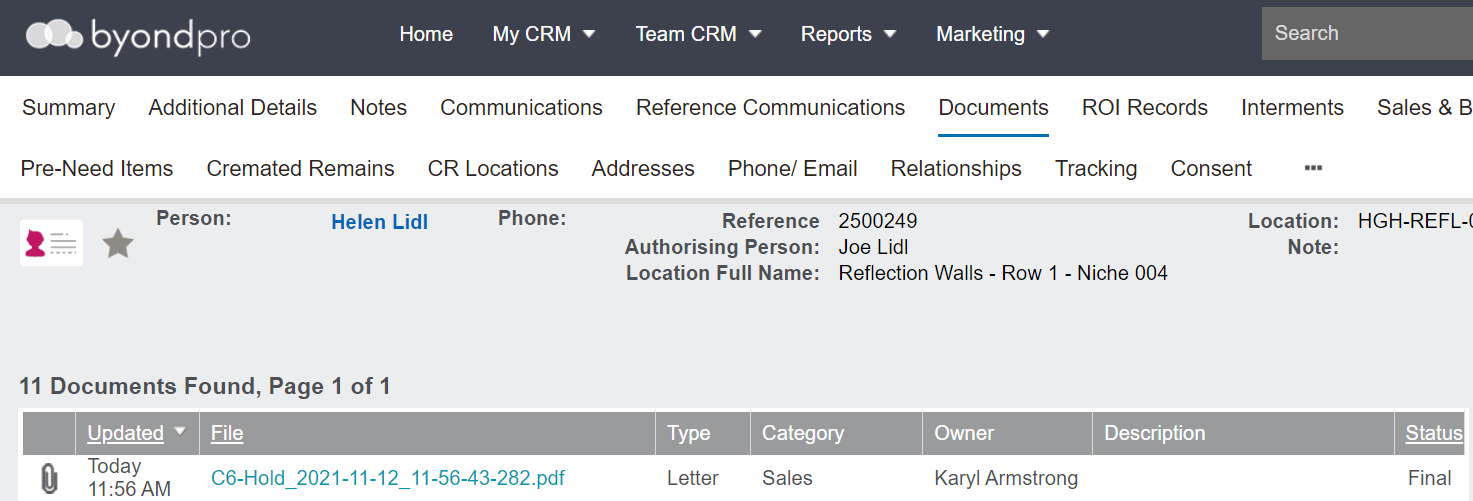
From the Cremated Remains Record
On cremated remains records, there are various letters which can be used to follow-up with the family regarding the cremated remains.
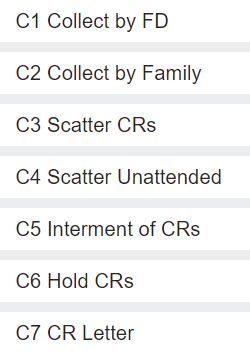
The various letter selections and how they appear may vary from cemetery to cemetery, so we will show you an example of one of these letters from the out-of-the-box byondpro.
You may want to refer to the Generating Reports & Sending Documents section of this guide for further information regarding sending letters.
For our example, we have pressed the C6 Hold CRs button to generate this letter.
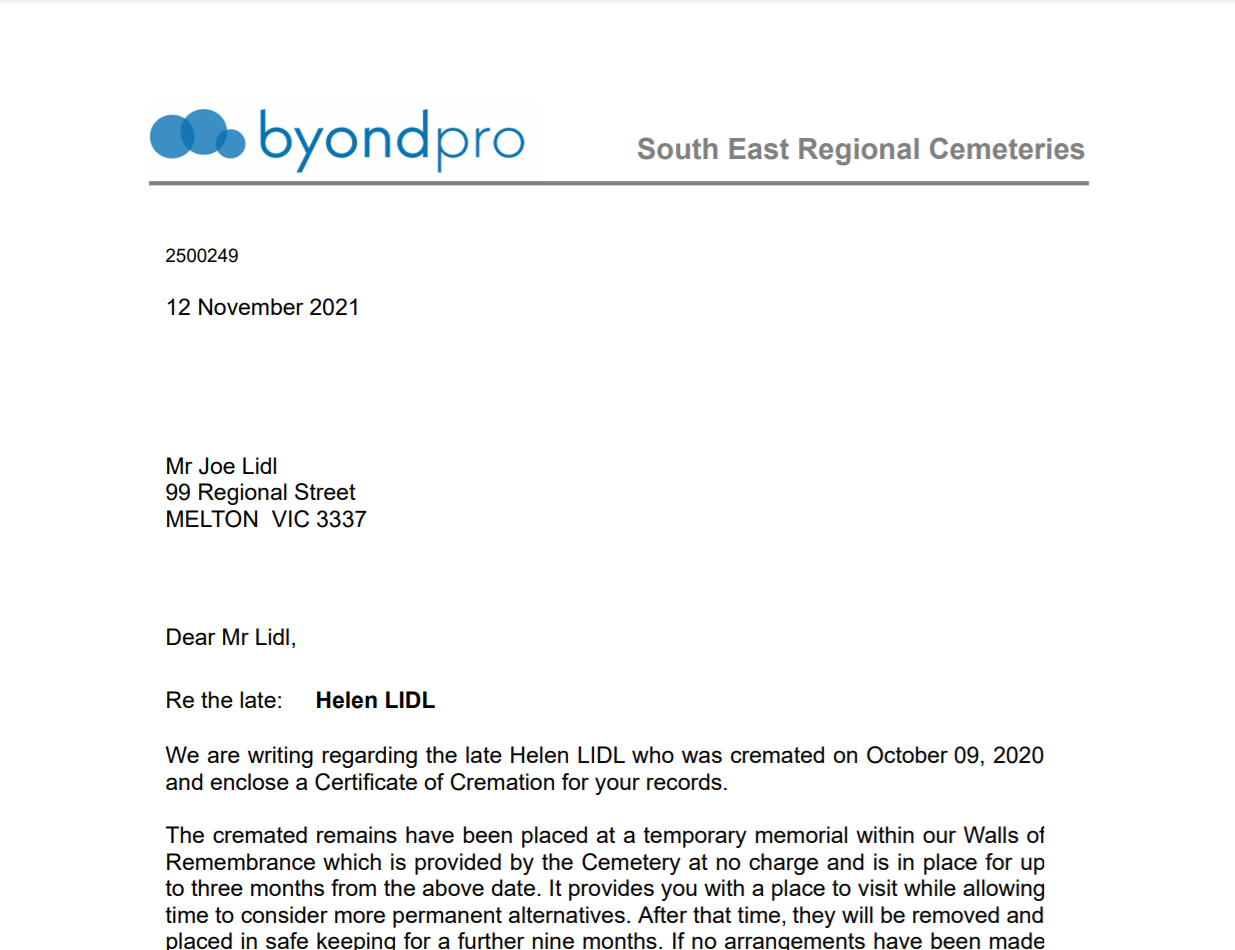
The 'C6 Hold CRs' letter is a proforma letter designed to reach out to families and advise their loved ones cremated remains are being held temporarily and the details around when the remains will be placed into storage, with the objective being, to seek instructions and offer assistance to the family.
Complete the search criteria.
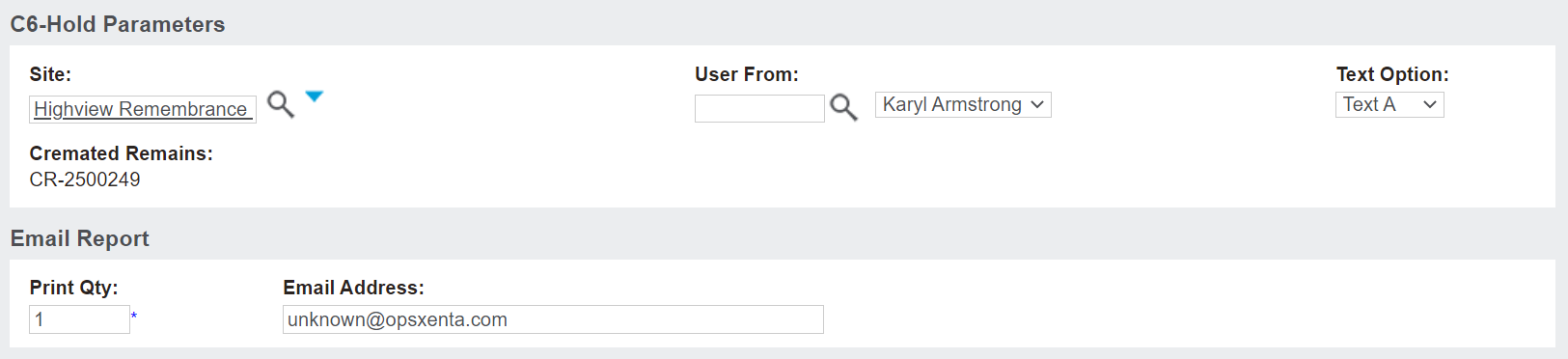
Select the relevant Site the letter is being generated from.
The User From field refers to the person who will be the sender of the letter.
Your cemetery may have different options available for the text of the letter, which can be selected in the drop-down list below Text Option.
After adding in your criteria for the letter, choose to
-
Print to PDF and send a physical letter
-
Export to Excel
-
Email the letter directly to the recipient.
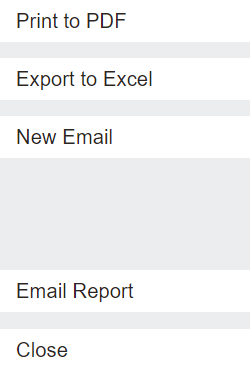
For our example, we chose to print to PDF.
A copy of the letter displays.
The letter will be saved to the Documents tab of the Cremated Remains record.
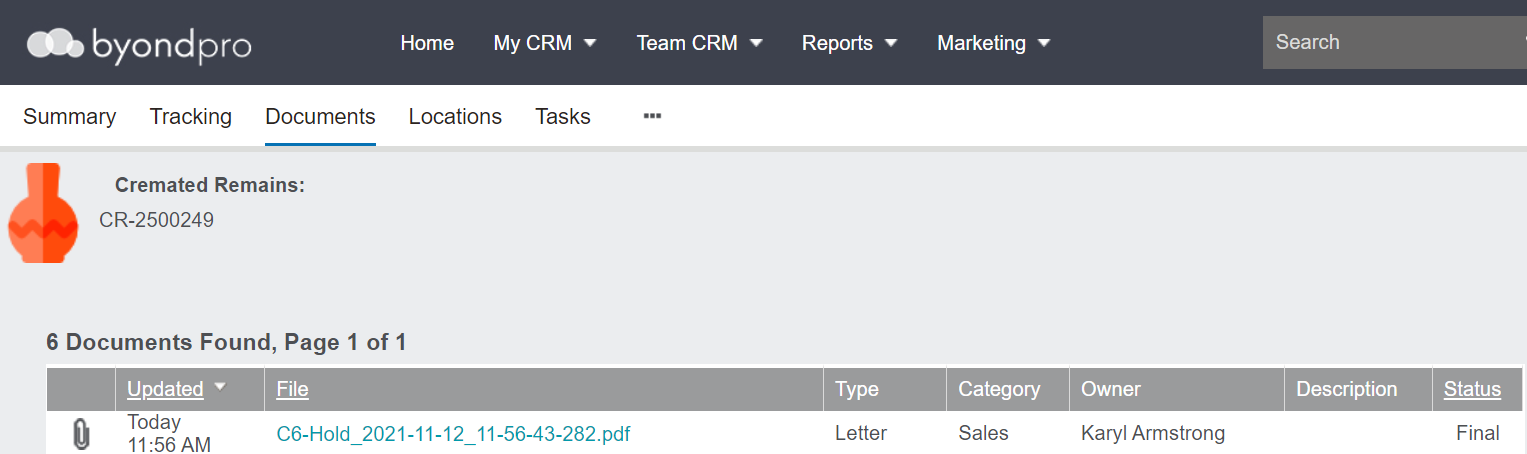
The document also displays on the Documents tab of the Deceased record.