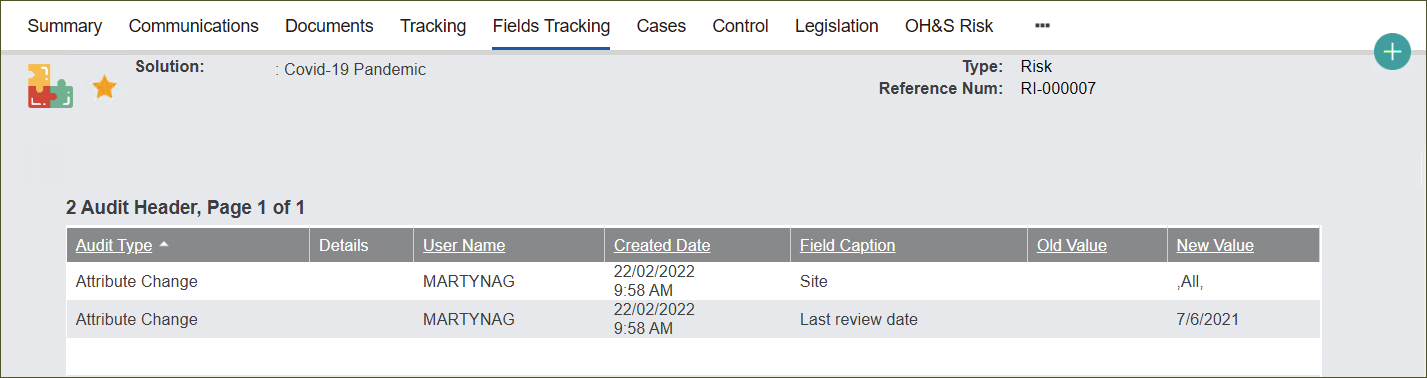
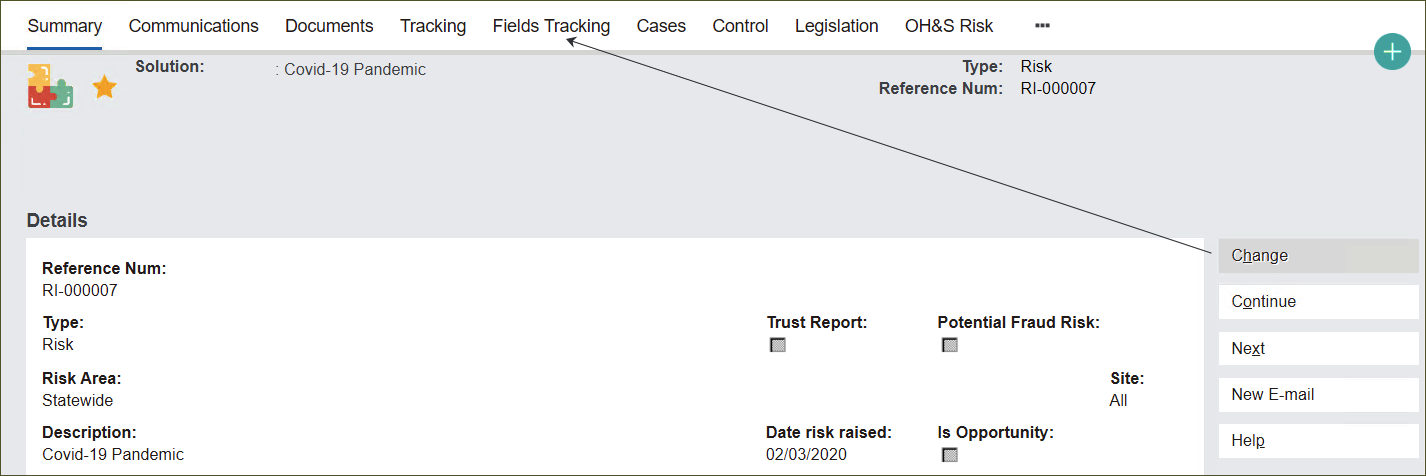
The Fields Tracking tab stores changes made to the record’s attributes using the Change button on the Summary screen.
Displayed information includes Audit Type, Details, User Name (who made the changes), Created Date, Field Caption (edited field), Old Value and New Value.
Note: You cannot make changes to the attributes from the Fields Tracking tab. See how to change attributes in Manage Solutions records.