Exhumed Remains Management
Following the exhumation, the remains will need to be managed to keep a record of what happened next.
Several scenarios may occur:
-
Re-interment within the cemetery (often to a mausoleum crypt)
-
Remains cremated
-
The remains may be sent elsewhere
Re-interment within the cemetery
(often to a mausoleum crypt)All usual processes apply through to completion of the booking where the deceased will be recorded as interred in the new location.
Remains cremated
All usual processes apply for the cremation and the subsequent Cremated Remains handling.
The remains may be sent elsewhere
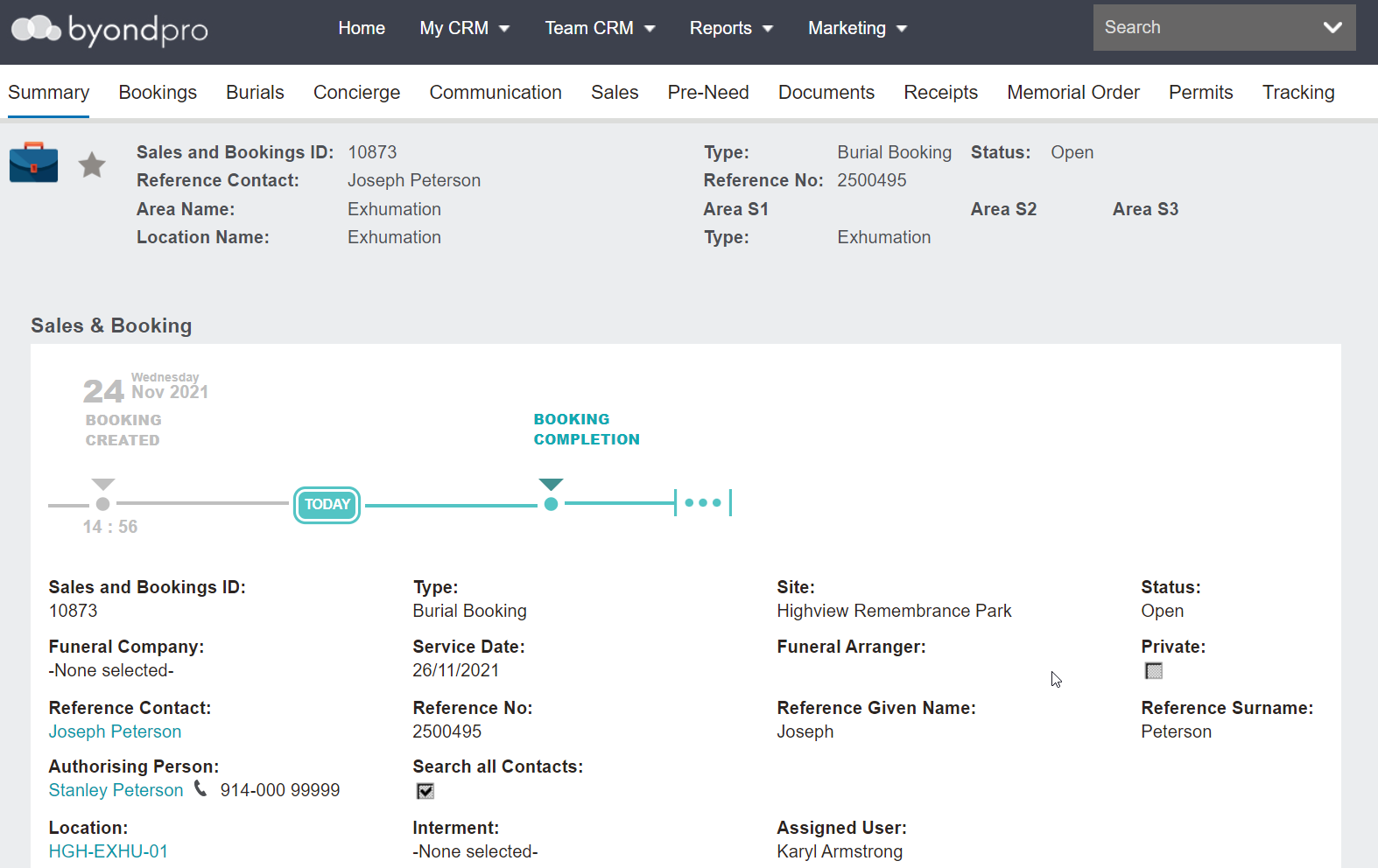
Only the summary details are required.
In the Location field, add the exhume location in your database.
In our example, the location is HGH-EXHU-01.
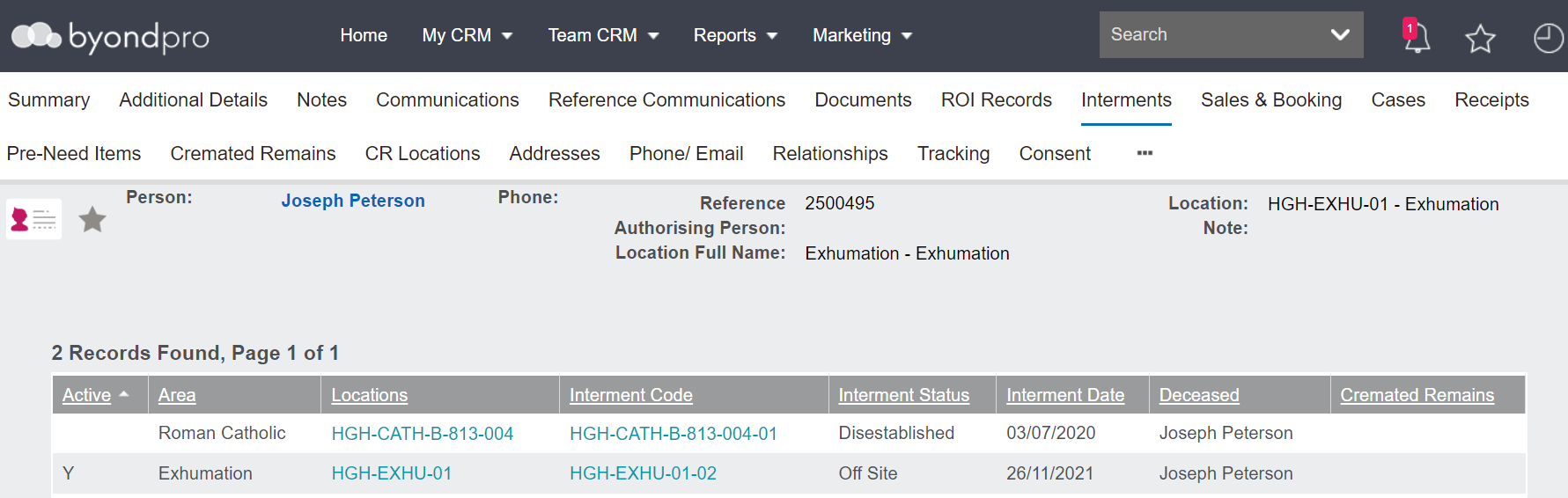
The Deceased record now shows as being in the exhume location with the interment status as set on the location shows as off site.
A couple of points to note regarding the location.
Customers may set up an Operational Status for the exhume location such as, Off Site or Unavailable, whichever they choose will display against the interment status on the exhumation line entry.
This then indicates to the cemetery staff that once the remains were exhumed they were relocate elsewhere / off site.