Editing Appointments
In order to edit appointments, click on the icon next to the Appointment in the Communications tab or the appointment displayed on the timeline of the Summary tab.
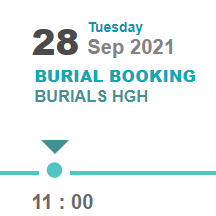
The appointment screen will appear.

Simply make the necessary changes and Save.
