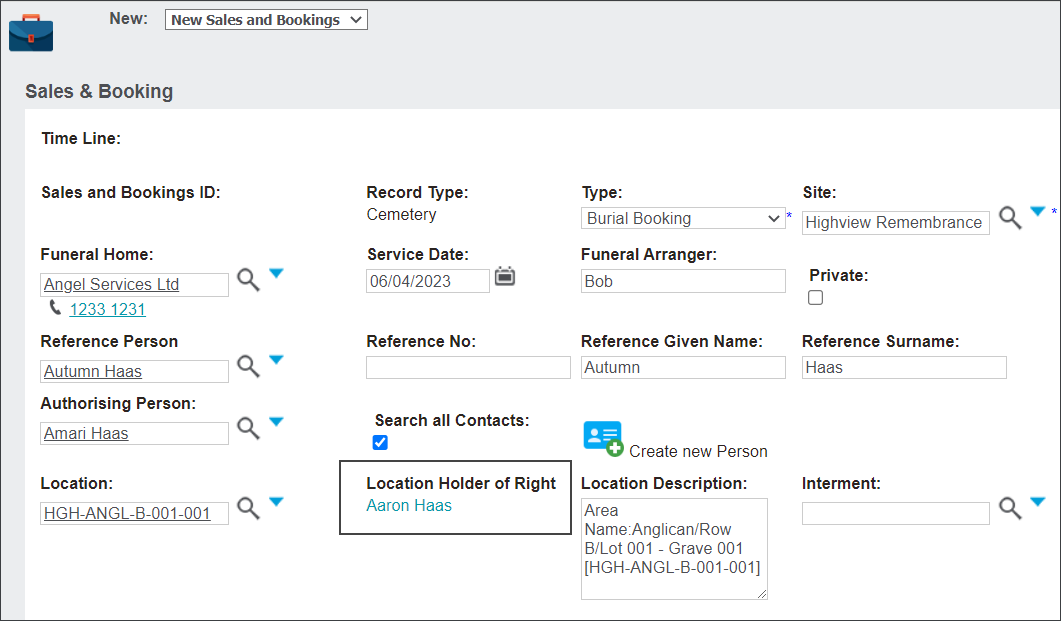
Dynamic Retrieval of Location HOR
On the Sales & Booking Summary screen, when a location with a Holder of Right has been entered in the Location field, the Location HOR field now displays with a link to the Holder of Right’s person record.
If there is more than one Holder of Right, a plus symbol is located next to the field name, indicating more Holder of Rights. 
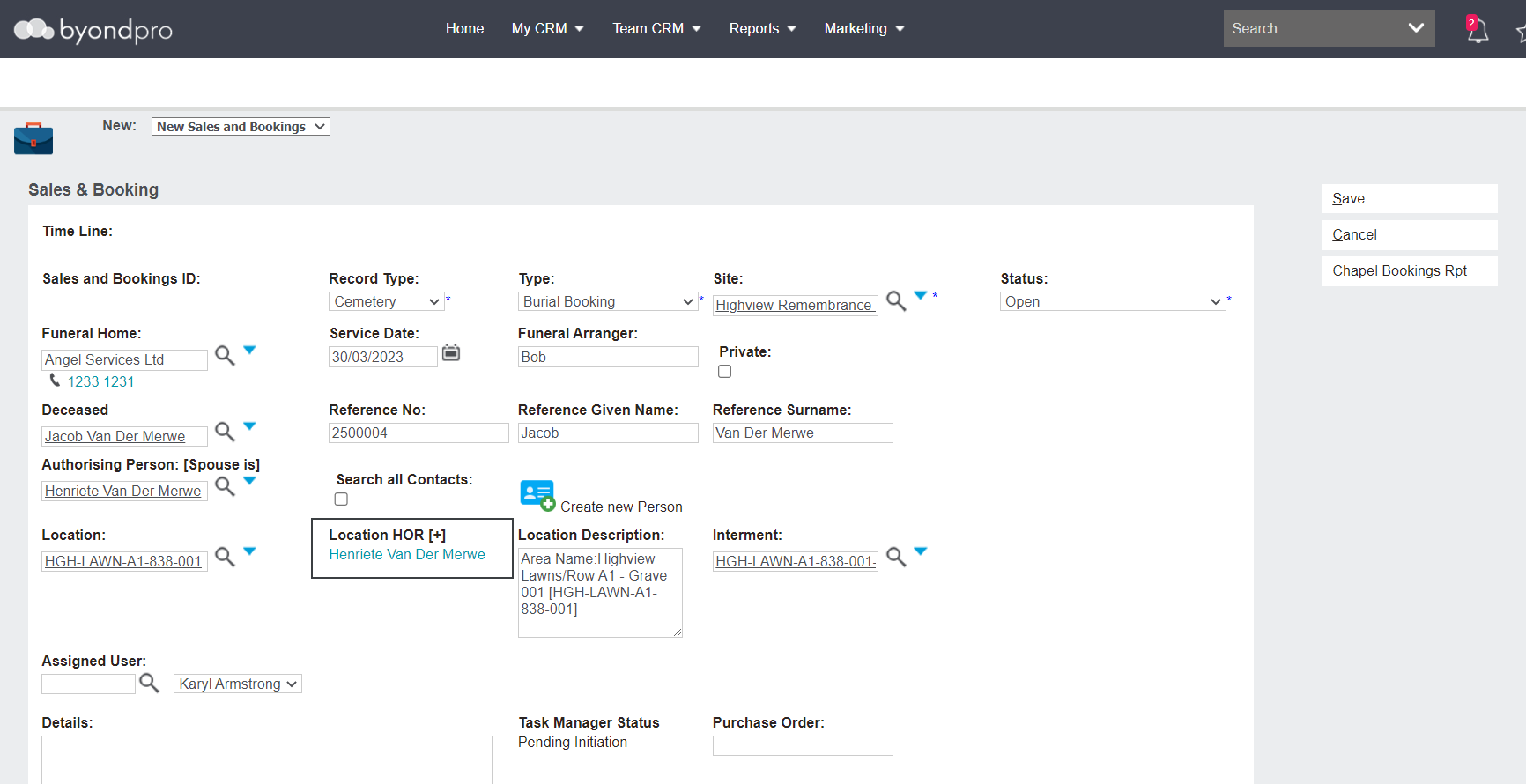
In addition, where a location selected is a ‘child’ grave in a group of locations, the Holder of Right for the parent location is now displayed.
In our example below, the child location is HGH-ANGl-B-001-001.
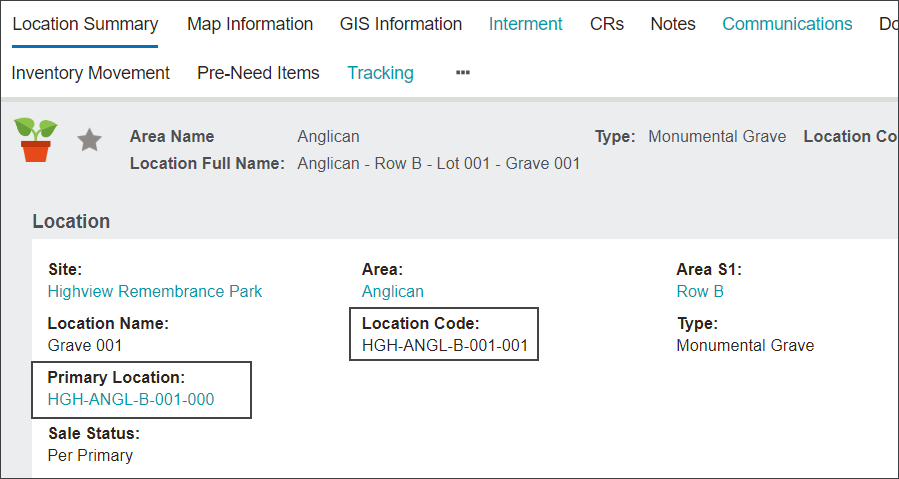
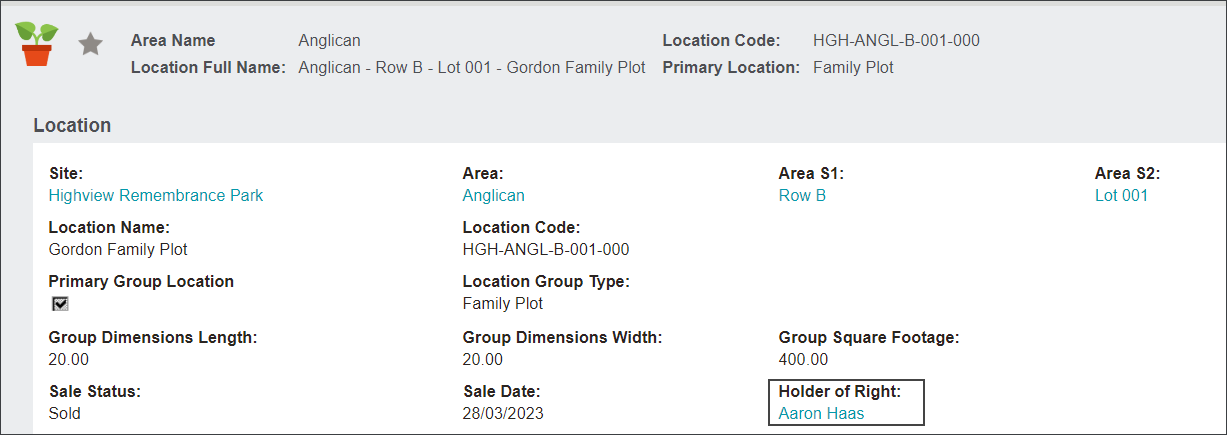
The primary or parent location of HGH-ANGL-B001-000 has a Holder of Right of Aaron Haas.
When adding the child location of HGH-ANGL-B-001-001 to the Location field on the Sales & Booking summary, the new Location Holder of Right field populates with the primary / parent location's Holder of Right.