Documents
The Documents tab stores related documents.
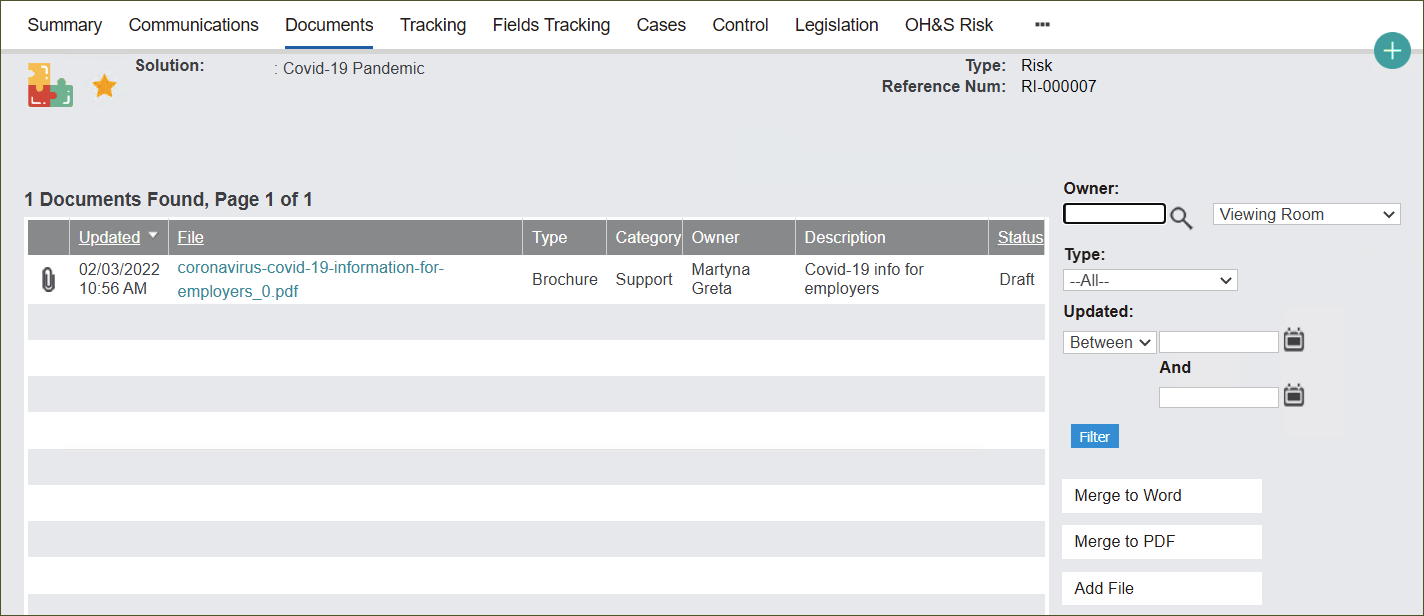
In the Documents tab users can:
-
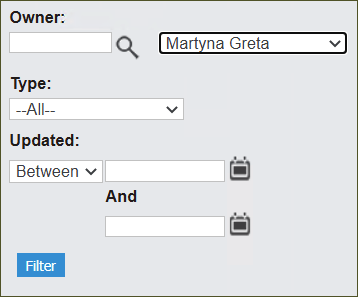
sort through all Document entries by selecting options on the right side of the screen and pressing Filter.
The filtering fields allow users to narrow down the search by Owner and Type of the document, and date it was Updated.
-
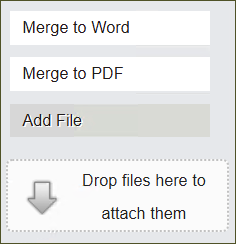
add new documents by clicking on the Add File button and following the prompts on a new screen.
-
change the format of document/s to Word or PDF by clicking Merge to Word or Merge to PDF button.