Individual users can be assigned permissions to delete cremated remains and the associated cremated remains locations.
On the user profile, the Can Delete CRs option must be ticked.
On the cremated remains summary screen, the delete option becomes available on the right-hand side of the page when you select the change button.
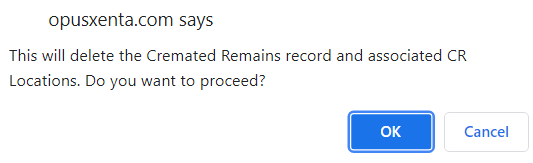
You will be asked to confirm delete.
Choose OK to proceed
A message advising the delete was successful will display.
Back on the person record:
The Cremated Remains Tab and the CR Locations Tab will no longer display the cremated remains record.
The Disposition on the person summary remains as cremated.
If the disposition should be current, further processes will need to be carried out.
For example, users could create a new ‘correct’ current record and merge this one into it. Alternatively, discuss your options with your OpusXenta services consultant.
Interment records are not updated as part of this process, clearing any interment records needs to be managed separately.
A tracking record is written on the deceased person record to track the record changes, noting Cremated Remains Deleted and the originating CR-reference number.