Cremated Remains Record Search
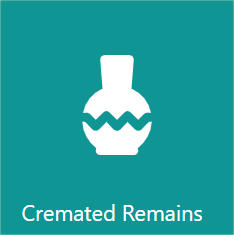
To search for a cremated remains record, locate the Cremated Remains tile on the dashboard.
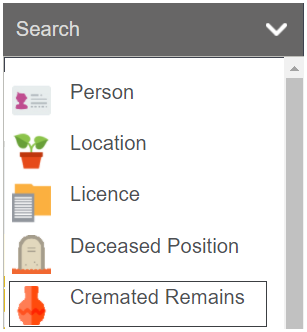
Alternatively, click on the arrow next to the search from the toolbar and choose the Cremated Remains option.
You will be taken to a search page.
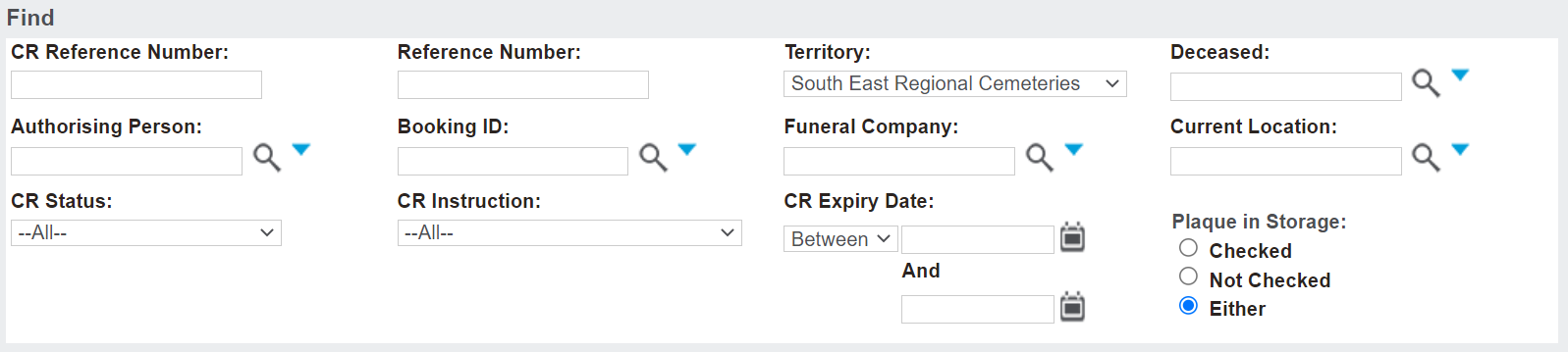
Using the information, you have, complete the relevant fields, then press Find on the right-hand side of the page.

A list will appear below with all the relevant cremated remains records.
The following information will display:
-
A hyperlink to the CR Reference number
-
The Deceased name
-
A hyperlink to the current location
-
CR Instruction
-
The CR Status
-
The Funeral Company.

Click on the cremated remains hyperlink to be taken to your desired cremated remains record.