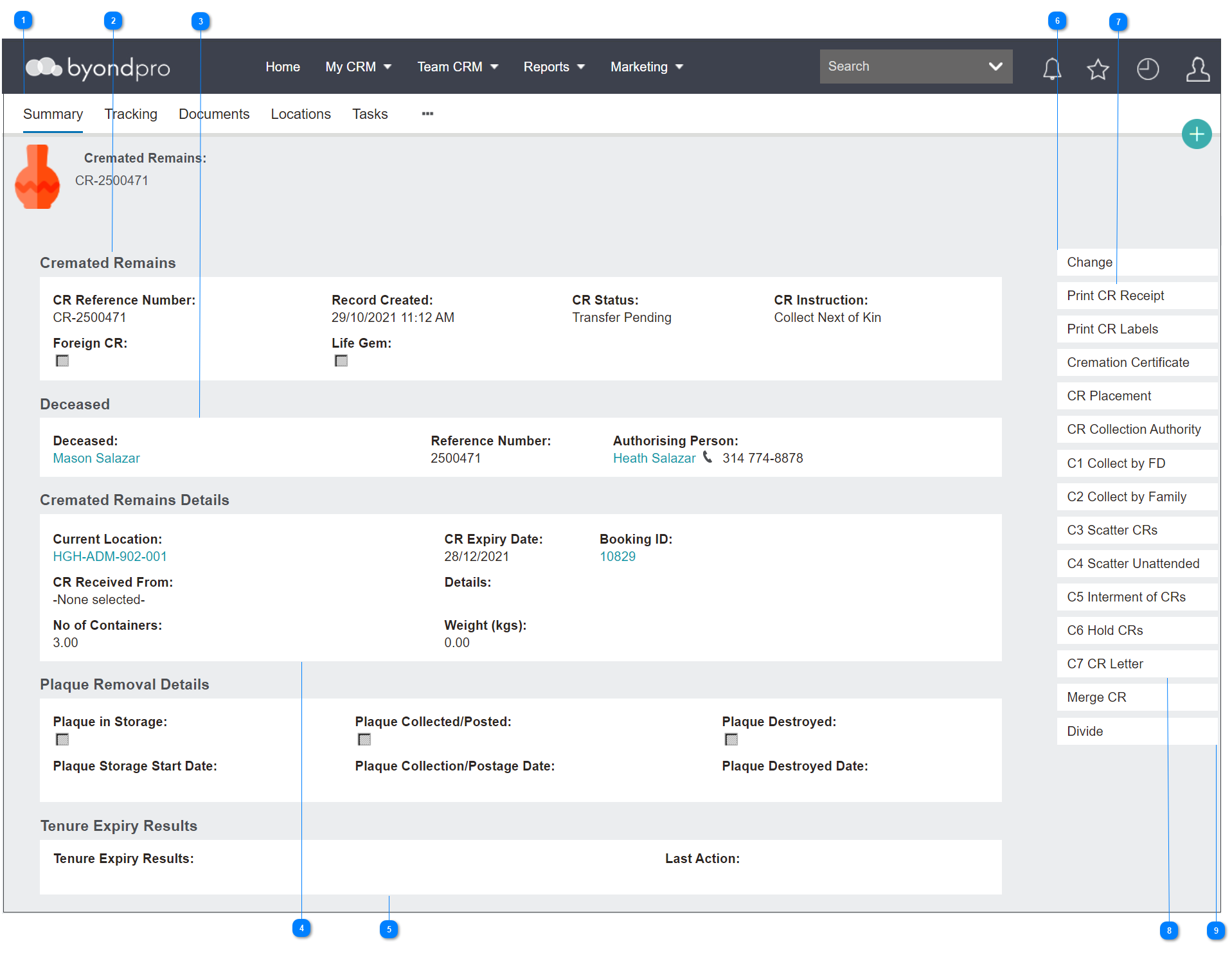
A Cremated Remains (CR) record will look as per below.
Let’s review the contents of the page to get a sense of what information can be found here.
|
The Cremated Remains record has multiple tabs that can be used to complete and track actions on a CR record and will be explored in the next sections of this guide.
|
|
In the Cremated Remains information block, there is basic information about the cremated remains record you are viewing.
The field of CR Reference Number is the number allocated at the time of creating the cremated remains record, is system generated and cannot be edited.
The Record Created field provides the date and time the record was created for tracking purposes.
The CR Status and CR Instruction fields show the status and last task instruction and can only be edited through creating tasks.
The Foreign CR field flags if the record was cremated outside of the cemetery trust. On our example, the cremated remains were cremated on site and therefore is not flagged.
The field for Life Gem is used to flag that a small portion of the ashes have been carbonised into diamonds or gems.
Users can flag CR records as life gems by simply pressing the Change button on the right-hand side of the page and ticking the Life Gem box.
|
|
The Deceased information block provides information about the deceased record the CR record is linked to.
There is a hyperlink to the Deceased’s record and the Authorising Person's record.
Also, displaying is the deceased’s Reference Number.
|
|
The Cremated Remains Details Information block provides more information about the CR record you are on.
There is a hyperlink to the CR's Current Location.
The CR Expiry Date field relates to the timeframe that the cemetery needs to hold the CRs in the current location before further action is required.
For CRs cremated on site, there will be a link to the cremation booking that the cremated remains were cremated in.
If the CRs were cremated elsewhere, a Sales & Booking hyperlink is not likely.
However, there could be a link to who the CRs were received from in the CR Received From field.
Further details can be added in the Details field, such as in the case of Foreign CRs where the deceased was cremated with details of that cemetery.
If there are multiple containers, these can be noted down in the No. of Containers field.
The Weight of the CRs can also be noted.
|
|
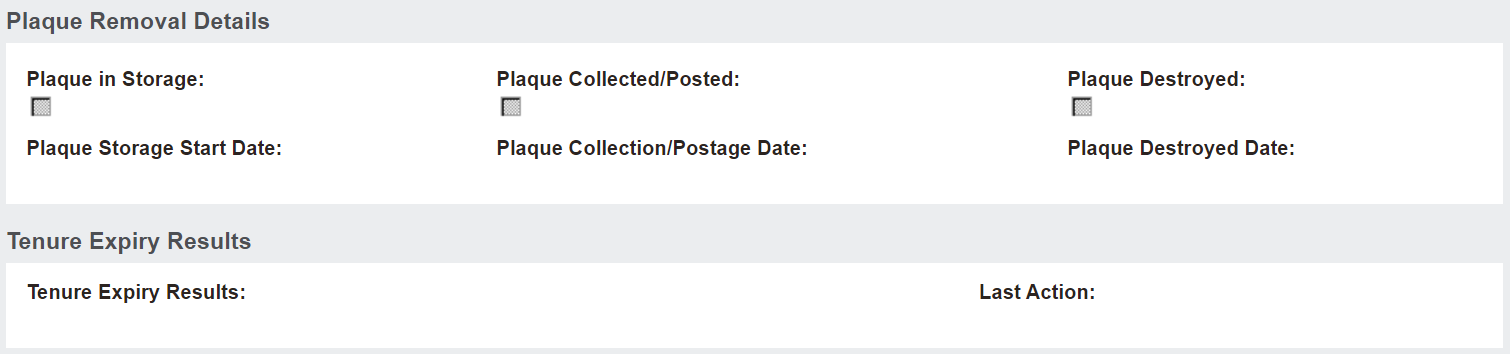
The Plaque Removal Details and Tenure Expiry Results information blocks relate to the location expiring and disestablishment of the location.
|
|
To update some of the fields, you can simply press the Change button on the right-hand side of the page to enter edit mode.
Please note that user settings may not allow some users to make changes on this screen.
Before editing items on this page, ensure that you have followed all the required processes such as creating tasks, memorial orders, etc.
|
|
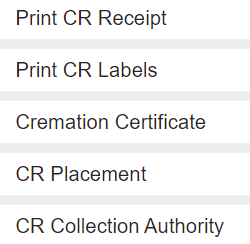
Below the Change button are various buttons with printable documents for different uses.
In the case of Foreign CRs, users might want to send a receipt confirming the CRs have been received by the cemetery by clicking on the Print CR Receipt button.
Crematorium staff may use the Print CR Labels button to add labels to the CR containers and paperwork.
Once the cremation has occurred, click on the Cremation Certificate button to send a copy to the relevant parties.
The CR Placement form can be used for the authorising person to confirm the placement of the cremated remains in a location on the cemetery grounds.
Should the CRs be collected, perhaps a CR Collection Authority form needs to be completed for the authorising person to confirm someone else may be picking up the cremated remains.
|
|
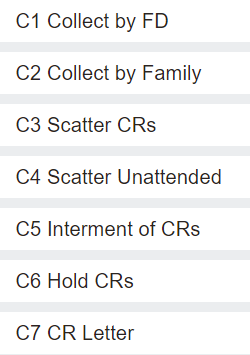
The action buttons of C1-C7 contain various pro forma forms that OpusXenta offers for customers to follow up on requested actions regarding the cremated remains.
The letters and how the buttons display may vary from customer to customer depending on their needs.
|
|
From time to time, Cremated Remains records may need to be divided as they will end up in different locations.
The Merge and Divide functions will help the cemetery to track this kind of movement within byondpro.
User security may limit access to these buttons.
|
The online help was created with Dr.Explain
|