Creating an Invoice
When ready to generate the invoice for the Bill To entity, simply follow the steps as outlined in the Creating an Invoice section of this guide.
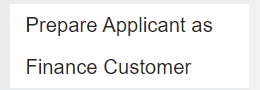
Remember, in the case of a Bill To Applicant where the customer is not yet known to the finance system, users will need to select the Prepare Applicant as Finance Customer button before invoicing.
To create the invoice, choose the Create Invoice button on the sales order.

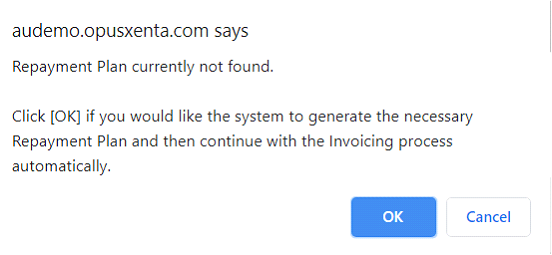
Remember, if no Repayment Plan has been created, a message will ask to confirm if a plan should be created.
A second message will appear stating that the invoice is created. Press OK.
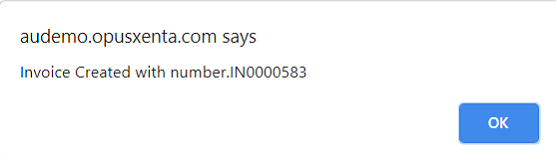
Completing this process does not automatically save the invoice to the sales order or send a copy to the intended recipient.
To generate and / or send the invoice, follow the steps in the Generating Reports & Sending Documents section of this document.