Create new Solution
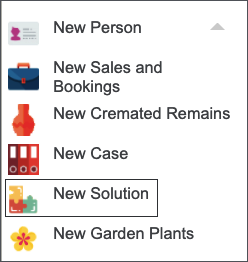
Press New icon and select New Solution from the drop-down list.
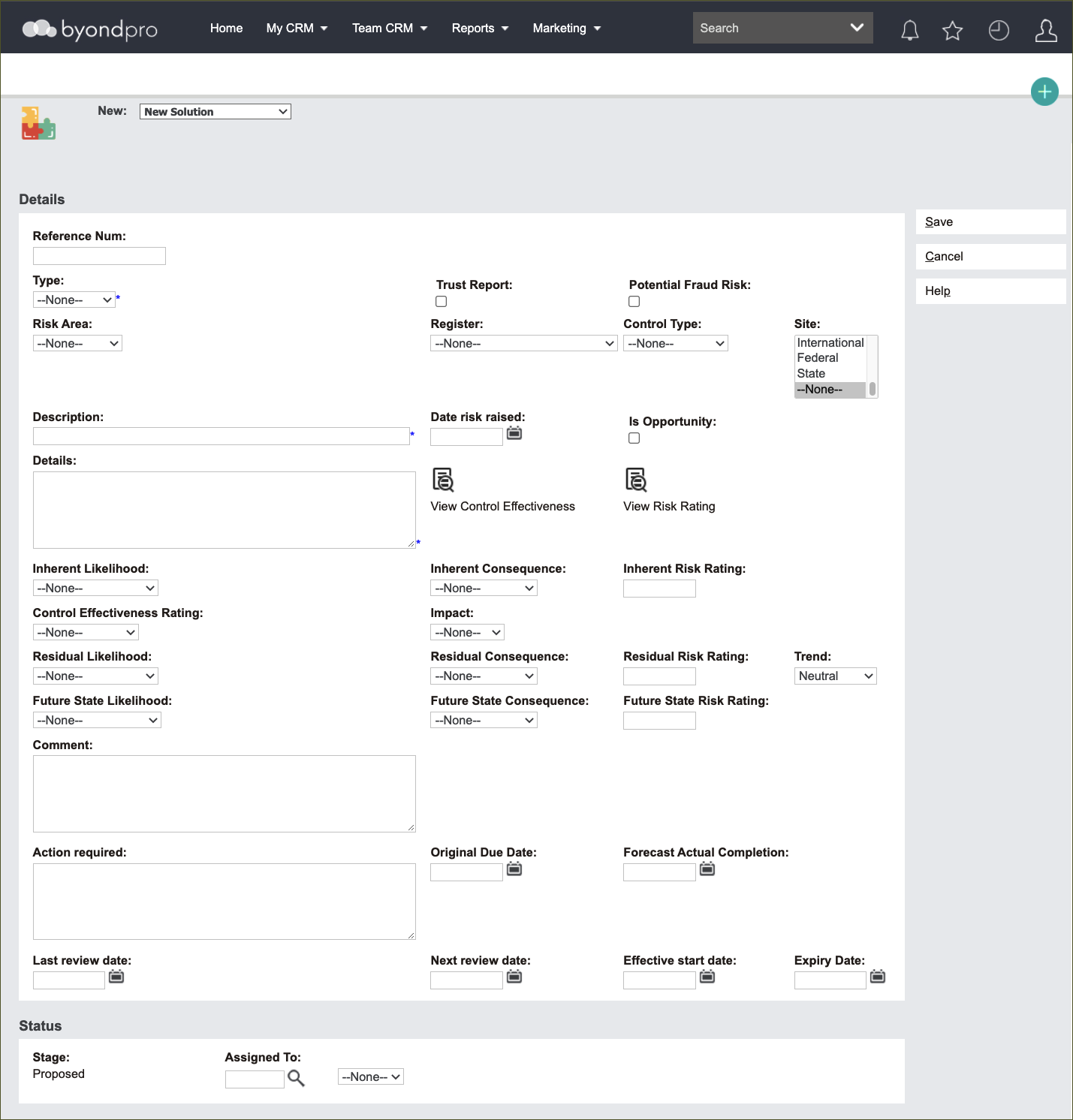
A screen will appear with a range of options to describe the new Solution.
The screen offers a number of fields due to the informative aspect of these records.
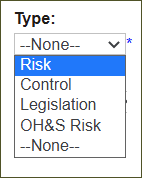
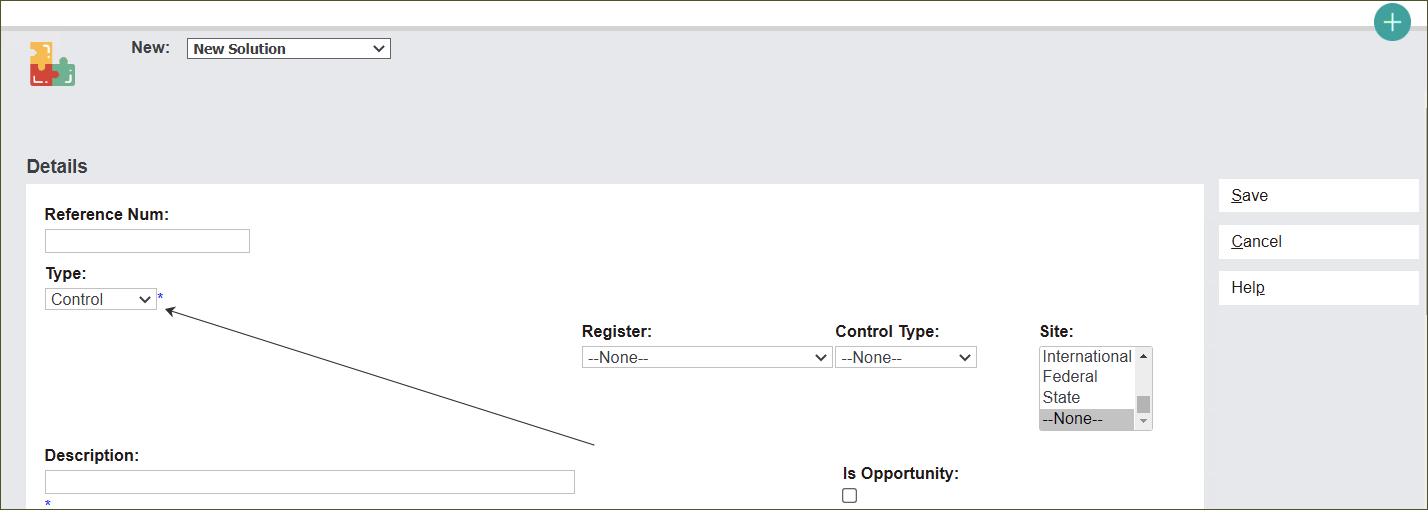
Click Type and select from the options.
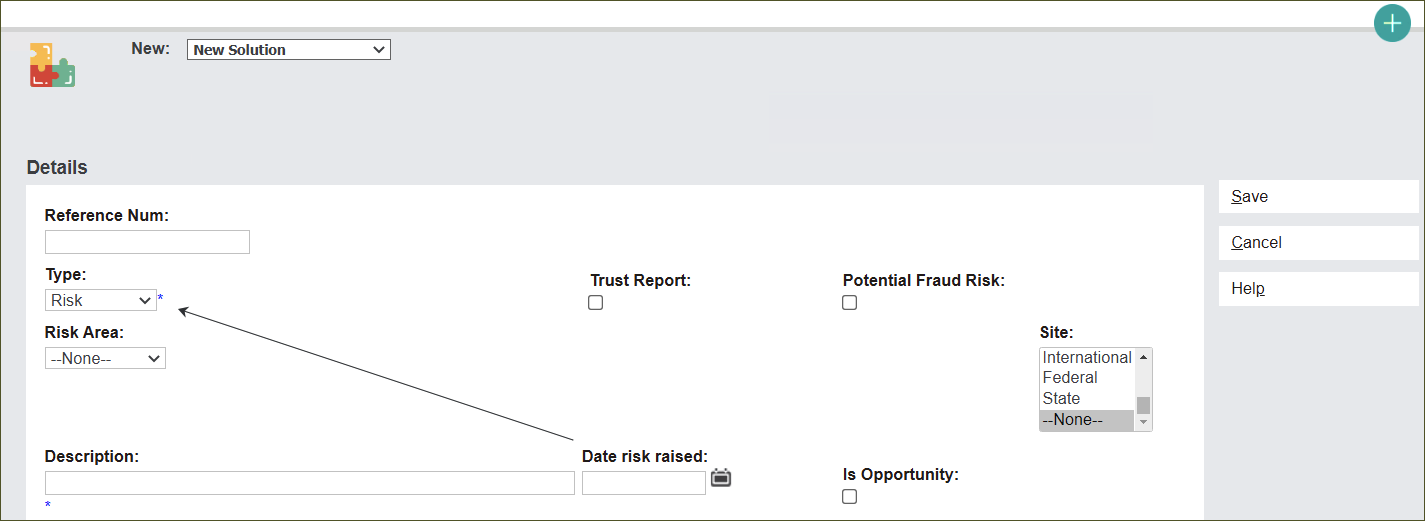
The screen will alter depending on the Type selected. It depends on the information needed to describe a particular Solution.
For example, Risk and OH&S Risk require information about the initial date of raising the risk. However, this information is not required for Control and Legislation records.
Individual fields and functions will be discussed in greater detail when creating individual Solution Types.