Create new Case
Press the New icon and select New Case from the drop-down list.
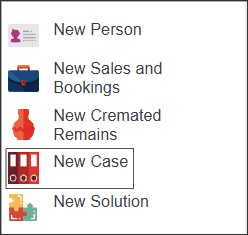
A screen will appear with a range of options to describe the new Case.
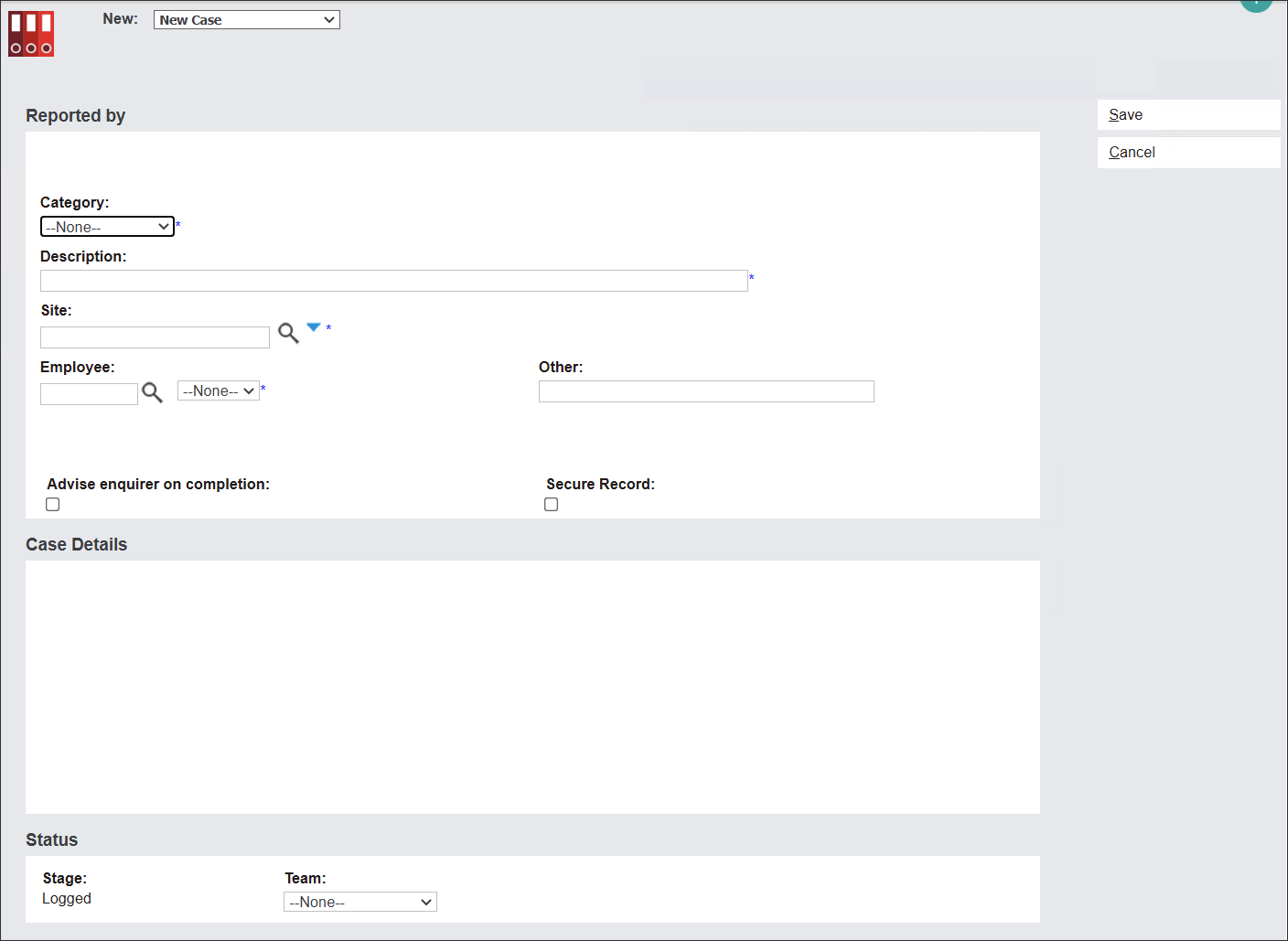
Cases in byondpro share the same Reported By and Status information blocks.
The Case Details section alters depending on the chosen Case category.
Cases are divided into three categories.
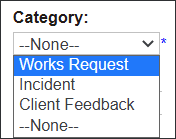
Works Requests capture short-term issues that need a quick solution, for example pruning roses.
Works Requests can also be generated as a result of Incident or Client Feedback records.
Incidents are occurrences that require potential investigation and follow-up mechanisms, for example a visitor collapsing at a cemetery site.
Client Feedback records contact with clients; positive and negative.
Individual fields and screens will be discussed in detail when creating individual Cases.