Create a Sales & Booking
The first step in creating a new permit is to create a New Sales and Bookings entry.
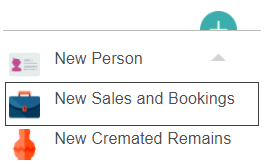
Click on the green plus button on the top right-hand side of the byondpro screen.

Select New Sales and Bookings from the dropdown.
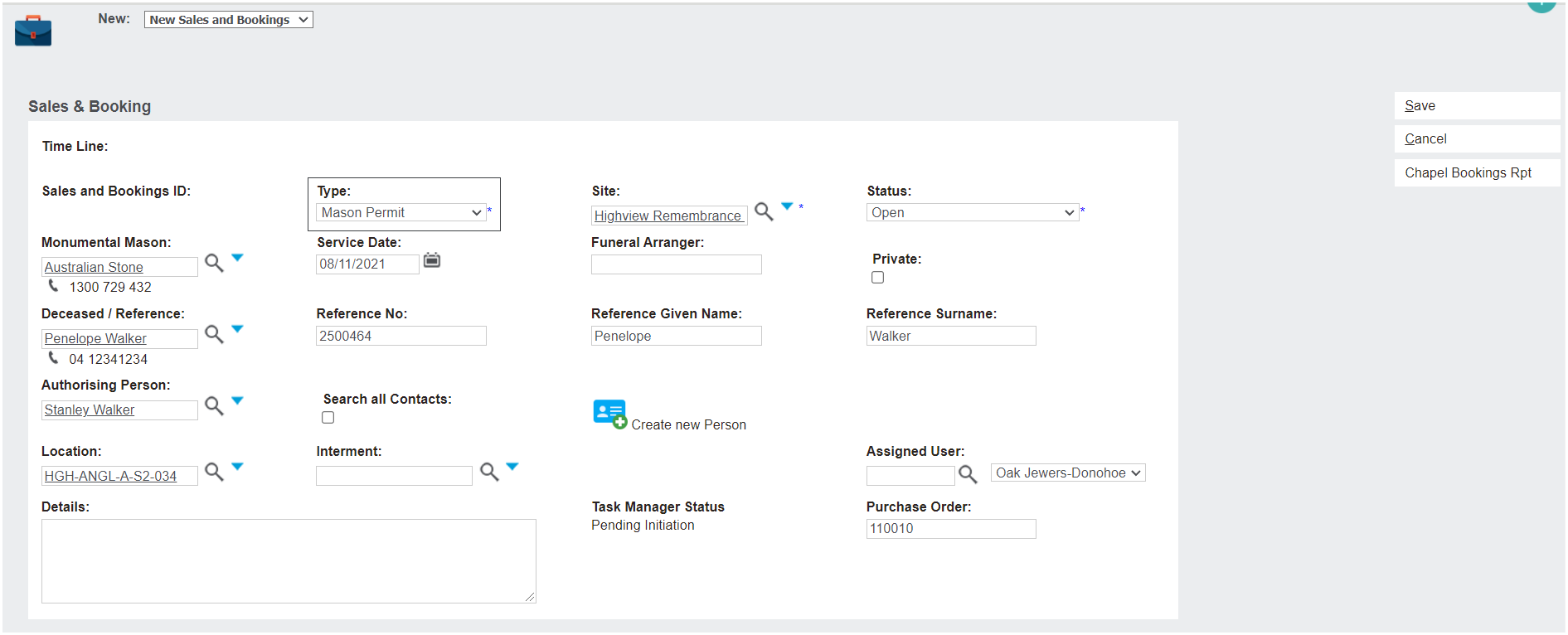
On the New Sales and Booking page, fill out such details as:
-
Monumental Mason
-
Deceased / Reference Person
-
Authorising Person
-
Location
-
Site
-
Etc.
When choosing the Type, make sure you select the Mason Permit option.
Click on the Save button on the right-hand side of the screen.
The new Sales & Booking record will be created and you will be taken to the Summary tab. We will be returning to this page throughout the permit review process.
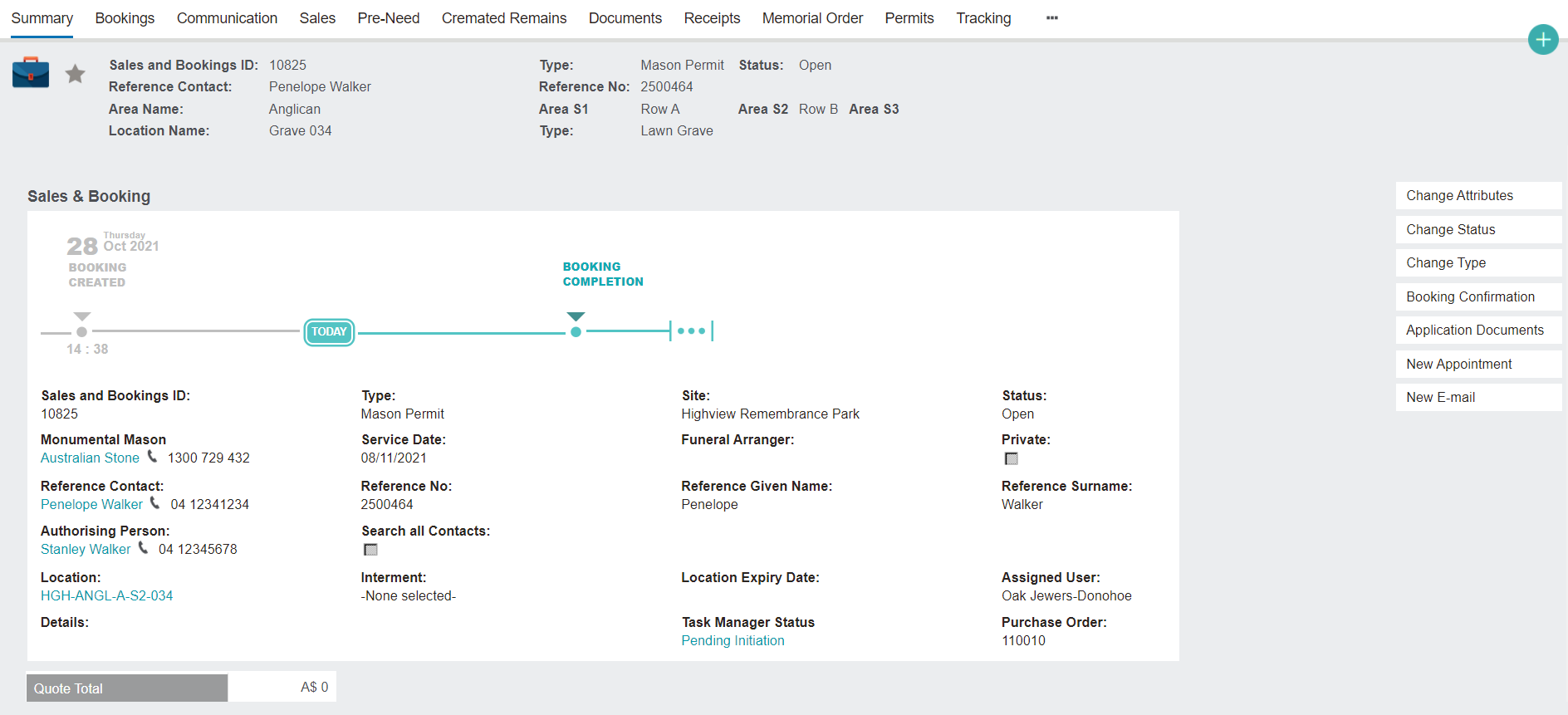
Once all Sales Orders have been completed on the Sales tab and the Mason Permit has been created on the Permits tab (as will be discussed in the next topic), you may close the Sales & Booking record by clicking Change Status:
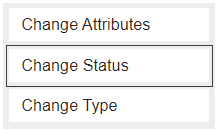
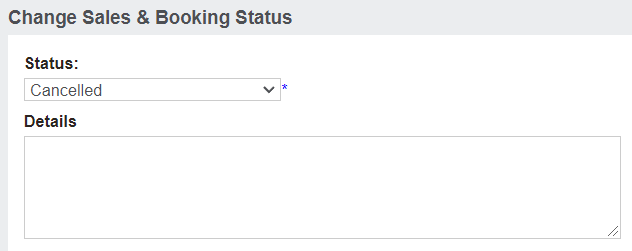
Then changing the Status to either Completed or Cancelled:
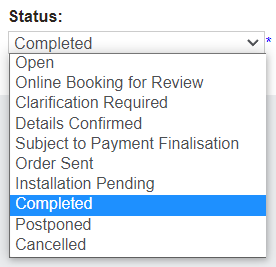
If the booking is cancelled, a cancellation reason will need to be supplied in the Details field.