CR Task Statuses

Purpose
Cremated Remains tasks are used to record the movement of CRs through the cemetery facilities. Staff can prepare CR tasks as a means of issuing instructions to the crematorium and operations teams. The CR task status indicates whether the task is waiting for action or has been completed.
CR tasks create “to do” tasks in the assigned individual’s or team’s CRM calendar.
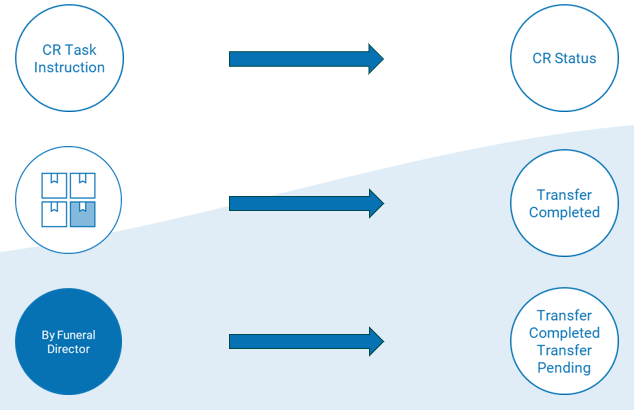
CR Task Statuses
CR Task statuses indicate whether a task is planned (scheduled), in progress or completed.
|
CR Task Status
|
Description
|
Associated Rules
|
|
Transfer Pending
|
Is the next task / action required
|
|
|
Transfer Completed
|
Means the CR Task has been actioned
|
|
|
Statuses relating to CR Scatter Instructions
| ||
|
Scatter Approval Required
|
Used when Scatter by Default and Disestablishment instructions have been issued. Intent is to have second staff member check & authorise the disposal of ashes.
|
|
|
Scatter Pending
|
Indicates CRs due to be scattered
|
|
|
Scatter Completed
|
Means the CR Task has been actioned
|
|