Control
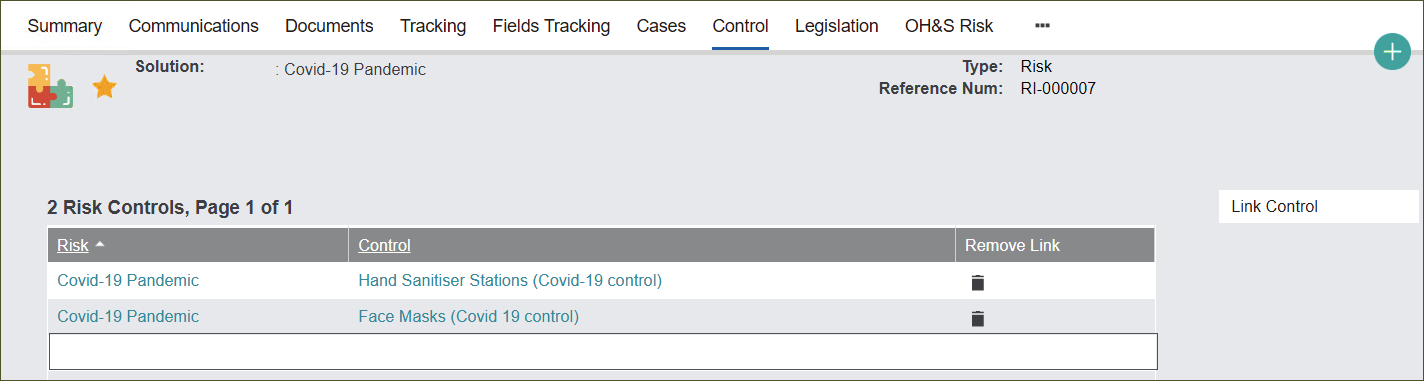
The Control tab stores Controls related to the Solution record.
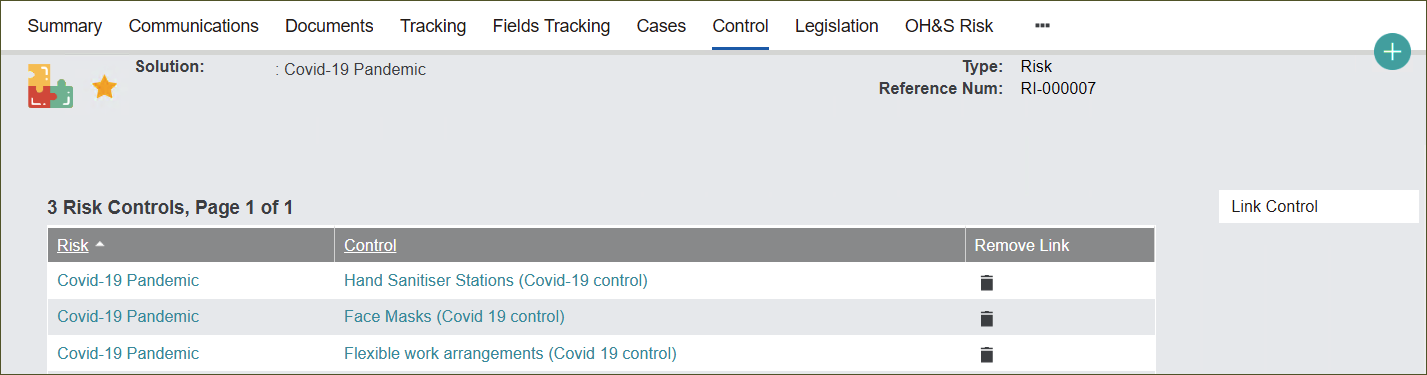
From this tab you can link and remove Controls related to the record for cross-referencing purposes.
Link Control
Press the Link Control button to attach an existing Control to the Risk record.
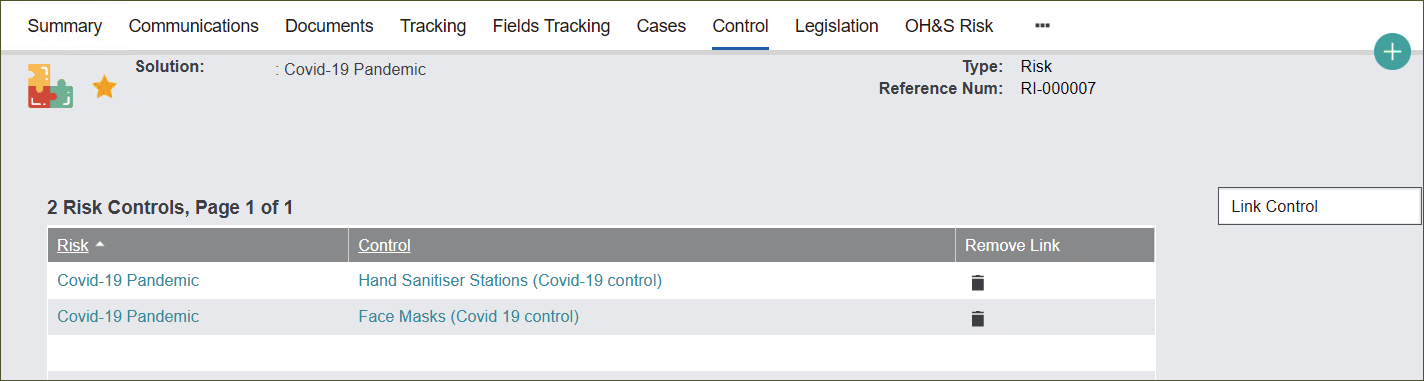
The Risk Controls screen will appear.
In the Control field type in the reference number of a particular Control e.g. CO-000005 and press the magnifying glass icon to secure the selection.
Alternatively, you can type in the wildcard symbol %, then type in a part of the Control’s description e.g. Covid. Press the magnifying glass to view Controls that have the word ‘Covid’ in the description.
Click on the chosen Control.
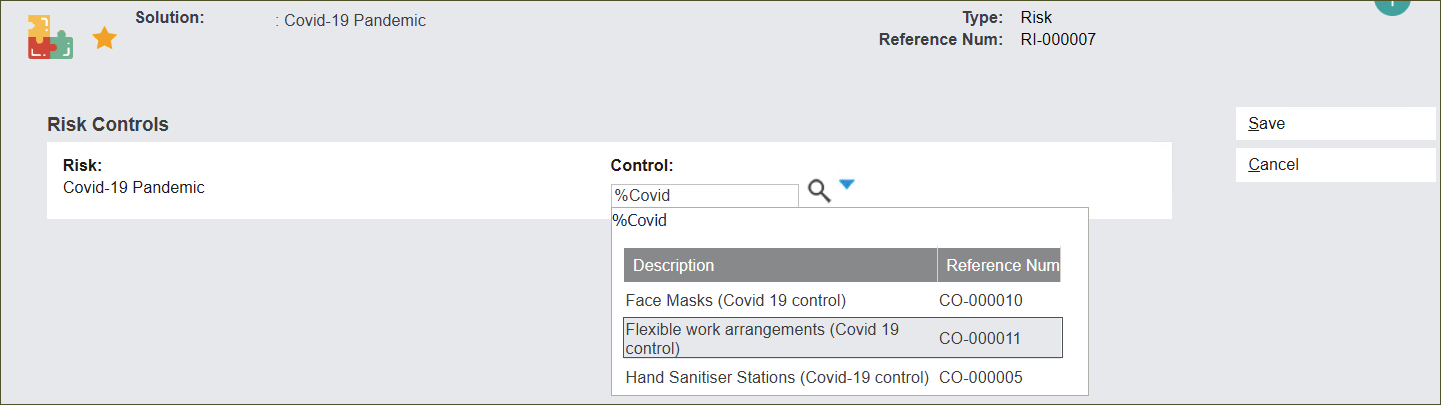
Press Save to link the Control.


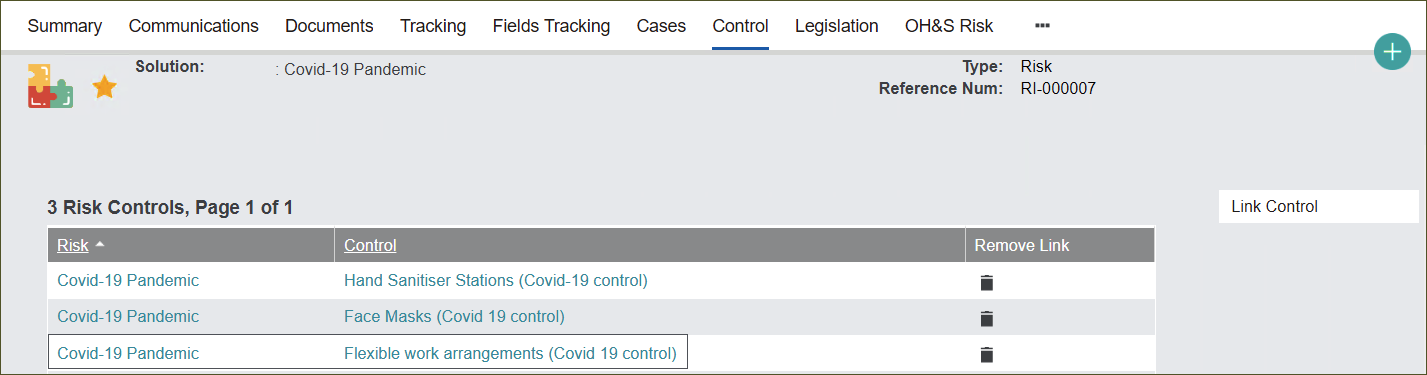
Remove Link
Remove Link by pressing the bin icon in the Remove Link column.
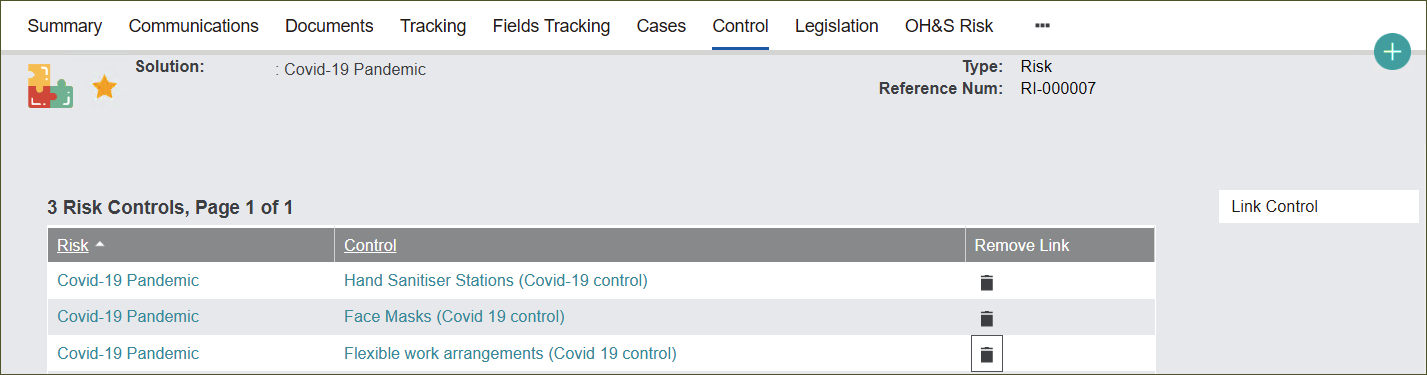
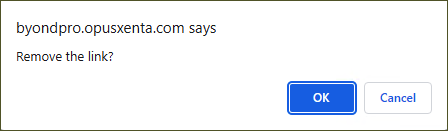
The system will confirm before deleting the link with a pop-up window.
Press OK to remove the link or Cancel if chosen in an error.