Contract Configuration
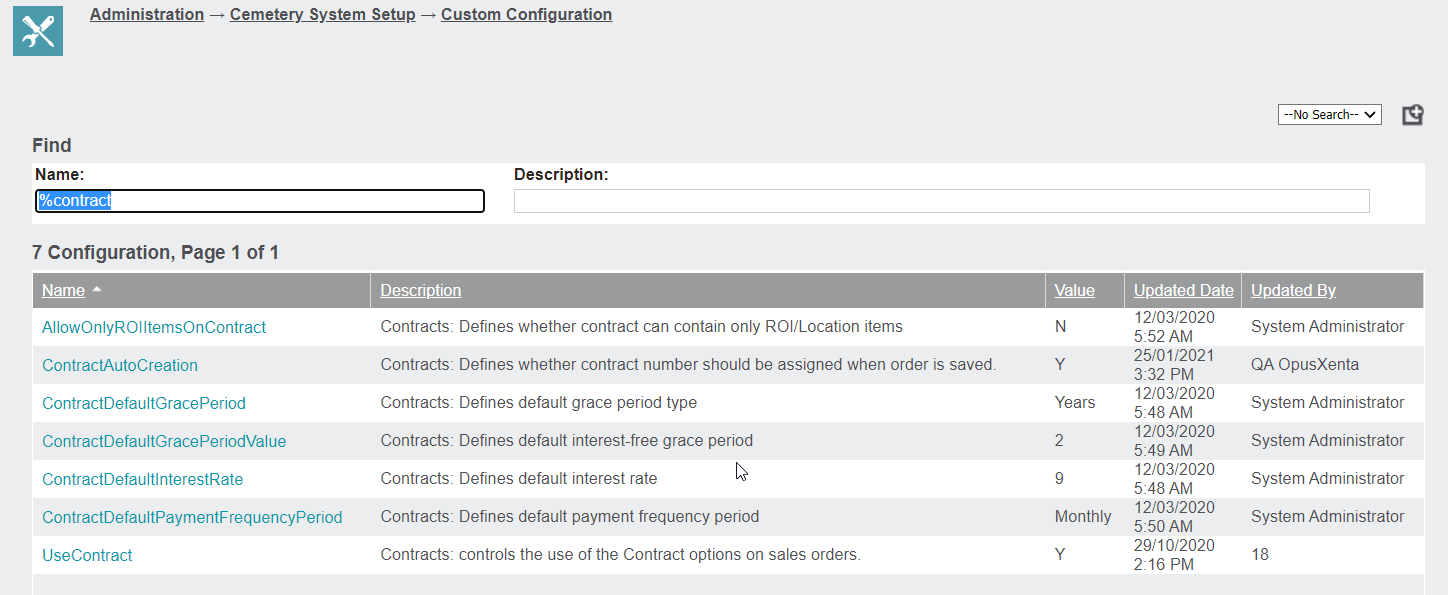
Custom configuration setups for the Contracts module can be found by navigating to Administration -> Cemetery System Setup -> Custom Configuration and conducting a search for %contract to find all the associated configuration pieces for contracts.
There are seven configuration pieces for contract functionality.
Use Contract
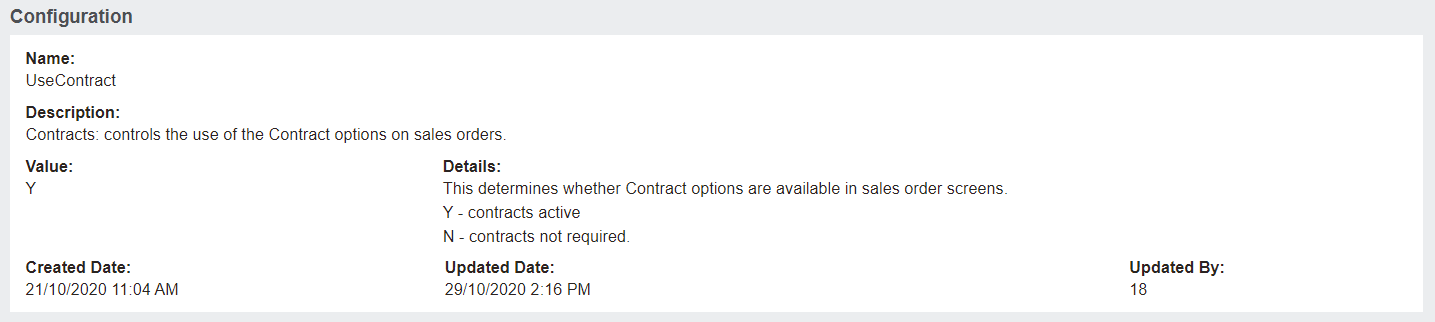
UseContract
This setting controls whether the contract functionality is in use or not.
Y, to activate contracts
N, if contracts are not required
Payment Frequency
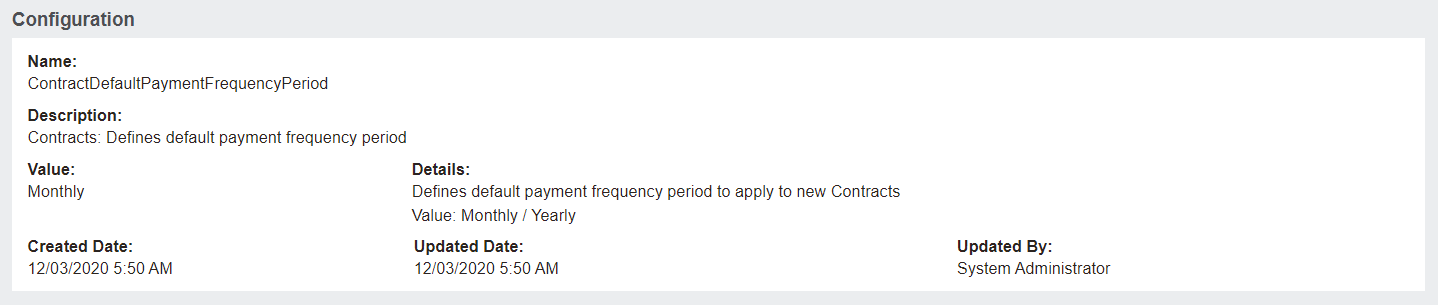
ContractDefaultPaymentFrequencyPeriod
When new contracts are created this configuration setting defines whether the payment frequency is monthly or yearly.
Default interest Rate
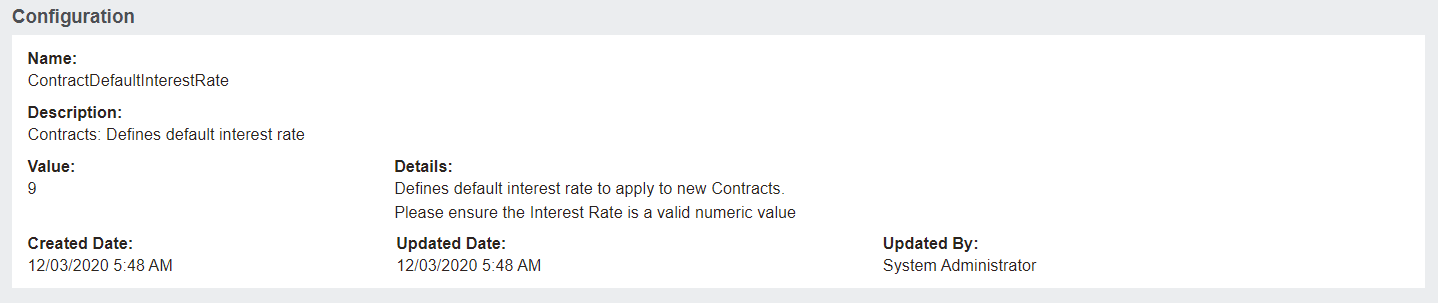
ContractDefaultInterestRate
This is where the default interest rate is defined, ensure this is a valid numeric value, the % sign is not required.
Grace Period
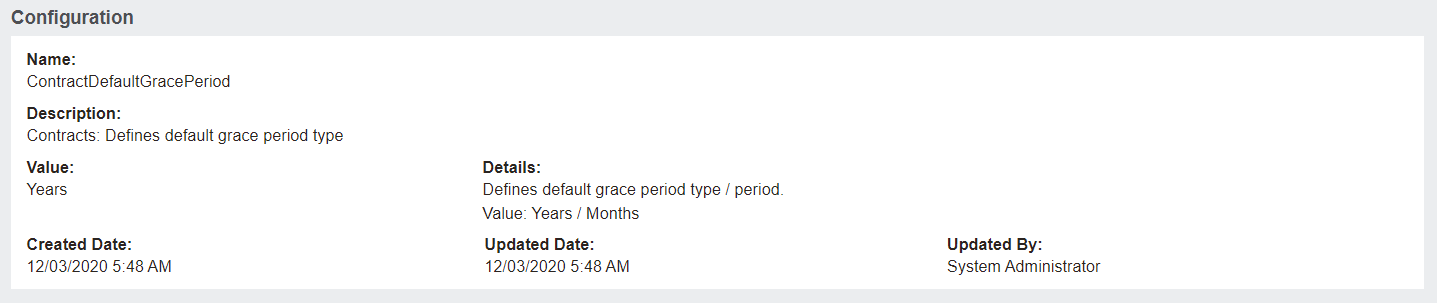
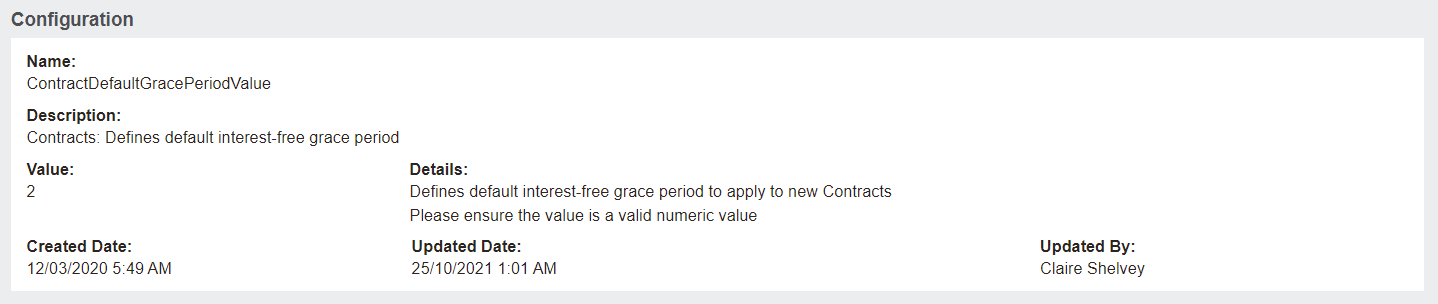
ContractDefaultGracePeriod and ContractDefaultGracePeriodValue
Where the setting on GracePeriod is in either, years / months, this configuration works in conjunction with the GracePeriodValue setting where the number of years / months are defined.
Default grace period value defines the number of years or months based on the setting on default grace period.
Auto Creation
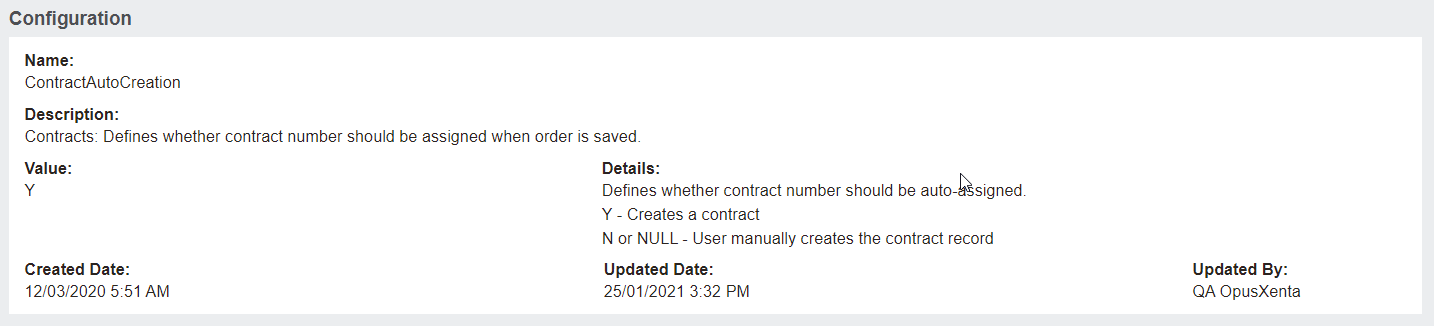
ContractAutoCreation
When a customer wishes to manually assign the contract record number, this setting should be set to either N or NULL.
If contract numbers are auto assigned, set this to Y.
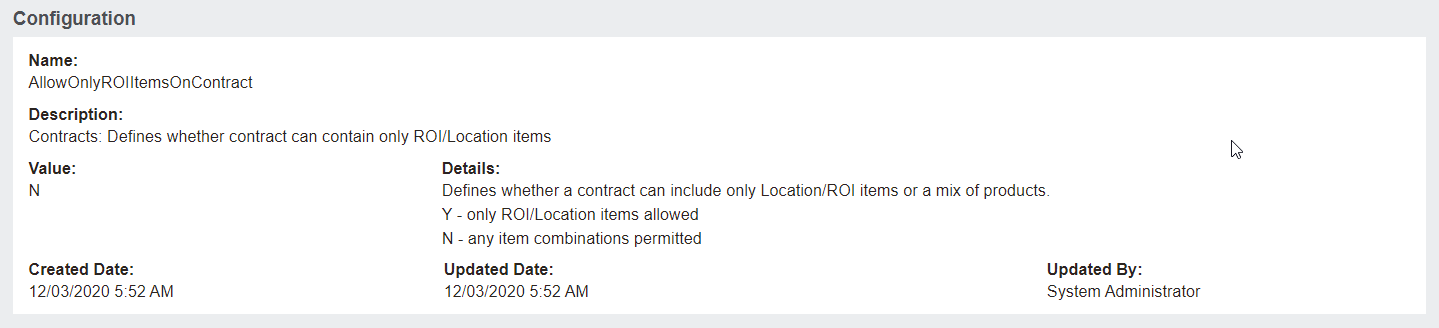
Allow Only ROI Items
AllowOnlyROIItemsOnContract
Some customers will only allow contracts to be created where an ROI / Location is part of the sale.
In this case, this configuration setting should be set to Y.
Where a customer allows any combination of items to form the contract, this configuration setting can be set to N.