Communications
The Communications tab allows to view and create related Communications records.
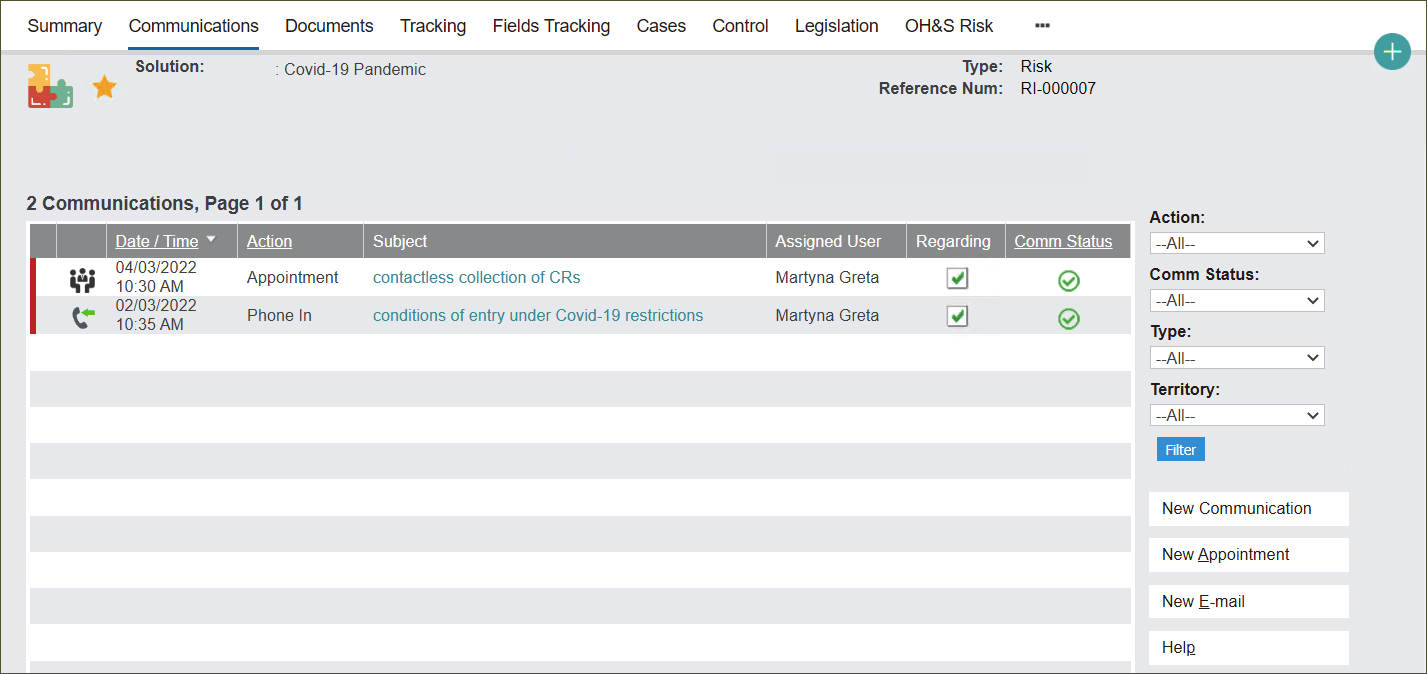
In the Communications tab you can:
-
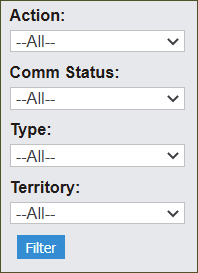
sort through all Communications entries by clicking on the drop-down menus on the right side of the screen and pressing the Filter button,
The filtering fields allow to narrow down the search by Action, Communication Status, Type and Territory.
-
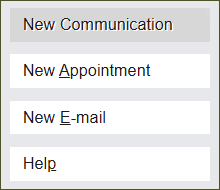
creating new Communications entries by pressing buttons: New Communication, New Appointment or New E-mail to open new screen/s respectively.