This feature allows the user to change the assigned territory on a person record, with options to update the reference number and the CR record as well.
A reference number has not been issued
Where a reference number has not yet been assigned, users can
-
Select the
Change Territory button from the Person summary screen
-
Add the correct territory
-
Leave the
issue new reference number unticked
-
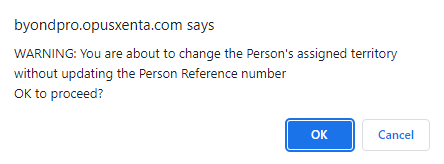
If the Issue New Reference Number is not ticked, a warning message reminding the user will appear. This is to ensure you have not inadvertently forgotten to check the box.
A reference number has been issued
Where a reference number has already been assigned against the incorrect territory.
Select the Change Territory button on the right-hand side of the page.
Select the territory from the drop-down selections in the Change Territory To field and tick the Issue New Reference Number option.
The reference number will be issued in line with the new territory’s numbering convention.
A reference number has been issued and there is a Cremated Remains Record attached
On the Person summary screen, select the Change Territory button on the right-hand side.
The user will be able to select the Change Territory To, choose to Issue New Reference Number and Update CR Reference Number.
By making these selections the reference number and the CR reference number will be updated in line with the new territory’s numbering convention.
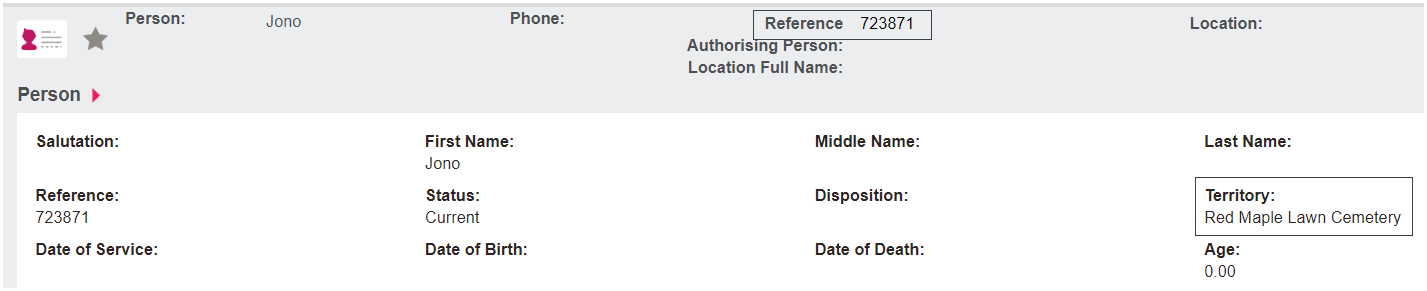
In our example, Melinda Grey transfers from territory Red Maple Lawn Cemetery with reference number 712650
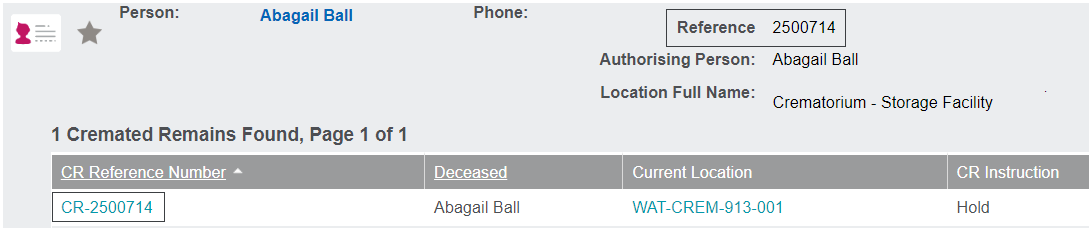
To Highview Remembrance Park with reference number 250014 and cremated remains reference number updates to CR-2500714.
Tracking records are written to keep track of any updates that are made.