Category Setup
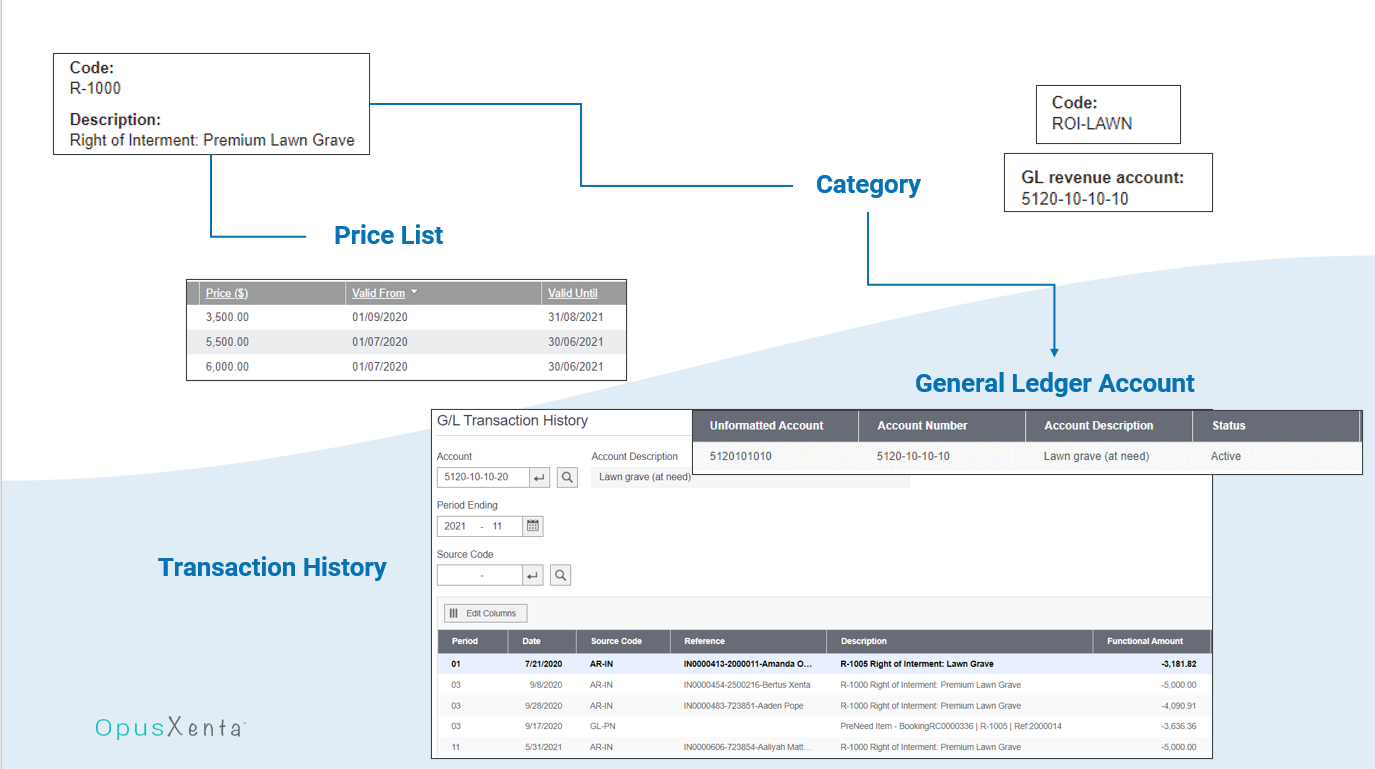
Within byondpro, there are item records, which are linked to categories. The category an item is linked to drives the general ledger posting entries.
This section will review the setup of these categories.
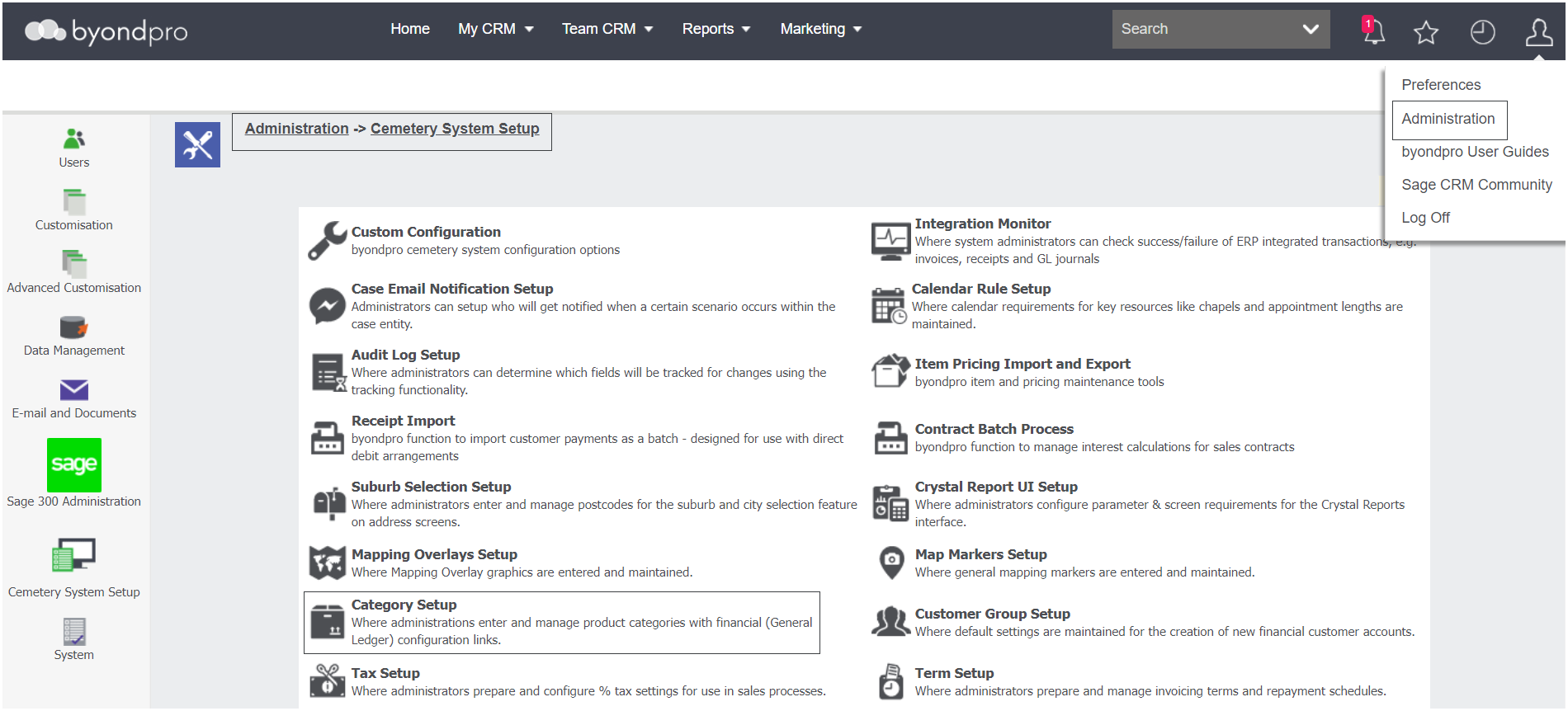
Navigate to Administration > Cemetery System Setup > Category Setup.
If categories are already setup in the database, a list will display underneath the search filters.
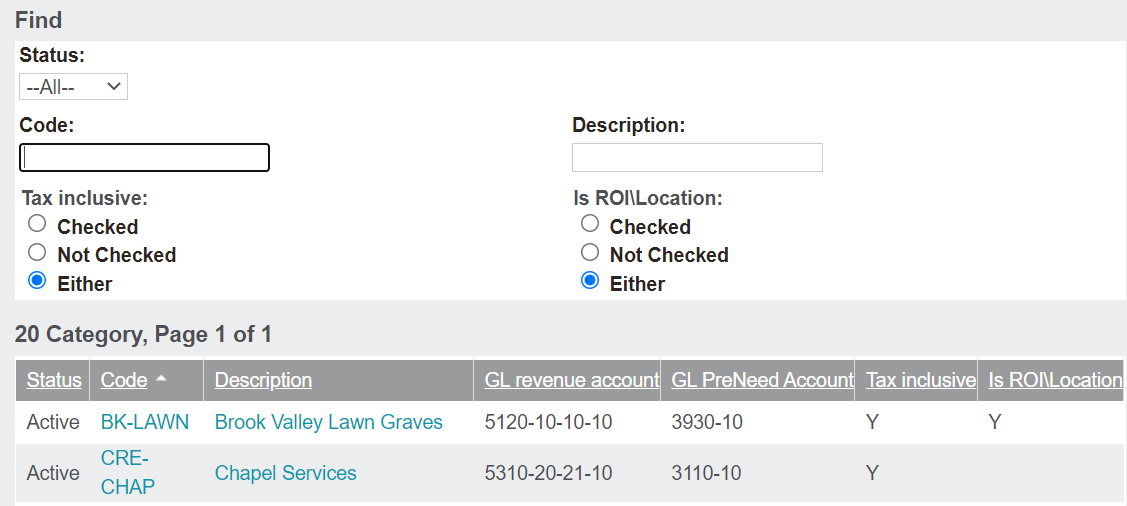
If completing a search, populate the relevant fields and press Find on the right-hand side of the page. The Clear button will clear the search results.
To add a new category, press New. The process of adding a new category is outlined in the Add a New Category section of this guide.
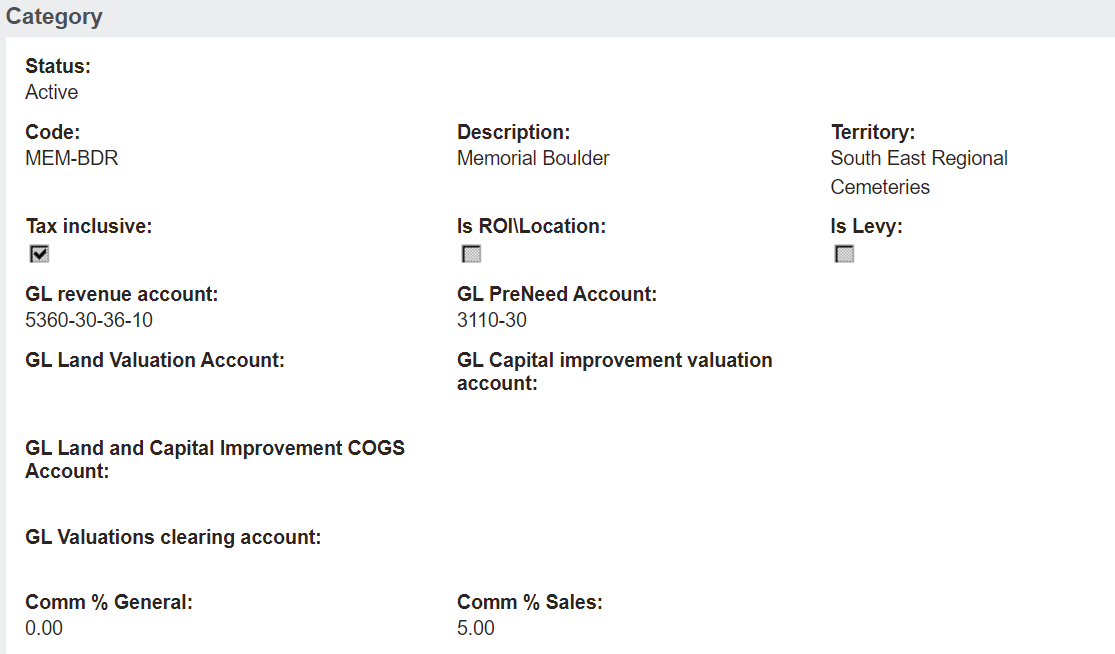
To go into one of the records, click on either the code or description hyperlink. For our example, we will look at the Memorial Boulder category.