Cases
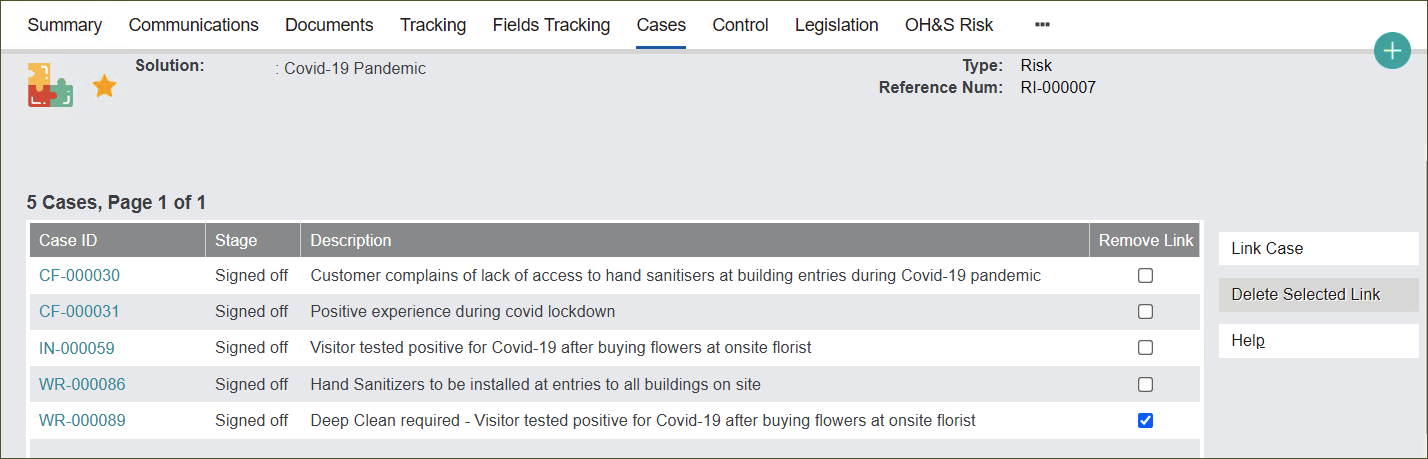
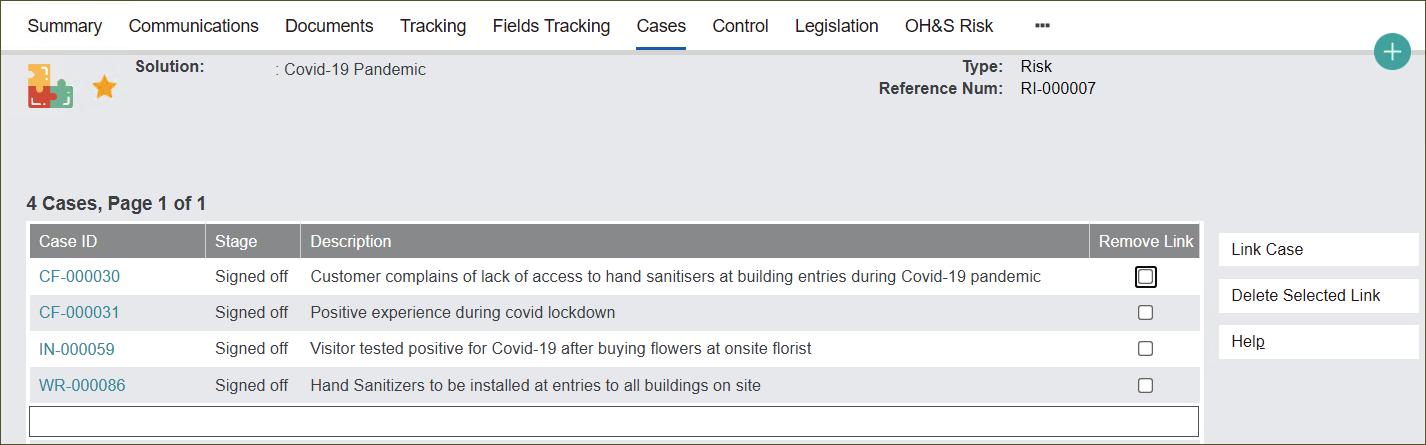
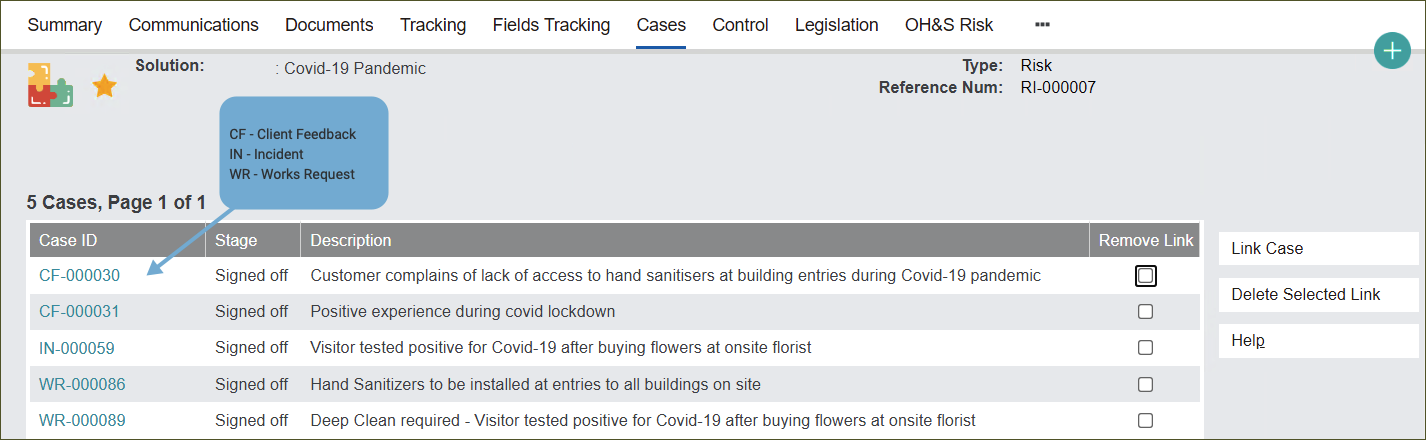
The Cases tab stores all Cases like Client Feedback, Incident and Works Request related to the record.
Link Case
Click the Link Case button to cross-reference Cases related to a particular Solution record.
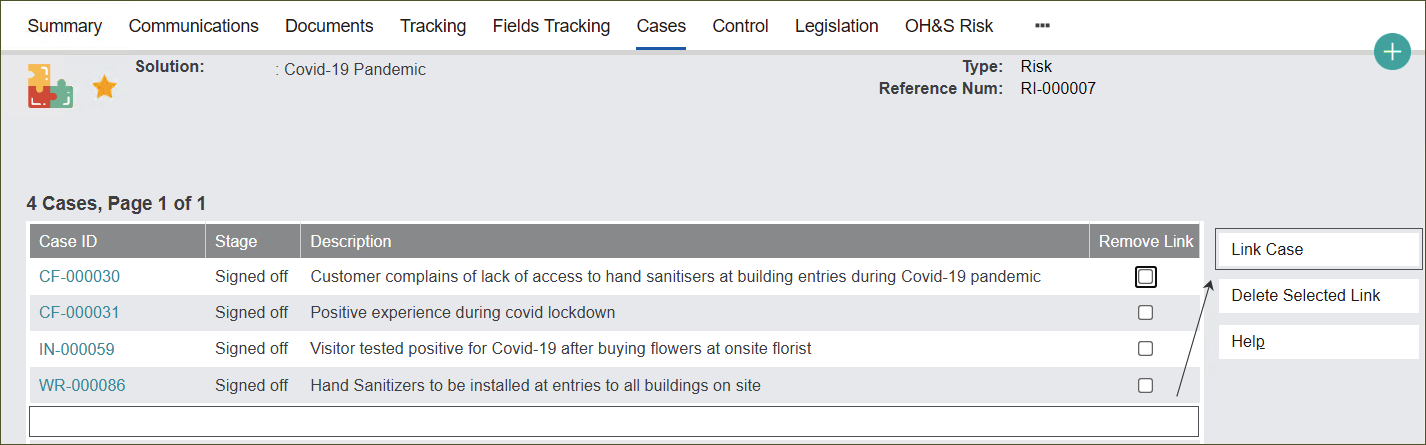
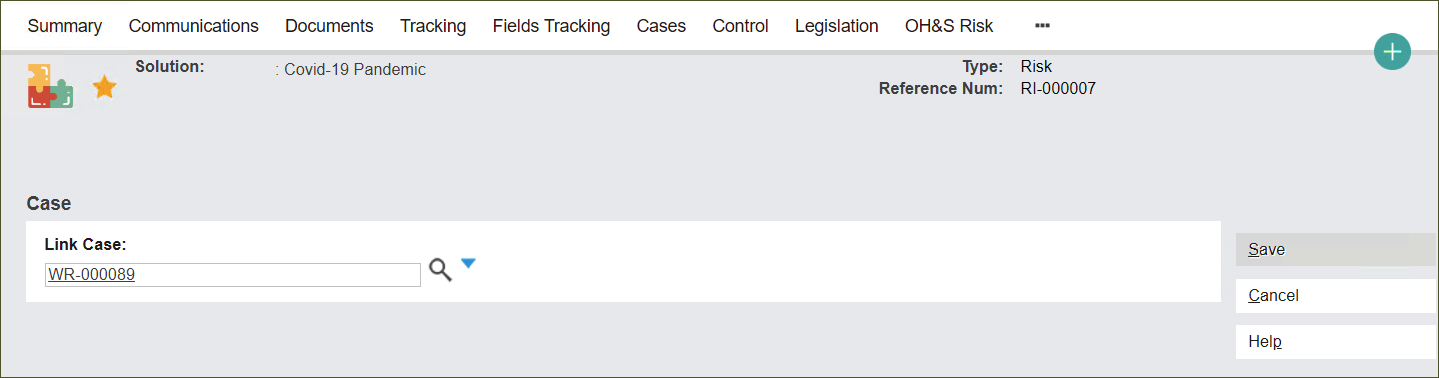
In the Link Case field type in the Case ID, for example WR-000089, then press the magnifying glass icon to secure the selection.
Alternatively, you can type in part of the Case ID, for example WR, press the magnifying glass icon and select a Case from the drop-down selection.
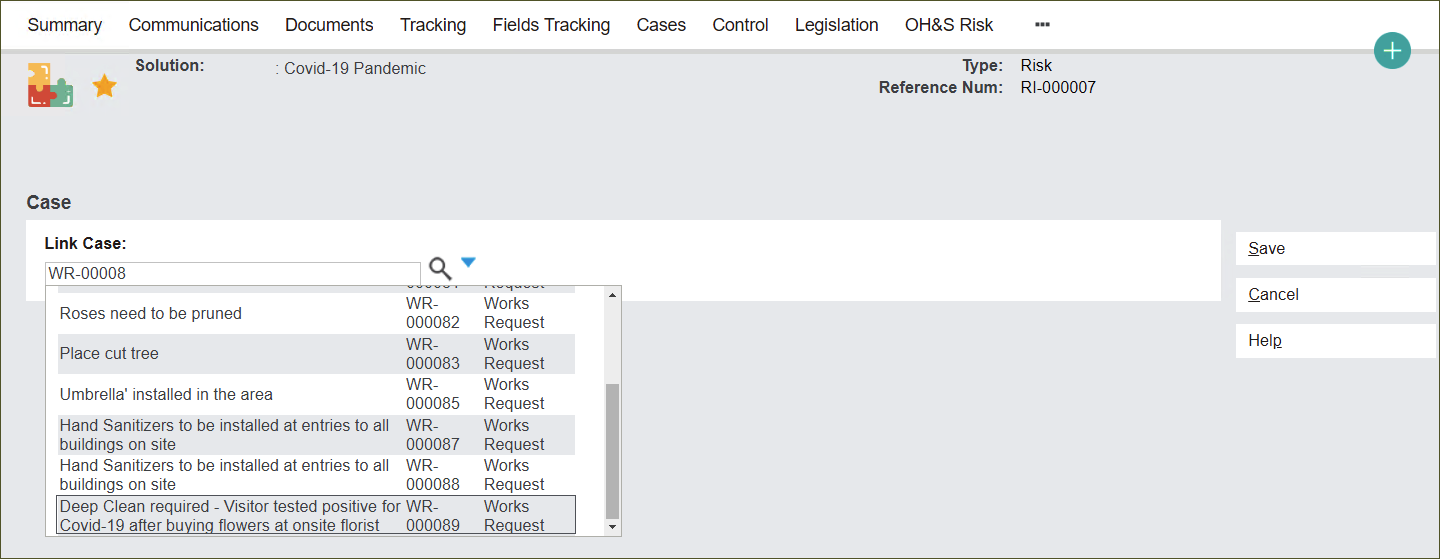
Press Save to link the Case.

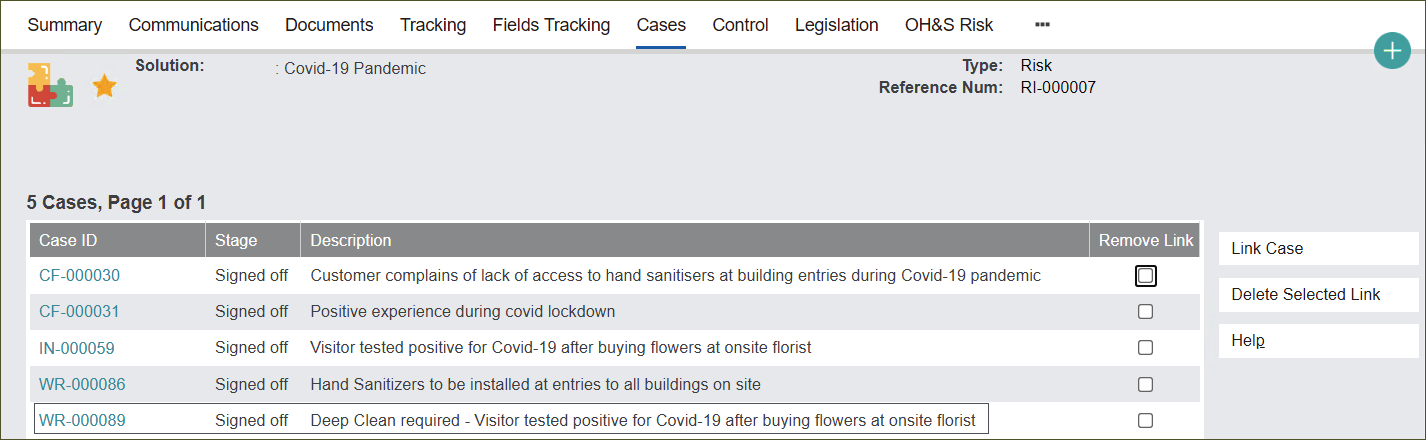
Remove Link
You can also delete these links by pressing tick boxes in the Remove Link column and then clicking Delete Selected Links.