Cancel Booking
A Mortuary record can only be cancelled when the record has a Status of Pending or Signed In.
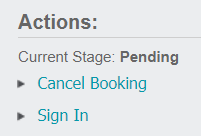
To cancel the record, select the Cancel Booking link on the right-hand side of the page.
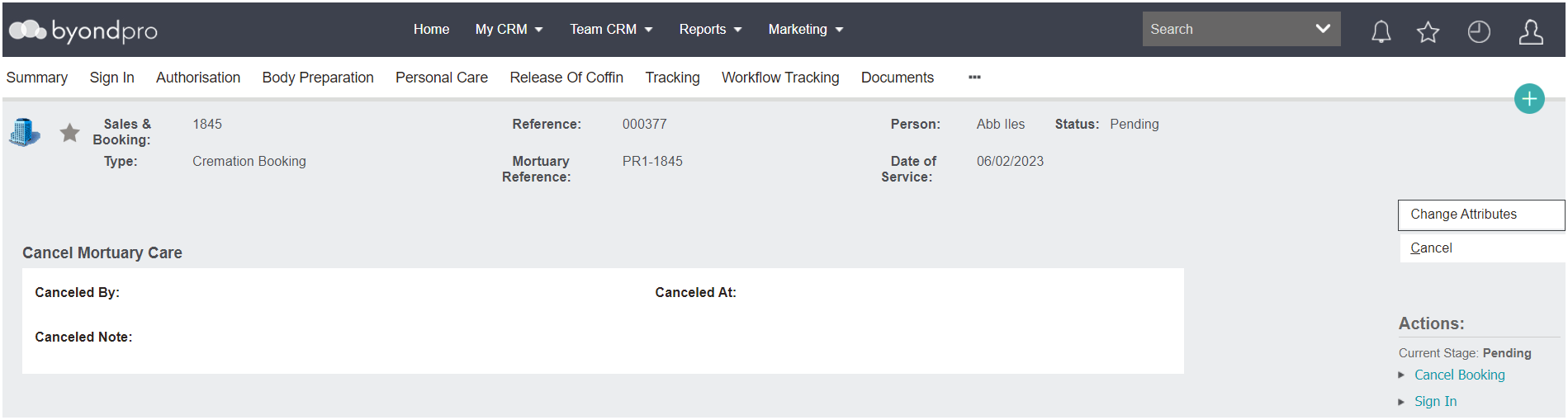
The cancel screen will display.
To proceed with the cancellation, select the Change Attributes button.
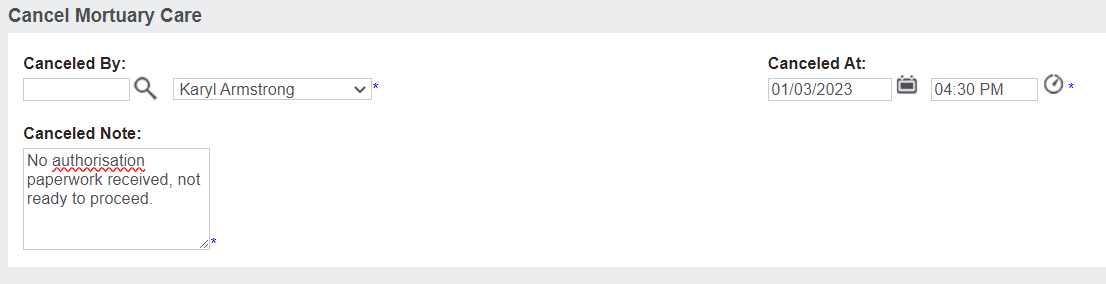
Select who is canceling the record in the Canceled By field, the Date and Time of the cancellation in the Canceled At field.
Also record the reason for cancellation in the Canceled Note field.
Once completed, select the Save button on the right-hand side of the page.

The Status of the record will now display as 'Cancelled' and no further action can take place on the record.