Burials Tab
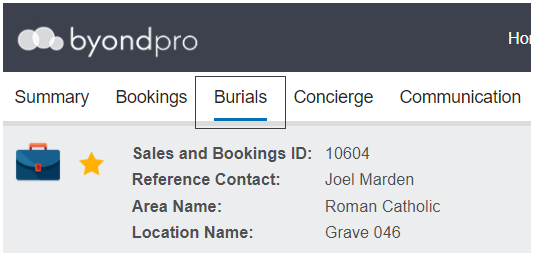
This tab would be completed by the Grounds & Services staff at various points throughout the burials process. The tab can be edited and completed after a booking is marked as complete.
The Task Manager Application can be used in lieu of this tab.
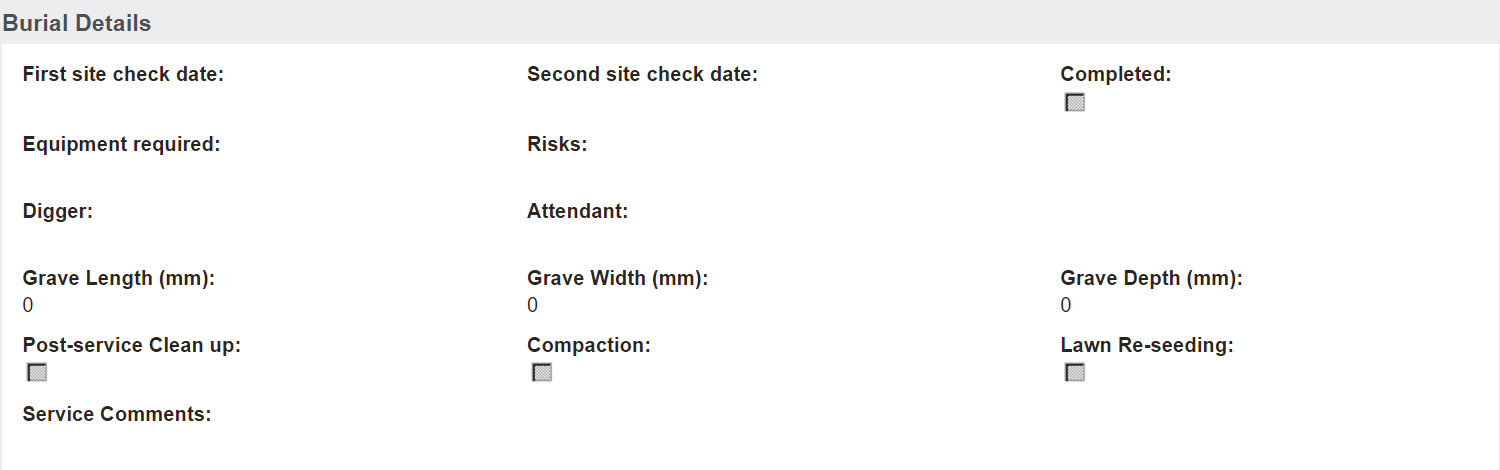
The person who completed the first site check may come into this tab, update the first site check date and note down any risks or equipment required for the grave.
The person who completes a second site check, perhaps on the day of the booking, may update with the second site check date.
When the Digger and Attendant have completed their works on the grave, they would come in and add their names, and the grave length, width, and height.
Post-service, the clean-up, compaction, and lawn re-seeding might be ticked as completed as well as marking off the burials tab as completed.
To change any field on this tab, choose Change on the right-hand side.

Once changes have been made, be sure to press the Save button on the right-hand side of the page to lock in the updates.

If cemetery processes are to ensure the burials tab is completed before marking the booking as completed, users would need to check for the completed tick on the Burials tab prior to completing the booking.