Booking Confirmation
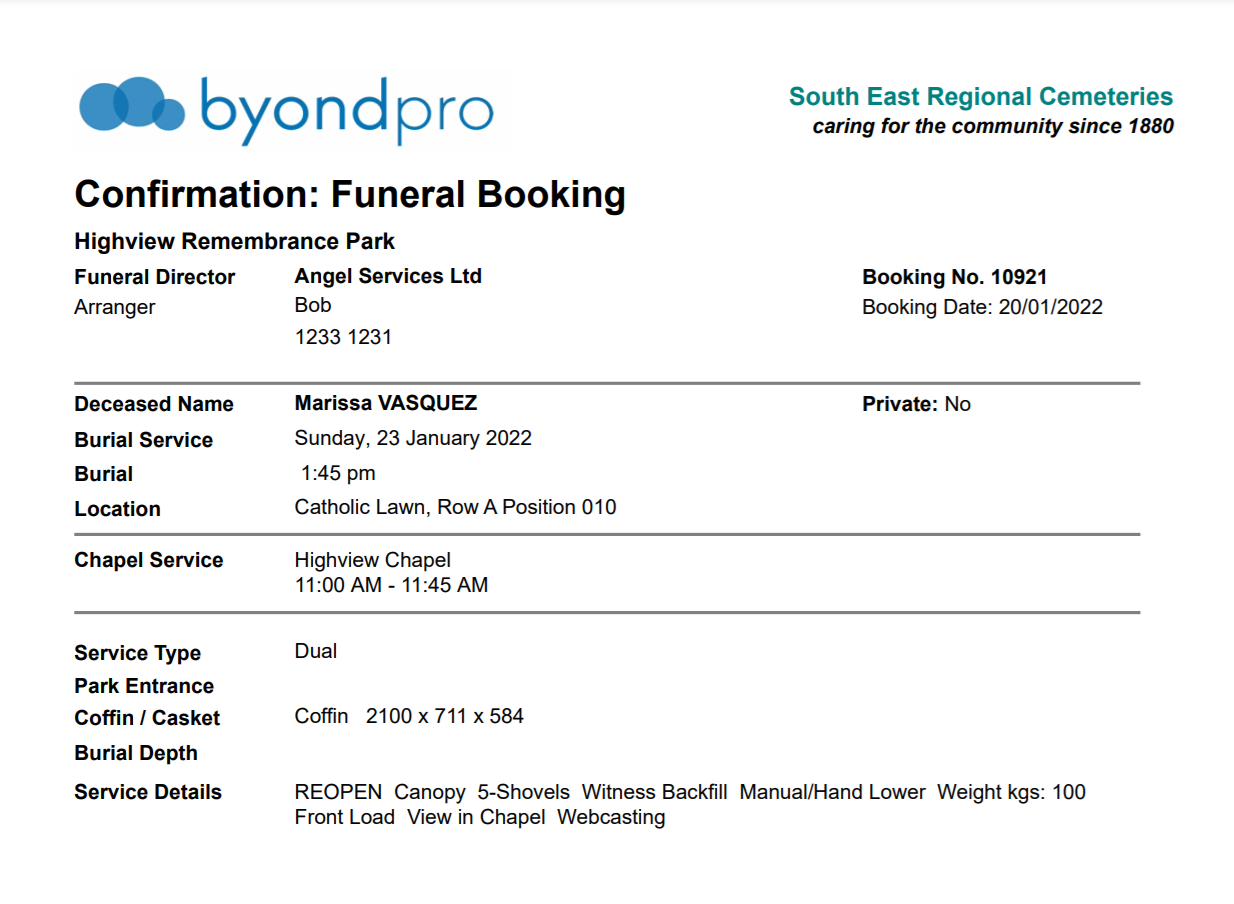
A booking confirmation is a document that the cemetery may send to Funeral Directors.
The document displays any appointments scheduled and requests added to the bookings tab related to the services scheduled.
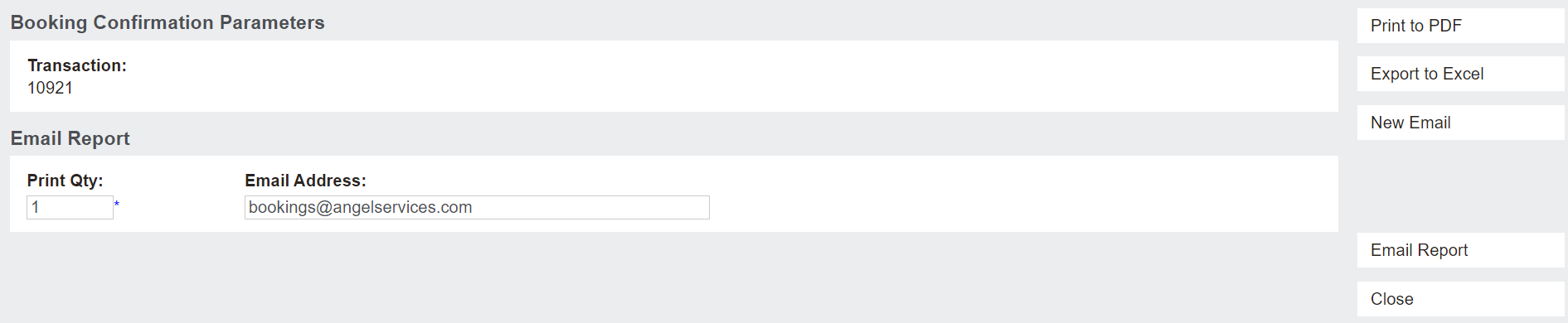
To generate and / or send a Booking Confirmation, click on the Booking Confirmation button from the summary tab of the Sales & Booking.

A new tab opens in the browser, which allows the user to indicate or change the email address the booking confirmation is sent to. The user can Print to PDF or Export to Excel.
By choosing Email Report, a template email is sent to the email address indicated and the email is saved on the Communications tab of the booking.
The New Email button allows the user to draft the e-mail, attach other documents to the e-mail, etc.
To close out the new tab, choose the Close button.
By pressing Print to PDF as per the below example, the report will generate with details completed on the booking to date and will be saved to the Documents tab of the booking.