Body Preparation
*Warning: We have attempted to handle the content with care, however, due to the nature of the process this module encompasses, some of the content may be graphic or hard to view. Reader discretion is advised.
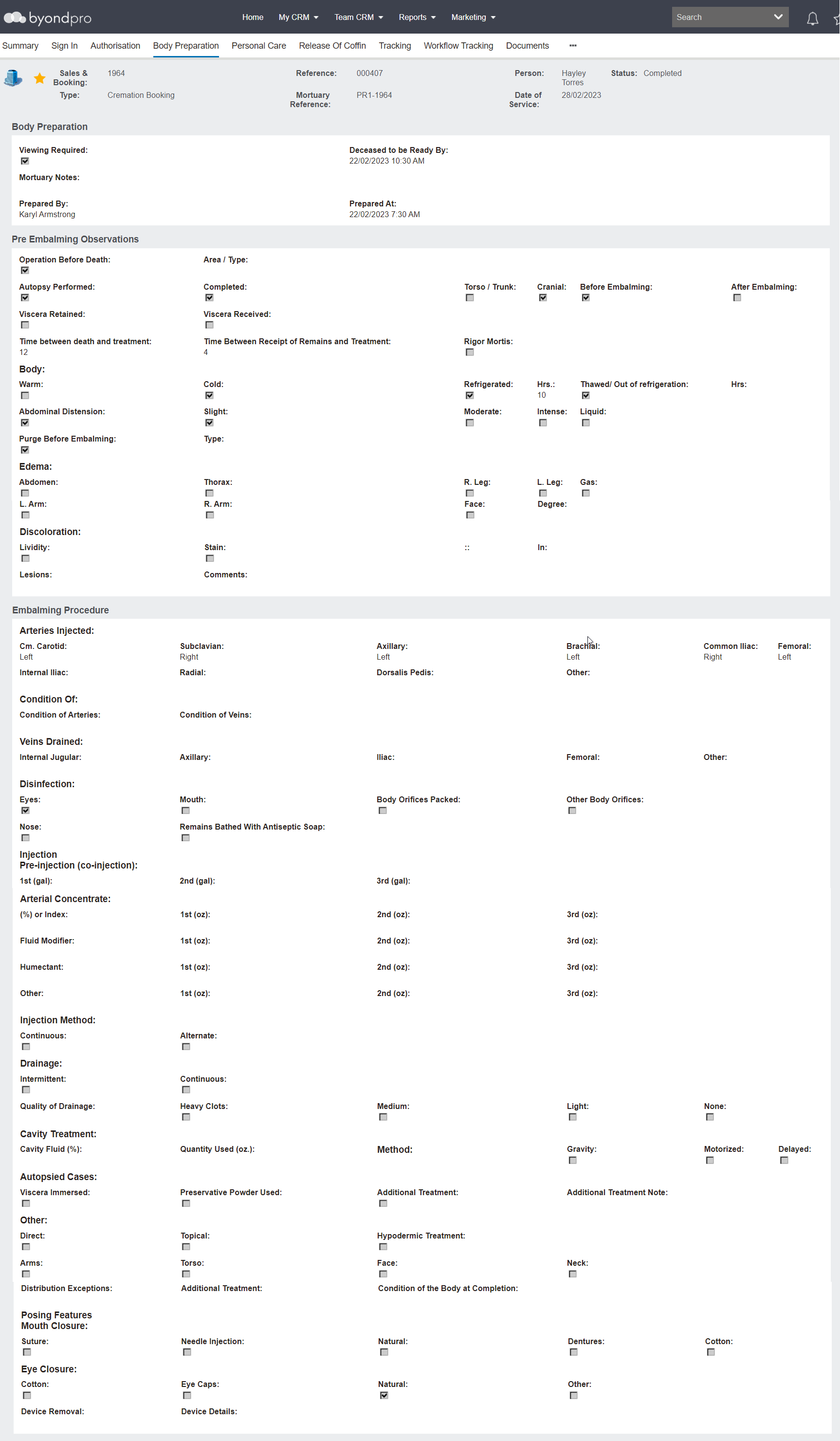
The Body Preparation tab is for recording and tracking the preparation of the physical deceased remains.
Divided across three information blocks, it allows for tracking and recording precise details prior to embalming and during the embalming process.
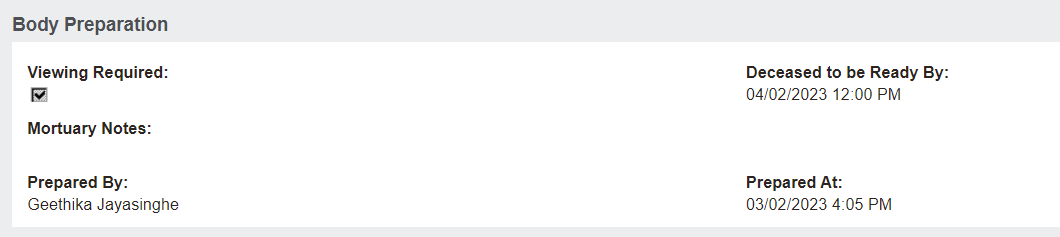
Body Preparation Information Block
The Body Preparation Information block is designed to assist with knowing when the body needs to be prepared and recording basic notes, who prepared the the body and the time.
The Deceased to be Ready By field pre-fills from the Summary tab and can be edited here if necessary.
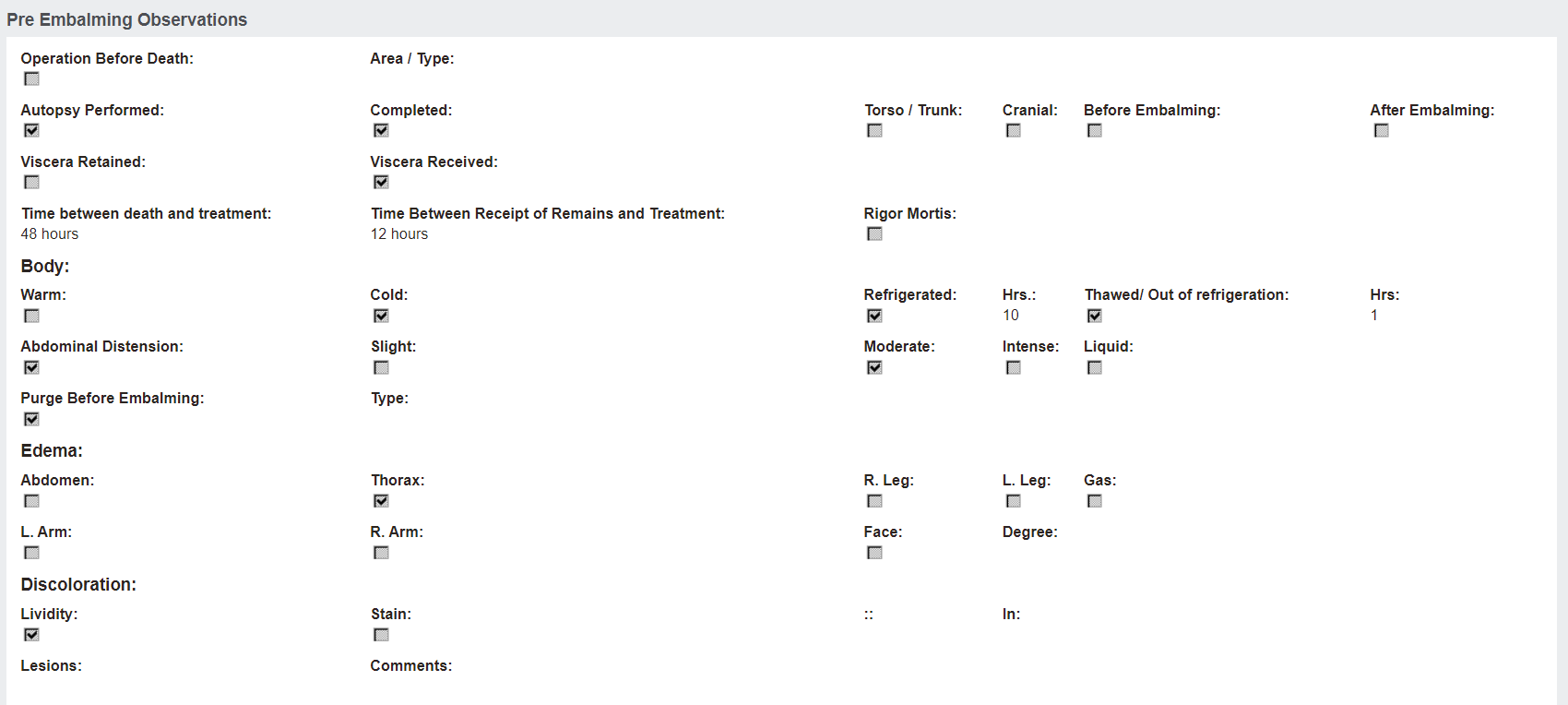
Pre Embalming Observations Information Block
The Pre Embalming Observations information block is for recording details about the body prior to embalming.
Details can be recorded, such as if there had been an operation prior to the death, if an autopsy was performed, the temperature of the body, and noting any edema, discolouration, and lesions on the body.
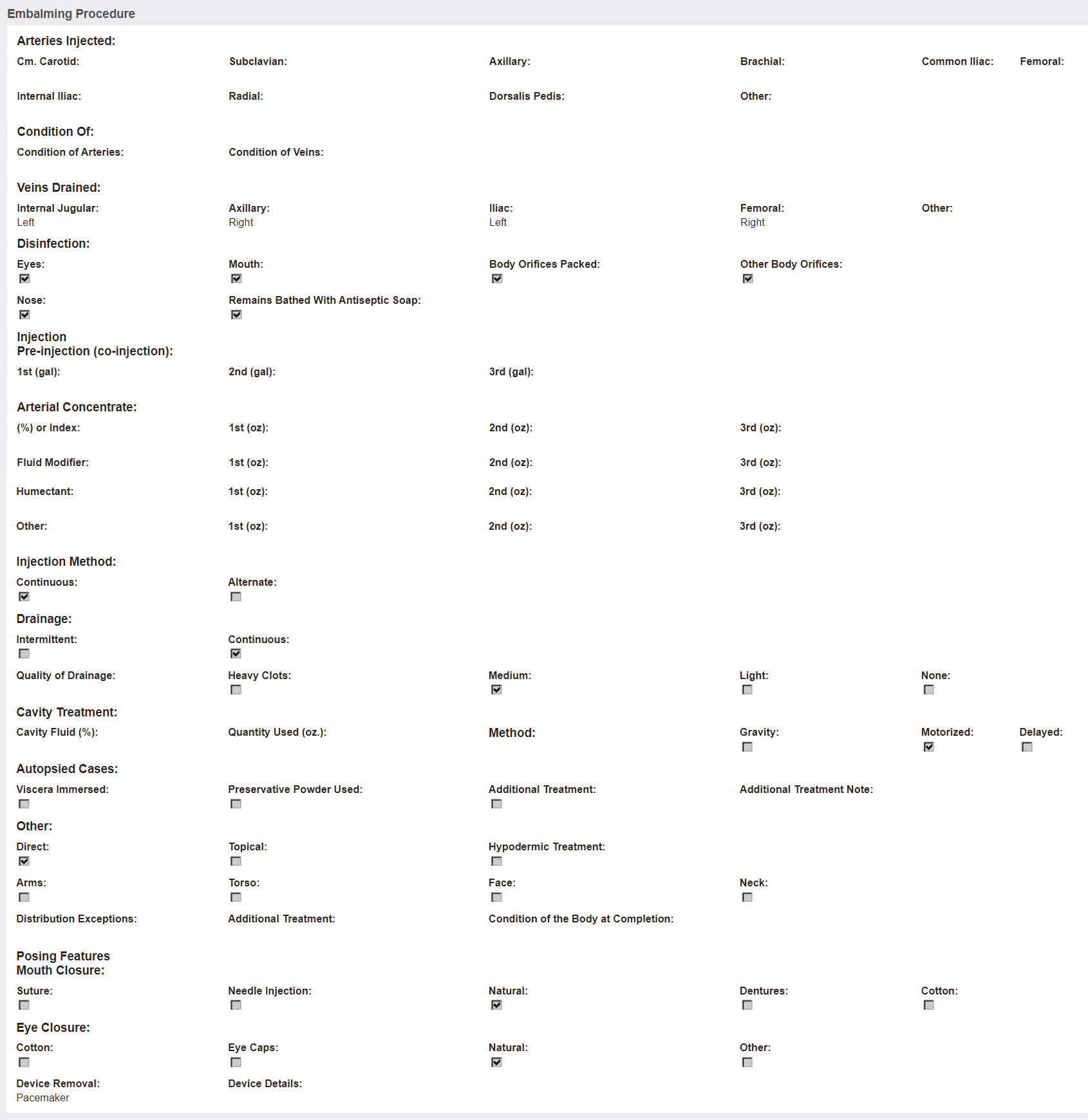
Embalming Procedure Information Block
The Embalming Procedure information block is designed to record each detail of the embalming procedure.
Details can be recorded such as which arteries were injected and their condition, which veins were drained, which parts of the body were disinfected, which chemicals and how much of each chemical was used to embalm the body, how the body was injected and drained, how the body cavities were treated, and how the body was prepared for viewing.
To make changes to this screen, the record must already be authorised to proceed and users must select Body Preparation in the Actions list available on the right-hand side of the page.
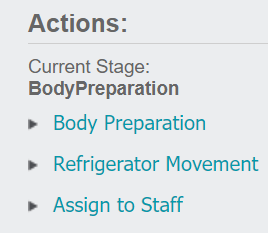
Once Body Preparation is selected, the Change Attributes button is available to update the screen.
Press the Change Attributes button when ready to make changes to the tab.
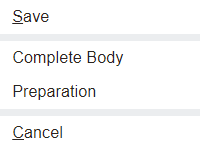
To complete this stage, users must be in edit mode and select the Complete Body Preparation button.