Batch Location Revaluation
In this scenario, all available for sale locations at Highview Remembrance Park, Memorial Lawn, Row 1 have a revaluation of land and have had capital improvements completed.
All graves already sold will have the value written off directly via a journal entry by the finance team.
The new costs of the Available for sale locations are:
-
Cost – Land Valuation is now $1,300 per location (increase of $50 per location)
-
Cost – Capital Improvement is now $235 (increase $10 per location)
We will first look at:
-
Available for sale locations
-
The current cost summary prior to revaluation.
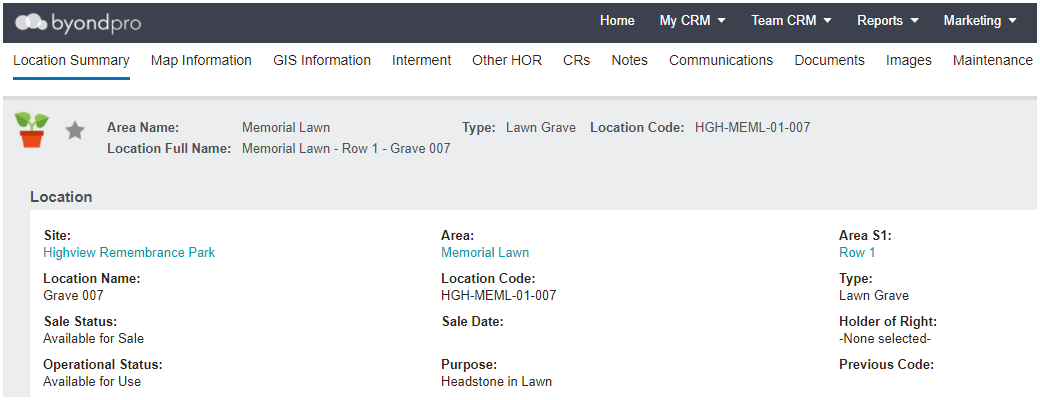
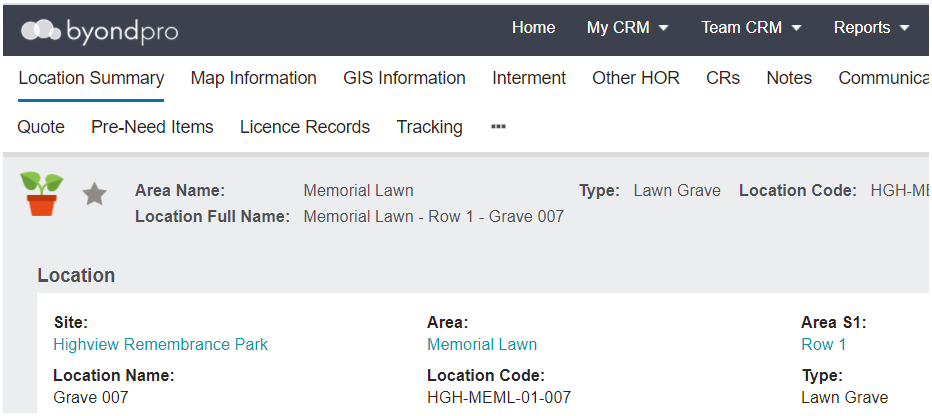
Our example location is Highview Remembrance Park, Memorial Lawn Area, Row 1, Grave number 007, where the costs are:
-
Cost – Land Valuation $1,250
-
Cost – Capital Improvement $225
To process the revaluation:
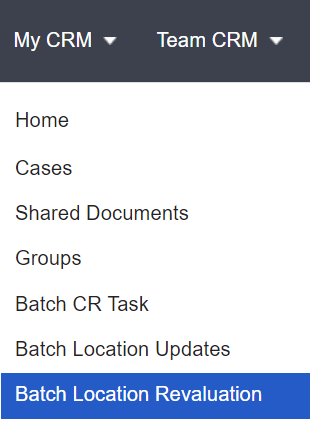
From the My CRM menu, choose Batch Location Revaluation.
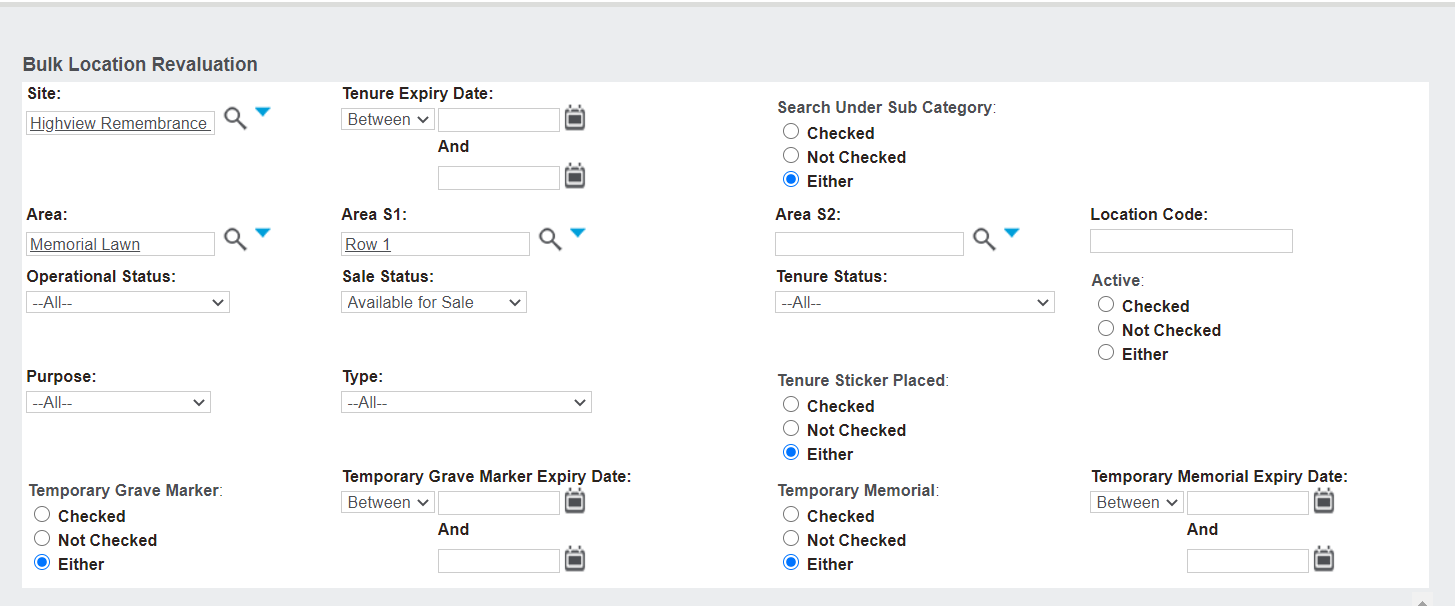
The following screen appears.
In line with our scenario, we have filtered by :
-
-
-
-
Sale status of ‘Available for Sale.’
Then, choose Find.
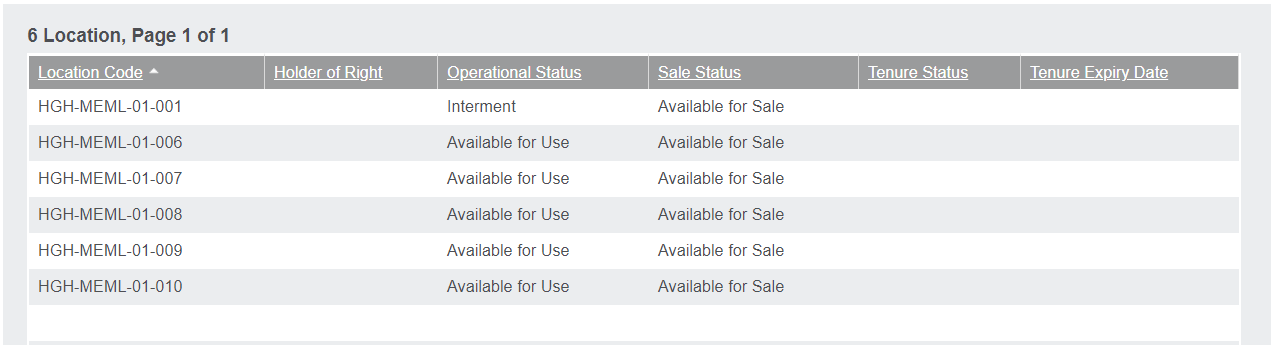
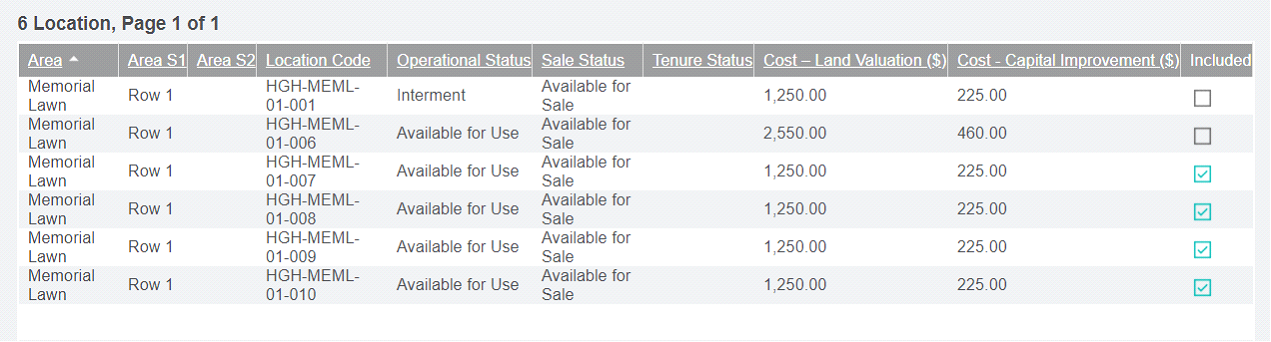
The following results are returned.
Choose Confirm Selection.
The screen will appear as shown below.
Locations can be excluded by clicking on the tick box under the Included header to take them out of the selection list to update costs.
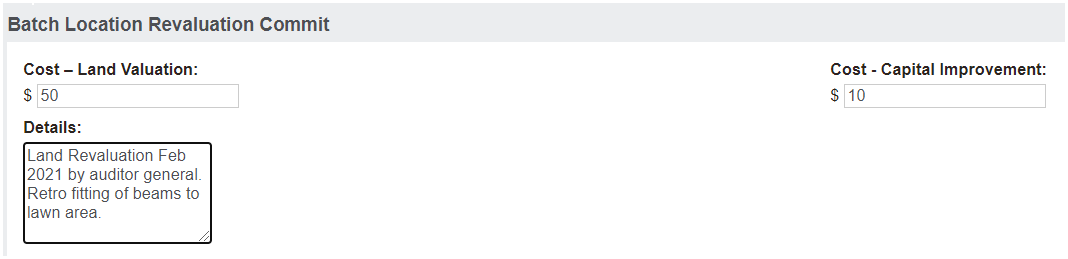
Complete the fields in the Batch Location Revaluation Commit section.
Add the Cost-Land Valuation.
Add the Cost – Capital Improvement.
-
This is the amount you want the cost to increase by, not the new cost total per location.
Returning to our scenario above: Cost – Capital Improvement is now $235. The increase of $10 per location is entered.
Include any Details that may be applicable to the revaluation.
Select Update Cost.
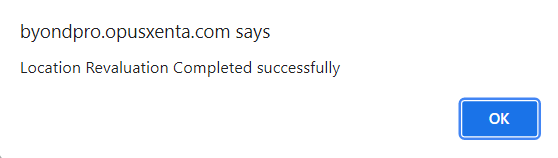
The following update messages will be displayed.
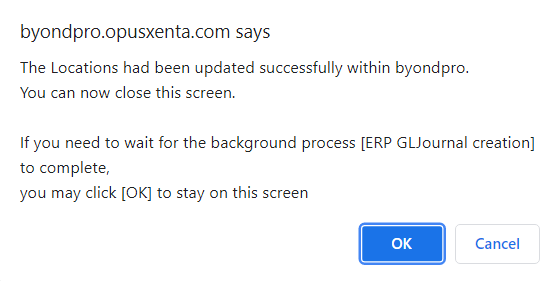
Press OK on the pop-up window message.
The following messages will be displayed.
Press OK on the pop-up window message.
Return to the location we originally reviewed, grave number 7, to see the updated values.
Batch Location Revaluation Tracking
For each change made to values via the Batch Location Revaluation process a tracking note is recorded to detail