Add a Plant Record
To create a Garden Plant record, click on the Plus symbol from the top of the Home page and choose the New Garden Plants option.
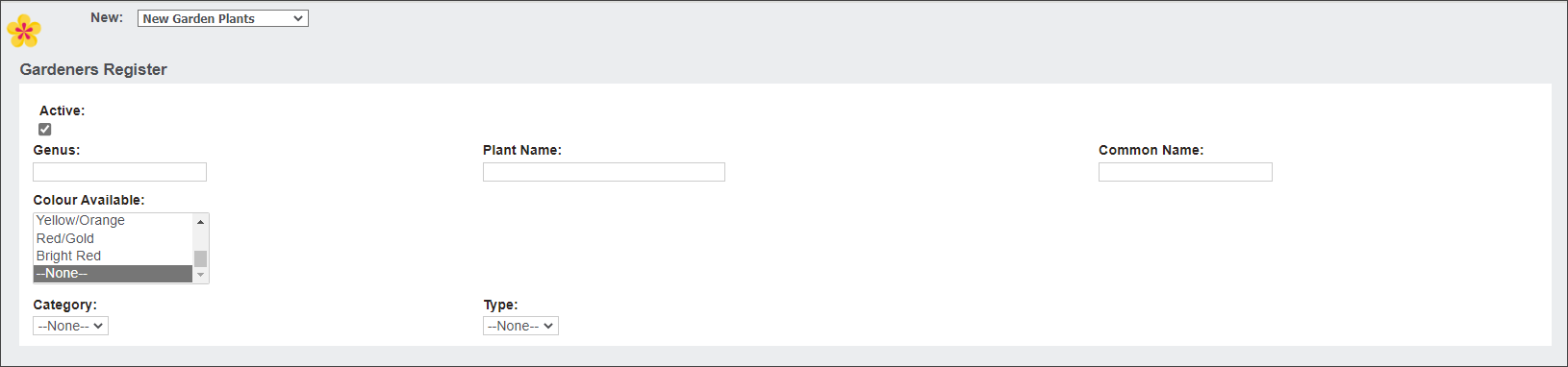
In the Genus, Plant Name and Common Name fields type in the plant's taxonomic names.
In the Colour Available multi-select field, select what colours the plant is available in.
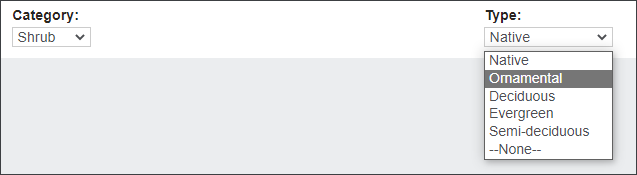
In the Category and Type fields select the plant's category, for example Rose, Tree or Shrub and it's associated type.
Press Save.
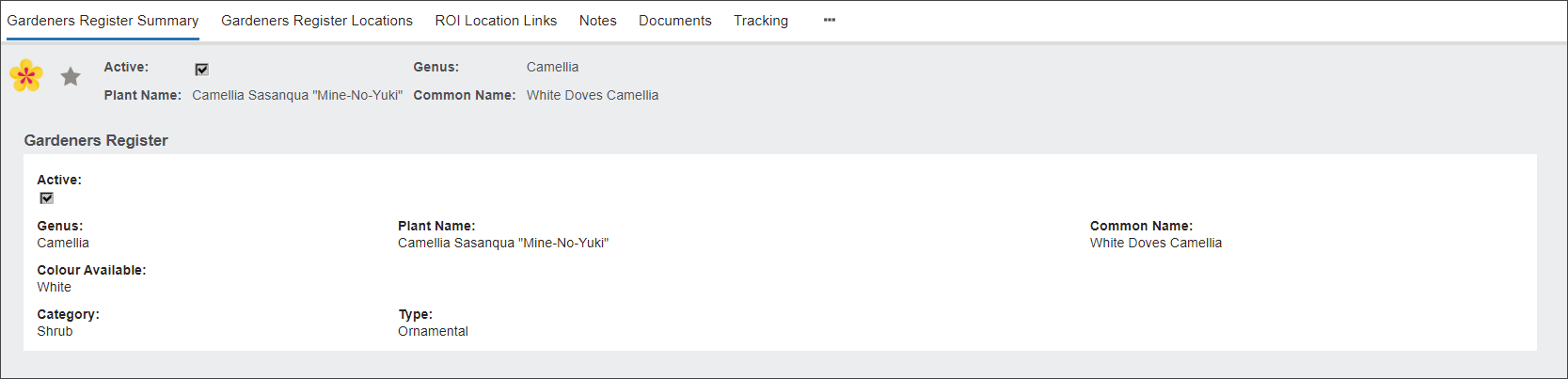
Navigate to the Documents tab to add the plant's image.
Choose Add File or drag and drop files from your local machine.
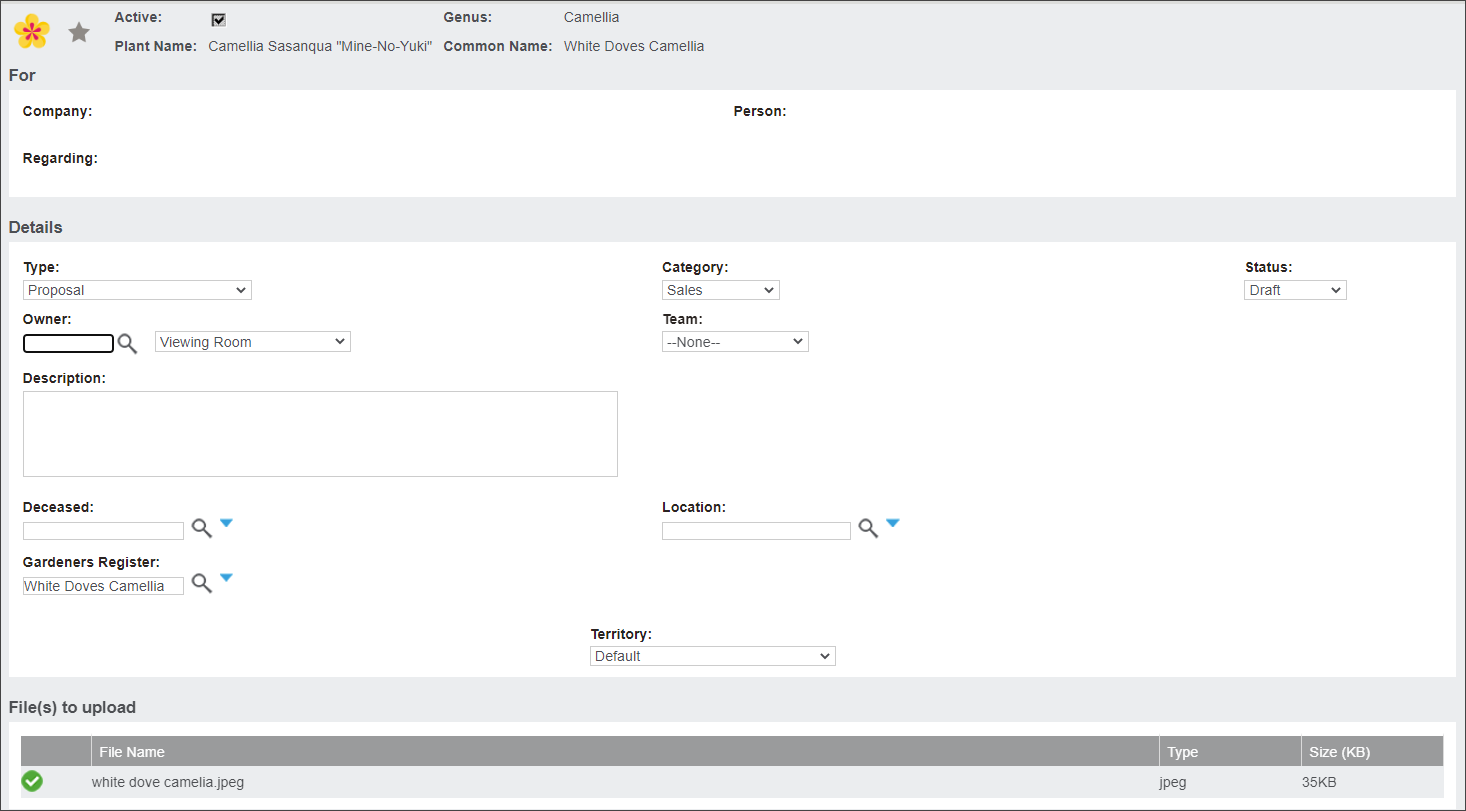
In the Type field select Species Image. In the Category field select Images. Then select the Status as Final and press Save.

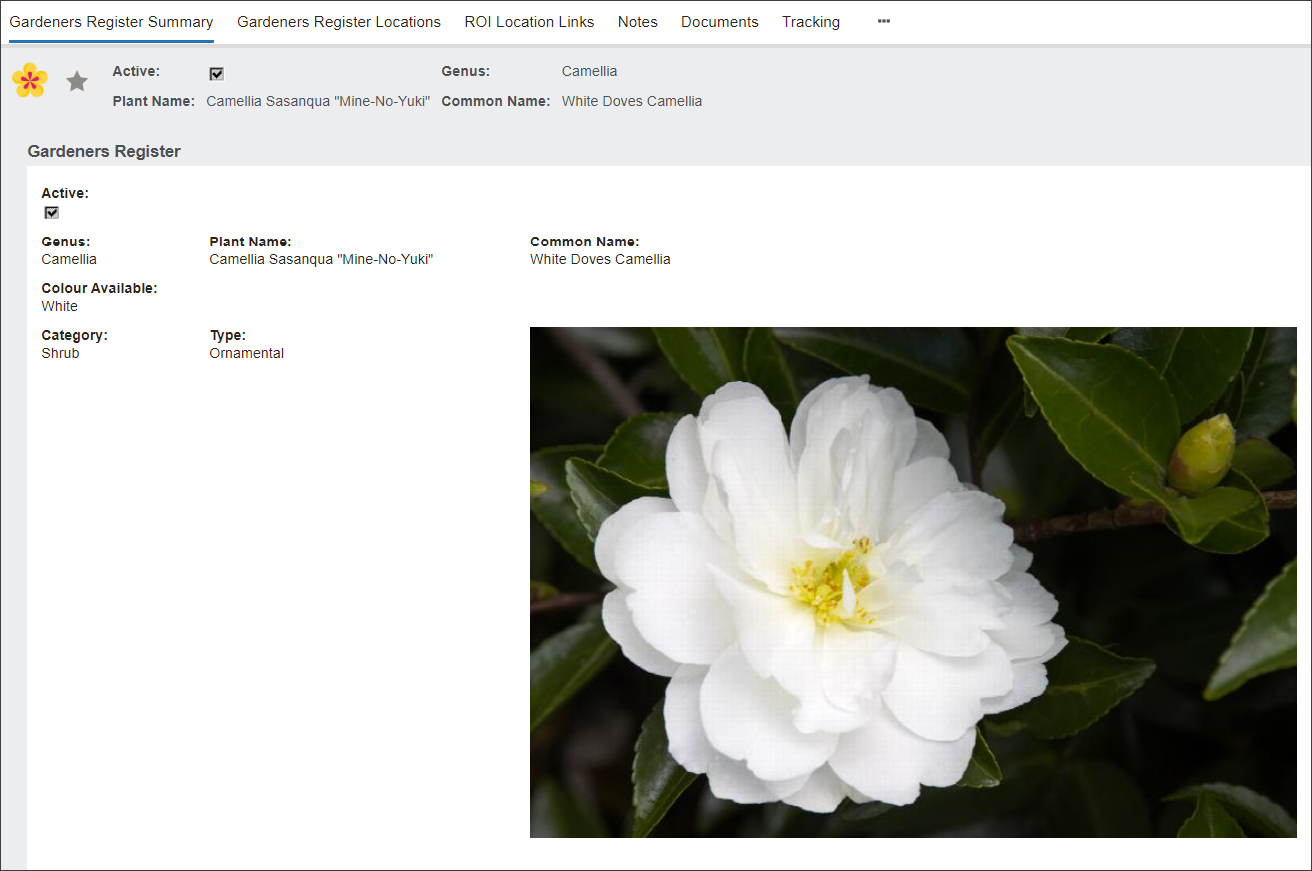
The image will be displayed in the Gardeners Register Summary screen.