From the Item Group Setup page, choose New on the right-hand side of the page to add a new item group,
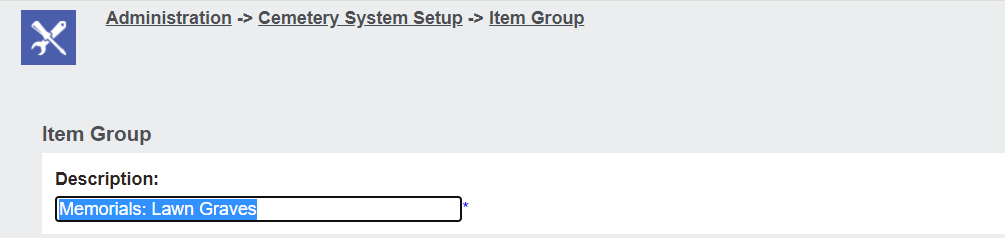
In the Description field, type in the name of the Item Group that you are setting up.
The description should provide a clear indication of the items you are grouping together, such as our Memorials: Lawn Graves.
Press Save on the right-hand side of the page.
Add an Item to a Group
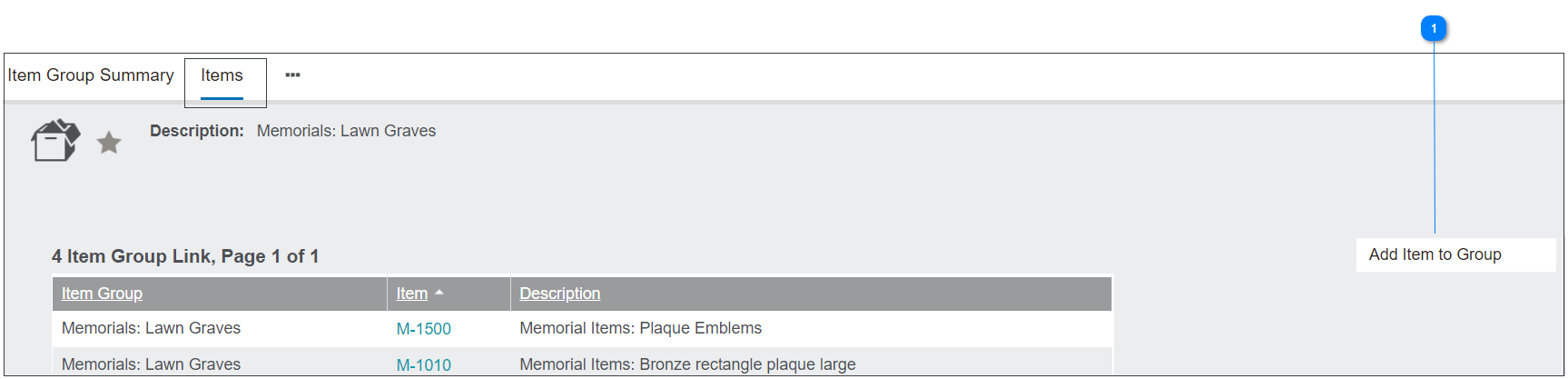
From the item group record, navigate to the Items tab.
|
If adding a new item to the group, click on Add Item to Group on the right-hand side of the page.
|
|
From the screen which appears, locate the item to add to the group by typing, using the magnifying glass, or the blue arrow in the Item field.
Once chosen, choose Save on the right-hand side fo the page.
The chosen item will be added to the group.
You will need to complete this process again for every item you want to add to the group.