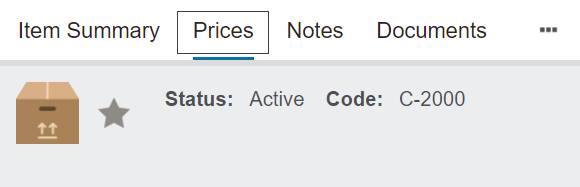
On the Prices tab of the Item record, add a new price, by clicking on the New Price button on the top right-hand side.
Complete the fields to:
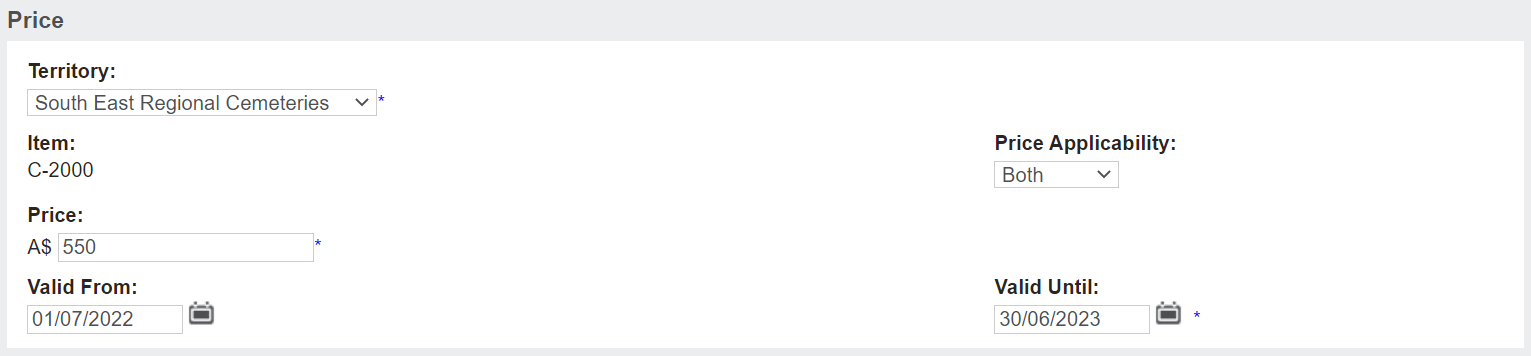
Assign to a particular Territory.
By assigning to a territory, you are setting the price at the trust level or for an individual site.
Add the Price.
Determine if the price is for an at-need sale, pre-need sale, or both in the Price Applicability field.
Where prices apply to both at-need & pre-need, the price applicability is set to both.
Add the dates the pricing is valid for in the Valid From and Valid Until fields.
In our example, the price if vaild for the 2022 financial year. however, perhaps the price is valid for all time, as indicated by adding 31/12/9999 in the Valid Until field.
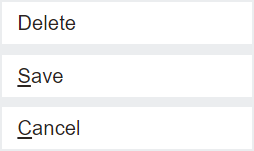
Then, press Save on the right-hand side of the page.
To edit and override an existing price or delete, click on the code hyperlink.
Choose Change on the top right-hand side of the page.
Make the changes, then press Save (or Delete if the intention was to delete the price).
Please note that the ability to update or delete these prices is only available to users with the appropriate rights.