byondpro Administration -> Cemetery System Setup -> Item and Pricing Export/Import Tool
Excel worksheet preparation:
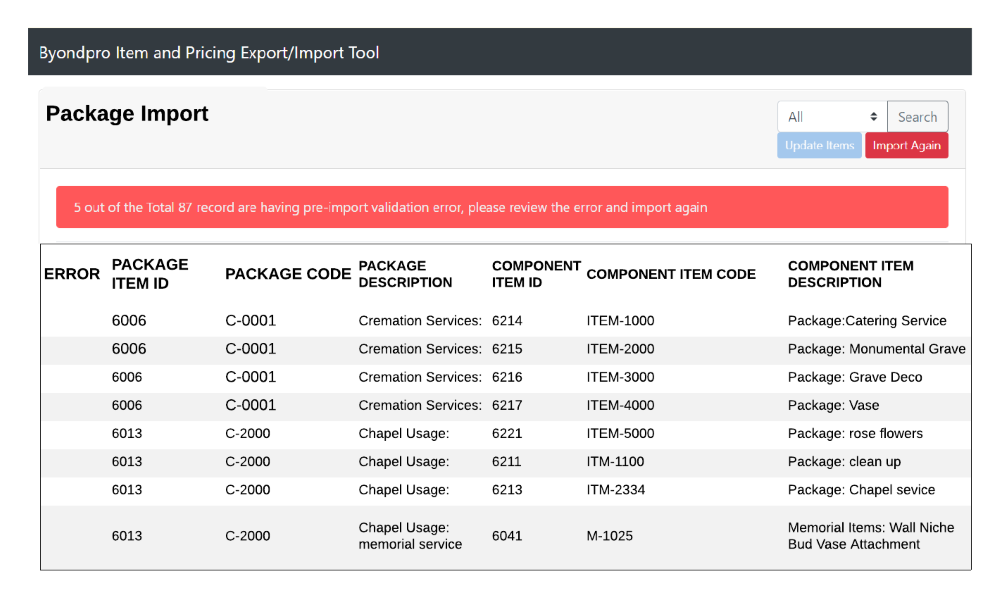
To edit an existing Package, leave the Item ID (column A) as exported. This is the SQL record ID.
E.g. If SQL Record ID is 6006, the item ID 6006 where the package item code is C-0001
Pre-Import Validations required: 1. Only items exist in item master can be added as package components or package item (validated from item ID). If the item does not exist in the system a warning will be displayed line item wise on the error column. 2. Only package Items marked as Package = Y and active status are linked to packages.
3. It is mandatory to have a package item mapped against each component. Not linking an item or component will display a warning line item wise on the error column.
Excel worksheet preparation:
To edit an existing item, leave the Item ID (column A) as exported. This is the SQL record ID
Importing Records
1. Save and close the Excel worksheet.
2. Select Import Package components
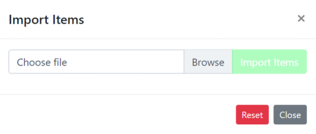
3. Browse to the updated item worksheet and select Import Items.
4. The import tool validates that all values are logical and displays a confirmation screen.
5. Green message confirms that no pre-import validation errors were found. Select Update Items